
Webinar Planning
Engaging Webinar Formats: 6 Ways to Create Better Sessions
Choose an engaging webinar format that fits the audience, the outcome, and the conversation you want people to have.
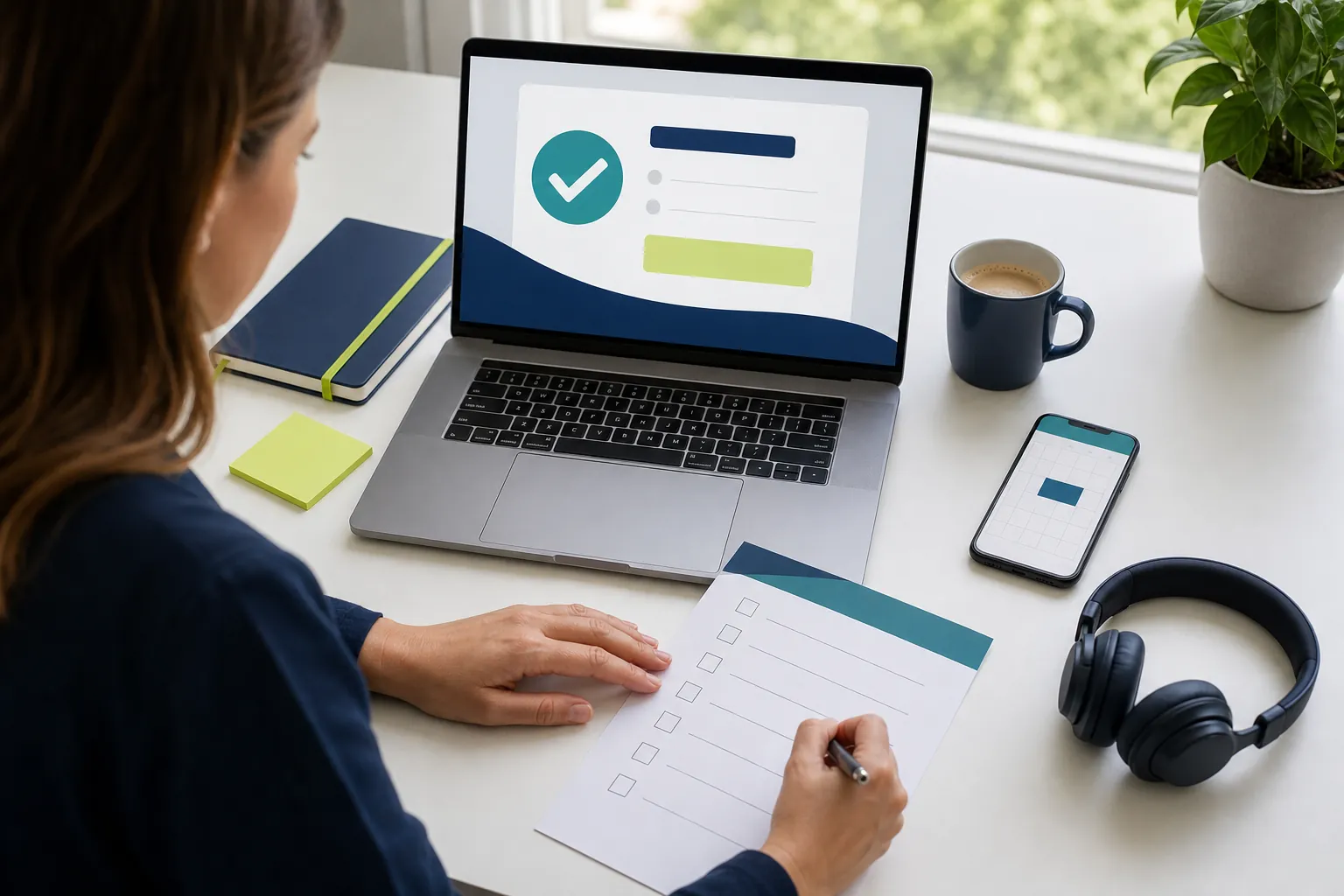
Choosing a webinar format is one of the easiest ways to make a session feel useful instead of interchangeable. The format decides who needs to prepare, how attendees take part, what the host needs to manage, and where the strongest moment of the event can happen.
A single expert explaining a practical process needs a different shape from a customer interview, a panel with competing viewpoints, or a hands-on workshop. When the structure matches the job, the invitation is clearer, presenters know what to prepare, and attendees have a better reason to stay until the end.
This guide covers six engaging webinar formats, when each one works, and the planning choices that make each format easier to run well.
Start with the outcome, not the format
Before deciding whether the event should be a presentation, panel, interview, or workshop, write one sentence about the result the audience should leave with. A useful outcome is specific: “Choose the first three actions for a smoother customer onboarding process” is stronger than “Learn about onboarding.”
That sentence helps you make three decisions. First, decide whether attendees mainly need an expert explanation, multiple perspectives, a real example, or time to apply an idea. Second, decide how much live participation the topic actually needs. Third, decide what a person should be able to do after the session: make a decision, try a process, ask a question, or continue the conversation.
Format is not decoration. It is the container for the promise in the invitation. Cvent’s guide to webinar formats lists presentations, interviews, panels, question sessions, demos, and case studies as distinct structures because each gives attendees a different way to learn and participate.
1. The focused expert presentation
A focused expert presentation puts one knowledgeable speaker in charge of teaching one clear idea. It works best when the audience needs a framework, a process, or an informed point of view without the distraction of several voices. Think of a session that explains a new policy, shows a repeatable workflow, or teaches a practical skill.
The risk is turning the webinar into a long slide narration. Avoid that by keeping the promise narrow, using examples to make the point concrete, and leaving room for questions. A 30- to 45-minute session can include a short welcome, two or three teaching sections, one planned check-in, and a clear close. The webinar agenda guide can help you make the timing realistic before the slides become too dense.
Choose this format when one person can genuinely answer the audience’s central question. It is usually the simplest format to rehearse, but it still benefits from a moderator who can welcome attendees, watch questions, and protect the presenter’s focus.

2. The host-and-guest interview
An interview gives the audience a guided conversation with someone whose experience carries the lesson. It is useful when the value comes from how a person made a decision, solved a problem, or learned from a difficult project. The host keeps the discussion accessible, while the guest brings the detail that a generic presentation cannot.
Prepare more than a list of questions. Agree on the audience outcome, the three or four stories worth unpacking, and the examples that will make those stories useful. Send the guest a short outline in advance, then leave enough room for a natural follow-up question when they say something valuable. A rigid question-and-answer script can sound like two people reading notes to each other.
Ask attendees for questions early, not just at the final minute. HubSpot’s webinar planning advice distinguishes interviews from solo presentations because a host can draw out a guest’s experience while keeping the conversation tied to what the audience needs. Keep the guest’s story practical, not promotional.
3. The moderated expert panel
A panel earns its place when the audience needs to hear more than one informed perspective. It can work well for an industry trend, a debate between roles, a customer-and-expert conversation, or a topic where there is no single correct answer. The benefit is range. The danger is a room full of speakers giving disconnected mini-presentations.
Keep the panel small, usually a moderator plus two or three guests. Give each guest a distinct angle before the event. One might bring an operational view, another a customer view, and another an implementation view. If every person is there to say the same thing, one strong speaker would be clearer.
The moderator should do more than introduce names. They should create a path through the discussion, invite useful disagreement, summarize the important points, and move the event forward when an answer gets too long. Build those cues into a webinar run of show so the team knows when to bring in audience questions, transition to a new topic, and close.

4. The practical demonstration
A demonstration is the right format when people need to see a process, not merely hear that it works. This may be a product workflow, a software setup, a document review, or a repeatable professional task. The strongest demos begin with a real scenario, show the few actions that matter, and explain why each one changes the outcome.
Do not try to show every feature or edge case. Pick one useful path from problem to result. Pause at natural moments to ask what attendees want clarified, then let a moderator group the questions. A short live demo can feel more trustworthy when it admits normal conditions and tradeoffs instead of performing a flawless tour that no customer would actually follow.
Rehearse the exact screen-sharing path, links, sample materials, and handoffs. The webinar planning checklist covers the host, presenter, moderator, rehearsal, and attendee path that make a live demonstration feel calm rather than improvised.
5. The live question clinic
A question clinic, sometimes called an ask-me-anything session, puts attendee questions at the centre. It works well when the audience has a shared problem but needs answers for their own context. For example, an expert can help new managers apply a framework, a product team can explain a new workflow, or a specialist can clarify a frequently misunderstood topic.
Collect a few questions during registration or in the invitation. That gives the host a useful opening path if the chat starts slowly. Then explain how questions will be handled: whether they can be sent throughout the session, whether the moderator will group similar themes, and what will happen to questions that need a private or detailed follow-up.
A question clinic should not be an unfiltered queue. The moderator’s job is to select questions that serve the whole room, combine duplicates, and keep one person’s complex situation from taking over. The webinar moderator guide has a practical approach to question triage, room pacing, and a clear close.
6. The working session or workshop
A workshop asks attendees to do something with the material while they are present. It is the best format when application matters as much as explanation. Rather than presenting ten ideas about better planning, for example, the host might ask people to draft one event outcome, choose a session format, and identify the question they want the audience to answer.
Keep the activity small enough for an online room. Give one instruction at a time, say it aloud as well as showing it, and explain what a useful response looks like. Build in short pauses for people to think, then invite a few voluntary examples or use a poll to reveal common choices. The CDC’s webinar-training guidance recommends connecting questions to real work and giving learners time to reflect, which makes a workshop more useful than a rapid series of prompts.
Workshops require more active hosting than presentations. Plan the activity, the time box, the instructions, the response channel, and the way you will bring the group back together. When each piece is clear, participation feels safe instead of awkward.

How to choose the right webinar format
Use a simple decision test. Choose a focused presentation when one expert can teach the answer. Choose an interview when a person’s experience is the lesson. Choose a panel when the audience benefits from more than one credible viewpoint. Choose a demonstration when people need to see the work. Choose a question clinic when the room already has specific problems. Choose a workshop when attendees should leave with something started or decided.
Then pressure-test the choice against your resources. Do you have the right speaker or guest? Can a moderator keep the room moving? Does the invitation honestly describe the experience? Can you rehearse the moment where the format matters most? If the answer is no, simplify the format rather than asking attendees to wait through a complicated production.
Live webinars have a practical advantage when the format makes room for real-time questions, polls, and chat. Cvent’s webinar engagement playbook similarly recommends planning interaction points before the event, not adding them after the presentation is finished. Use the format to create a useful conversation, not just a different title for the same slide deck.
Make the format easier to run
Whatever format you choose, give the team a clear event plan. Name the host, presenter, moderator, and technical backup. Decide when the room opens, how attendees participate, when questions are taken, what is recorded, and what the next step is after the event. A short rehearsal catches most of the details that make a live session feel more polished than it really was.
Keep the attendee experience equally clear. The invitation should name the topic, speaker or speakers, date, time zone, expected length, and reason to attend live. The opening should tell people how to ask questions and what will happen with them. The follow-up should deliver the recording and the most useful next action while the conversation is still fresh.
Plan for accessibility as part of the format, too. Say important instructions aloud, keep questions visible long enough to answer, and describe the takeaway from a poll or demonstration rather than relying on a screen alone. If you share a worksheet or resource, explain how it connects to the session and where attendees can find it after the event. These small choices make a live format easier to follow for people joining on a phone, using captions, or watching the recording later.
The right format does not need a bigger production. It needs a clearer promise and a structure that helps your team keep it.
How AONMeetings helps
AONMeetings gives webinar teams one browser-based place to run a focused presentation, interview, panel, demonstration, question clinic, or workshop. Hosts can manage registration, screen and document sharing, chat, questions, polls, recording, and practical room controls while presenters stay focused on the audience.
That makes it easier to choose the format that fits the session instead of forcing every event into the same setup. Explore the AONMeetings webinar platform, review meeting and webinar features, or compare plans and webinar capacity before your next event.
Frequently asked questions
What webinar format is most engaging?
The most engaging webinar format is the one that matches the audience’s job. A focused presentation works when one expert can teach the answer, an interview works when experience is the lesson, a panel works when several viewpoints help, and a workshop works when people need to apply the idea during the session.
How long should a webinar be?
Many practical webinars work well in 30 to 45 minutes including questions. The right length depends on the promise and format. Plan the main content for less than the full session so there is time for a welcome, transitions, participation, questions, and a clear close.
How many speakers should a webinar panel have?
A practical webinar panel usually has a moderator and two or three guests. That gives the audience different perspectives without making it difficult for each person to contribute. Give every guest a distinct angle and let the moderator manage the pacing.
What makes a webinar workshop different from a presentation?
A presentation mainly explains an idea. A webinar workshop gives attendees a small, guided chance to apply it. The host needs clear instructions, a short time box, an accessible way to respond, and a useful way to bring the group back together after the activity.
Related posts
Webinar Planning Checklist: A Practical Guide From Idea to Follow-Up
Use this webinar planning checklist to define the goal, prepare presenters, run the event smoothly, and follow up while the conversation is still fresh.
Read guide →
Webinar Run of Show Template for a Smooth Live Event
Use this webinar run of show template to assign roles, time every cue, handle handoffs, and keep the live session useful for attendees.
Read guide →
Webinar Follow-Up Email: 5 Emails to Send
Use this webinar follow-up email sequence to share the recording, answer questions, and give attendees one clear next step.
Read guide →
Webinar Registration Page: What to Include to Earn Sign-Ups
Build a webinar registration page that makes the value, details, speakers, and next step clear before a visitor has to decide.
Read guide →