
Customer education
Teach a feature, walk through a process, or answer the questions that keep customers from getting full value. Keep the recording available for the people who could not attend live.
AONMEETINGS WEBINARS
Run polished, browser-based webinars without adding a separate event platform. Give attendees a simple join link, give hosts the controls to guide the room, and keep the recording useful after the event.

ONE PLATFORM, LESS TO MANAGE
A webinar has a lot to do before a presenter says the first word. You need people to register, remember the event, join without hesitation, stay engaged, and know what happens next.
AONMeetings keeps those moments in one place. Hosts can set up the event, share a direct browser link, bring the audience into the room, and keep the session moving with live tools that support the conversation.
That matters when your audience includes clients, patients, students, prospects, members, or partners. The simpler the path into the session, the more attention people can give to the reason they came.
BUILT AROUND THE EVENT WORKFLOW
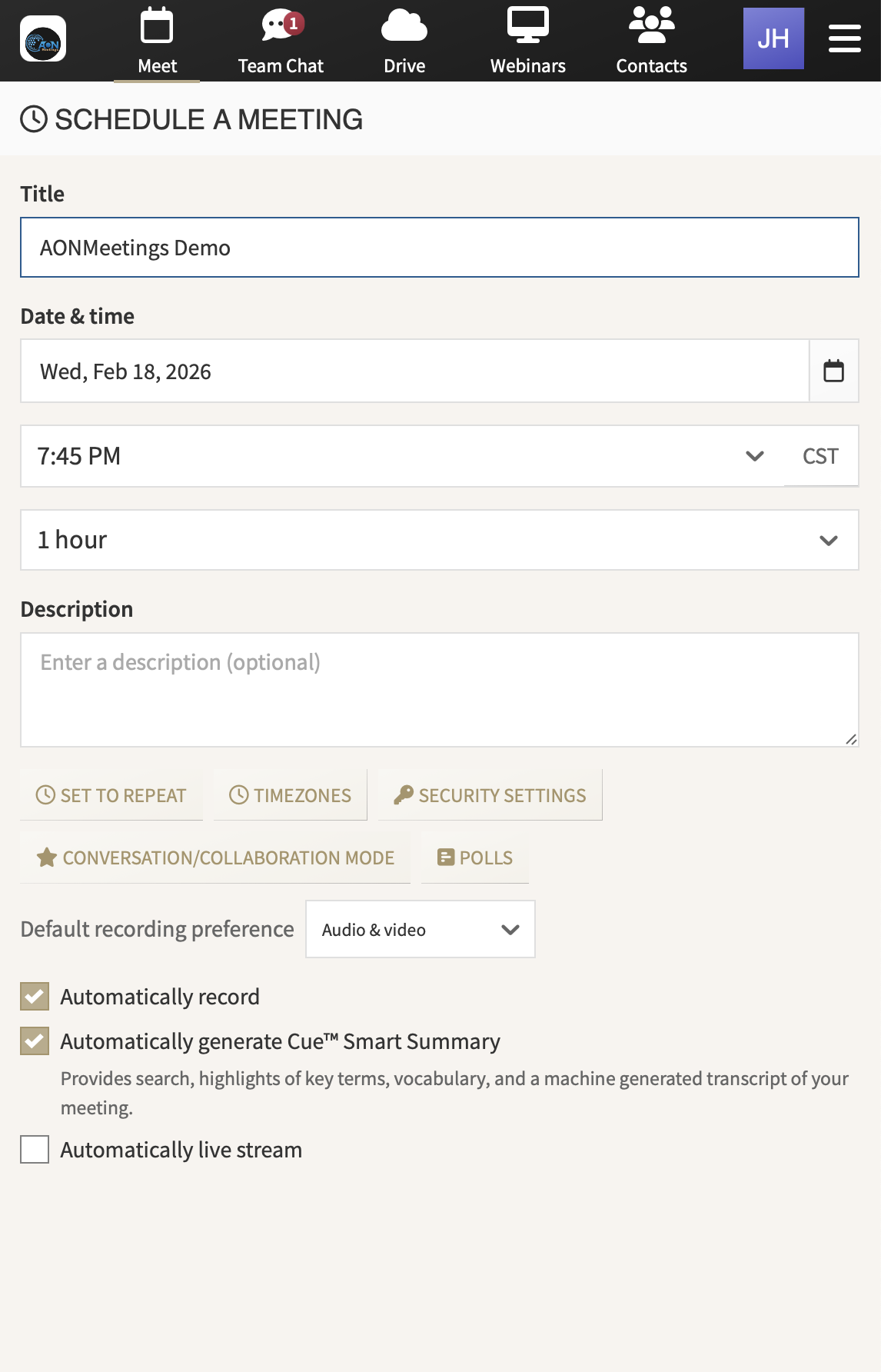
Invite with confidence. Use registration for webinars and give attendees one straightforward route to the event. Clear access reduces the last-minute scramble that can derail a well-prepared session.
Lead the room. Share your screen or documents, welcome questions, run a poll, and use chat to bring the audience into the session at the right moments.
Keep control where it belongs. Waiting rooms, meeting locks, access codes, and moderator tools help hosts shape the experience for the event and audience in front of them.
Extend the value. Record the session, use captions where needed, and return to the conversation later with AI summaries and smart search on supported plans.
FOR THE EVENTS THAT NEED TO LAND WELL
Use the same practical platform for the events that build trust, explain a decision, teach a new skill, or help people take the next step.
Teach a feature, walk through a process, or answer the questions that keep customers from getting full value. Keep the recording available for the people who could not attend live.
Show the product in context, bring in questions as they arise, and give interested attendees a direct path to a closer conversation after the event.
Bring employees, members, partners, or distributed teams together for a clear presentation, then use smaller meetings when working discussion is needed.
A CALMER WAY TO HOST
A useful webinar rarely depends on one person doing everything. The presenter needs to explain the idea clearly. The host needs to watch the clock, welcome people in, handle the room, and keep the event on track. A moderator may need to gather questions and help the audience participate.
AONMeetings gives that team a practical place to work. Presenters can share a screen or document while a host manages the attendee experience. Questions, chat, polls, and access controls stay close to the event instead of being spread across separate tools and last-minute workarounds.
That setup is especially useful when your webinar has a guest speaker, a product demonstration, a panel, or a topic where the audience will have detailed questions. The host can keep the handoffs clean and surface the right questions at the right time, so the session feels planned rather than improvised.
After the event, the work does not disappear. Recording gives people a way to revisit the explanation, share it with colleagues, or catch up after missing the live session. For teams that run recurring education or training, that creates a stronger library of useful material without rebuilding the event from scratch.
KEEP THE AUDIENCE WITH YOU
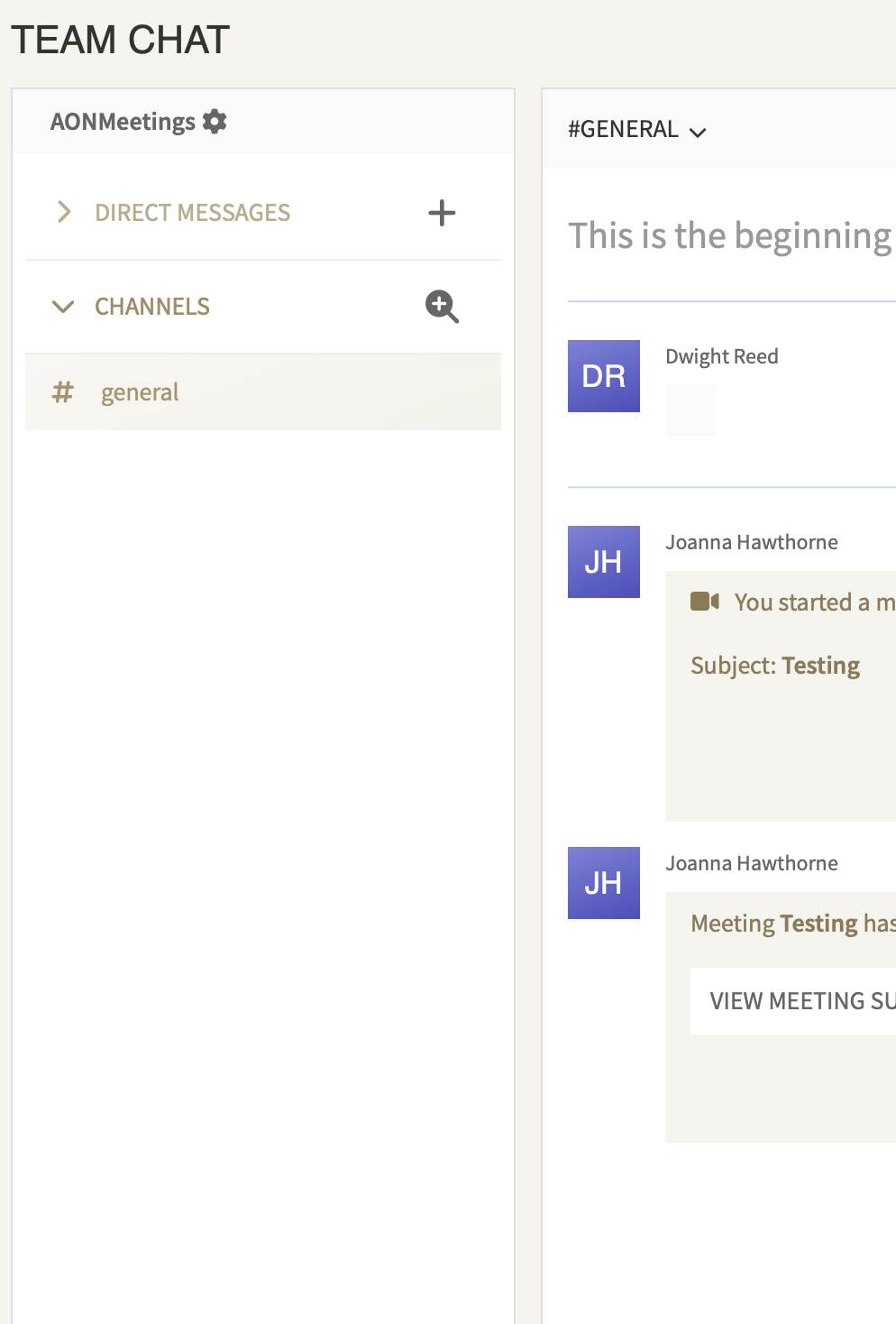
People are more likely to stay with a webinar when they know how to take part. A quick poll can test an assumption. A question prompt can bring real objections into the room. Chat can make a large session feel more responsive without interrupting the presenter every few minutes.
The right interaction depends on the event. A product demo may use questions to identify which workflow the audience wants to see. A training session may use polls to check understanding before moving on. A leadership update may collect questions that need a direct follow-up after the event.
Those moments work best when they are intentional. Use one clear prompt, explain how people should respond, and let the host manage the results. AONMeetings gives hosts the live tools to do that while keeping the presenter focused on the message.
For more practical preparation guidance, use the webinar planning checklist to shape the invitation, roles, rehearsal, and follow-up around the event you are running.
CAPACITY THAT FITS THE EVENT
Every AONMeetings plan includes webinars. Standard supports up to 25 meeting or webinar participants, Pro supports up to 100, and Business Pro supports up to 250. That means a team can host regular events without buying a separate webinar product first.
When a webinar needs a larger audience, choose capacity for the event rather than paying for oversized access all year. Monthly options are available for recurring webinars, while one-time capacity works for a single major session. Both support registration, chat, polls, and live interaction tools for audiences of up to 5,000.
Compare plans and capacityMeetings and webinars for everyday client, team, and small-group events.
More room for regular events, with added host controls and collaboration features.
More reach, custom branding, multi-camera broadcast, and livestreaming options.
Monthly and one-time options for the events that need a bigger audience.
A PRACTICAL FIT FOR PROFESSIONAL TEAMS
For hosts, that means a platform with enough control to run the event calmly. You can manage who enters the room, keep a presenter focused on the message, guide participation, and save what mattered after the session.
For attendees, it means a direct path into a professional session. They do not need to hunt for an installer, learn a new app, or wonder whether their plan includes webinars. They receive the link, join in the browser, and focus on the conversation.
For the business, it means meetings and webinars work together. A large presentation can lead to a smaller consultation, a team debrief, a training session, or a follow-up call without splitting the experience across disconnected tools.
It also gives your team a clearer way to grow. Start with the plan that suits the regular work, then add audience capacity when a campaign, launch, training program, or community event needs a bigger room. You stay focused on the event rather than maintaining a second platform for the occasional large session.
See how AONMeetings works for your next event, or choose a plan when you are ready to host.
No. Attendees can join an AONMeetings webinar through a modern browser using the event link, without installing a separate meeting app.
Yes. Every AONMeetings plan includes webinar capability up to its participant limit, with registration, chat, polls, questions, screen sharing, and recording tools.
Yes. Monthly and one-time webinar capacity options support up to 5,000 attendees. The right option depends on whether the event is recurring or a single large session.
Yes. AONMeetings brings meetings and webinars together, so teams can present to a large audience, then continue the conversation in smaller working sessions without changing platforms.