
Webinar Planning
Webinar Best Practices: A Practical Host Checklist
Use these webinar best practices to plan a clear session, keep people involved, handle the live room calmly, and follow up with purpose.
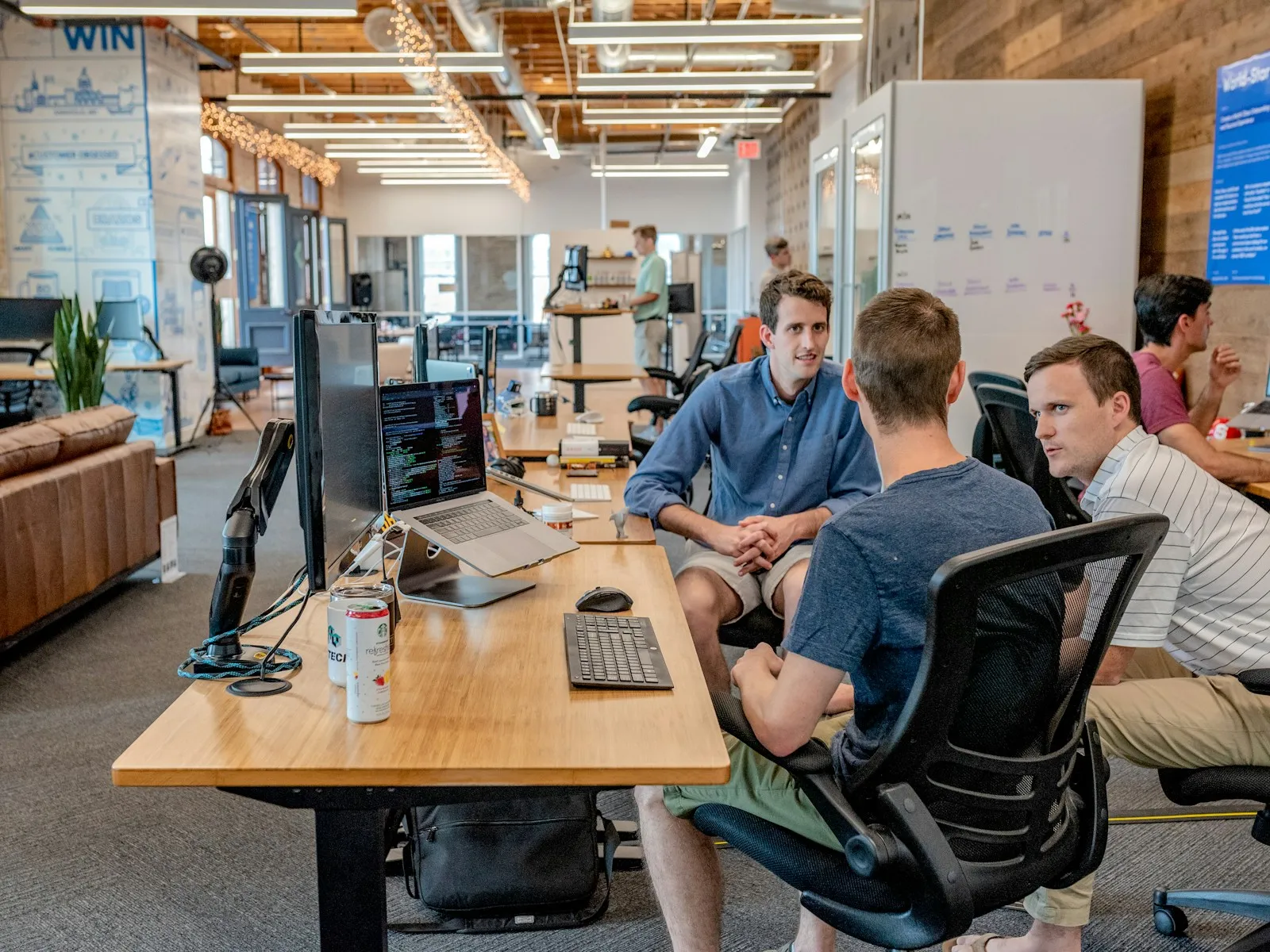
The best webinar is not the one with the most slides, the longest guest list, or the cleverest opening line. It is the one where the right people can join easily, understand why the session matters, take part without friction, and leave with a useful next step.
That outcome is built across the whole event, from the first invitation to the follow-up message. These webinar best practices give hosts a practical operating checklist for customer education, training, demonstrations, partner sessions, and internal events. Use the parts that fit your audience, then turn the rest into a repeatable event routine.
1. Start with one attendee outcome
Before choosing a title or opening a registration page, write one sentence that explains what attendees should be able to understand, decide, or do by the end. “Know how to prepare a compliant client intake call” is clearer than “learn about our new process.” A precise outcome helps you choose the right examples, speakers, audience prompts, and follow-up.
Keep the primary audience equally clear. A session for prospective customers, new users, and senior leaders at the same time often becomes too broad for everyone. If more than one group needs the information, give the live session one useful core promise and tailor the follow-up resources for each group.
This is not just a messaging exercise. Research on effective webinar teaching highlights needs assessment and specific learning objectives as practical foundations for a useful session. The same principle works for a sales demonstration or company update: decide what the audience came to get before you decide what the team wants to say.
2. Make the registration promise easy to judge
Busy people decide quickly whether to make room on their calendar. State the topic, the practical benefit, who it is for, the time commitment, and what happens after registration. A clear title and a short agenda do more work than a paragraph of broad company language.
Use a registration page that asks only for the information needed to run the event and follow up responsibly. The invitation should also answer practical questions up front: date, time zone, expected length, presenter names, whether there will be a recording, and how attendees can join. For a step-by-step starting point, use the webinar registration page guide.
Plan the reminder sequence before the first promotion goes out. One reminder the day before and another shortly before the event are usually more helpful than a rush of messages. Put the join link near the top of the final reminder and make it easy for someone to find support if they arrive late or have a browser issue.
3. Assign a host, presenter, and moderator
A single person can run a small informal webinar. For a more important or larger session, separate the work. The presenter explains the topic. The host watches the clock and the event settings. The moderator welcomes attendees, notices participation, groups questions, and helps the session move smoothly between segments.
This division makes the event feel calmer for everyone. A presenter who is also trying to advance slides, read chat, launch a poll, troubleshoot a joining issue, and watch the clock has too many competing jobs. The audience can feel that strain even when the content itself is strong.
Write each role into a one-page event plan. Include the start time, who opens the room, who introduces the speaker, when to ask for questions, who starts a poll, who confirms the recording, and who closes. The webinar run of show template gives you a useful format for those decisions.

4. Rehearse the experience, not only the slides
A dry run is one of the simplest ways to protect attendee confidence. Ask presenters to join from the devices and networks they expect to use, then test audio, camera framing, screen sharing, permissions, chat, questions, polls, recording, and the attendee path. It is far easier to find an unclear role or a missing setting before anyone is waiting in the room.
Practice the moments between the slides as well. Rehearse the first minute, speaker handoffs, the first audience prompt, the transition into questions, and the final call to action. Those are the places where a polished presentation can still lose momentum.
Keep a short backup plan nearby. Decide who speaks if a presenter drops, how the moderator will fill a two-minute delay, where the latest slide deck lives, and how the team will communicate privately. Good preparation does not mean pretending problems will never happen. It means the audience gets a calm, specific update if one does.
5. Open with the payoff and participation rules
In the opening minute, tell attendees what they will get, how long the event will take, how to ask a question, and whether a recording or resource will be sent later. Then begin the useful content. A long company history or speaker biography makes the room work too hard before it receives the promised value.
Make participation feel safe and simple. Say whether questions belong in chat or in a dedicated question area, whether the team will answer them throughout or at the end, and whether a poll will shape an upcoming example. People are more likely to take part when they know what will happen to their input.
For an event with a broad audience, use a light opening prompt that has a clear job. A question such as “Which part of this process creates the most friction for your team?” can help the presenter choose the most useful example. Asking people to respond simply to fill silence has the opposite effect.
6. Build an interaction rhythm around the content
Webinar engagement works best when it helps people understand or apply the topic. Plan two or three purposeful interaction points rather than interrupting every few minutes. A poll can prioritize a demonstration. A chat prompt can reveal where an explanation needs more detail. A moderator can group repeated questions into one useful conversation.
Use the agenda to decide where attention will naturally dip. After a dense explanation, a short question break gives attendees time to process the point and gives the team feedback about what to clarify. The webinar engagement guide includes practical ways to do that without turning the audience into a prop.
Keep the presenter focused on the message. The moderator can watch for repeated themes in chat, remove duplicate questions, and bring forward the question that will help the most people. If the room runs out of time, save unanswered questions for the follow-up instead of rushing through half-answers.

7. Design for a clear, accessible viewing experience
Attendees should be able to follow the session without guessing what a speaker means. Use slides that support the spoken explanation instead of duplicating every sentence. Describe important visual information aloud, pause long enough for people to see a demonstration, and repeat key instructions such as where to find resources or ask questions.
Plan captions and an accessible recording where appropriate. The W3C’s guidance for audio and video explains that captions provide a text version of speech and other important audio. Even when captions are not part of the event setup, a host can improve clarity by restating audience questions before the presenter answers them.
Think about the joining experience as part of accessibility too. A direct browser link avoids the extra friction of an unexpected download or account. AONMeetings lets webinar teams use browser-based joining, registration, chat, polls, questions, screen and document sharing, recordings, and host controls in one place. The feature overview shows the tools available for the event you are planning.
8. Close on time with one useful next step
Respecting the promised end time is a strong signal that the team planned the session around attendees. Reserve the last few minutes for a brief recap, a clear explanation of what will be sent next, and one action that matches the reason people joined. A product demonstration may invite a closer conversation. A training webinar may point to a workbook or recording.
Do not turn the close into a long list of every product, link, and future event. A specific next step is more useful. If the team wants to keep questions open after the official close, say so clearly. People can leave knowing they have received the core value, while those who want more can stay.
For a smooth event structure from welcome to close, the 45-minute webinar agenda template can help you reserve enough time for useful content, participation, and questions.
9. Follow up while the event is still fresh
Follow-up is where a good live session becomes a useful ongoing resource. Send the recording, slides, promised resource, and answers to important unanswered questions promptly. Lead with the thing the attendee expected to receive, then give one relevant next action.
Segment the message when the audience had different needs. A prospective customer may want to compare webinar plans and capacity. A current user may need a help article or a recording. Someone who registered but did not attend may simply want a concise recap and a way to watch later. The webinar follow-up email guide has a practical sequence for that handoff.
Review the session while details are still clear. Note which invitation earned registrations, which questions came up repeatedly, where attendees leaned in, and where the pace became too dense. Choose three changes for the next event. This small review helps the webinar program improve instead of forcing the team to relearn the same lessons each time.

10. Measure what will make the next event better
Do not judge the event only by registrations. Registrations show that the invitation earned attention, but they do not tell you whether the right audience arrived, stayed, or found the session useful. Put the numbers beside the notes from the host and moderator so you can see both the pattern and the reason behind it.
For a customer-education event, look at the questions people asked, the points where they needed clarification, recording views, and whether the follow-up resource was used. For a product demonstration, add the conversations or trials that followed. For internal training, look for the questions that reveal where the process still needs a clearer explanation.
A useful debrief can be short: What brought the right people in? Where did the room become most active? Which question should become a guide, an answer in the next session, or a change to the product message? Then assign one owner to carry those decisions into the next run of show. The point is not to create a report for its own sake. It is to make the next webinar easier to attend and more useful to the people who make time for it.
A practical webinar best-practices checklist
- Write one specific attendee outcome and choose one primary audience.
- Make the registration promise clear, concise, and easy to act on.
- Assign separate presenter, host, and moderator roles when the session matters.
- Rehearse the attendee path, audio, screen sharing, handoffs, and backup plan.
- Open by explaining the outcome, participation rules, timing, and recording plan.
- Use polls, chat, and questions only when they support the content.
- Describe important visual information aloud and plan an accessible recording where needed.
- Finish on time with one relevant next step.
- Send the recording and promised resources promptly, then record improvements for next time.
How AONMeetings helps
AONMeetings gives webinar teams a browser-based place to prepare, host, and follow up on a live event. Teams can set up registration, welcome attendees, share screens and documents, use chat, questions, and polls, record the session, and keep practical host controls close to the conversation.
That makes the operational side easier to manage while presenters stay focused on the people in the room. Explore the AONMeetings webinar platform, compare plans and webinar capacity, or talk with the AONMeetings team about an upcoming event.
Editorial photos sourced from Unsplash.
Frequently asked questions
What are webinar best practices?
Webinar best practices include setting one clear attendee outcome, making the registration promise specific, assigning host and presenter roles, rehearsing the joining path, planning useful interaction, explaining participation clearly, closing on time, and following up promptly with the promised resources.
How do you make a webinar more engaging?
Make a webinar more engaging by choosing a useful audience outcome, building short interaction points into the agenda, inviting questions at natural moments, using polls only when they inform the next part of the session, and assigning a moderator to watch the room while the presenter teaches.
What should a webinar host do?
A webinar host should prepare the room, confirm the event settings, welcome attendees, explain how participation works, watch timing, help with speaker handoffs, coordinate with the moderator, and close with a clear explanation of the next step and follow-up resources.
What should you send after a webinar?
After a webinar, send the recording, slides or promised resource, concise answers to important unanswered questions, and one next action that suits the audience. Review attendance, questions, and the moments that generated the most interest so the next event can improve.
Related posts
Webinar Planning Checklist: A Practical Guide From Idea to Follow-Up
Use this webinar planning checklist to define the goal, prepare presenters, run the event smoothly, and follow up while the conversation is still fresh.
Read guide →
Webinar Run of Show Template for a Smooth Live Event
Use this webinar run of show template to assign roles, time every cue, handle handoffs, and keep the live session useful for attendees.
Read guide →
Webinar Follow-Up Email: 5 Emails to Send
Use this webinar follow-up email sequence to share the recording, answer questions, and give attendees one clear next step.
Read guide →
Webinar Registration Page: What to Include to Earn Sign-Ups
Build a webinar registration page that makes the value, details, speakers, and next step clear before a visitor has to decide.
Read guide →