
Donor and community briefings
Share progress, introduce a program, explain a campaign, and give people a welcoming place to ask questions while the story and next step are still fresh.
AONMEETINGS FOR NONPROFITS
Bring donors, volunteers, members, and communities into the same conversation. AONMeetings gives nonprofit teams one browser-based place for live events, training, board work, and the follow-up that keeps people involved.

MAKE IT EASIER TO SHOW UP
Nonprofit work depends on relationships that do not always happen in the same room. A supporter may want to understand a new initiative after work. A volunteer may need training before a shift. A member, community partner, or board participant may live too far away to attend an in-person gathering. A useful online event gives those people a way to stay close to the mission.
Getting there should not feel like a technical hurdle. When an invitation requires a new app, an account, or a last-minute download, the people an organization most wants to reach can be the first to get stuck. AONMeetings lets attendees open a direct link in a modern browser, so the path into a live presentation, orientation, or update stays straightforward.
The hosting team gets practical tools without having to stitch together a separate event system. Registration, chat, questions, polls, screen sharing, document sharing, moderator controls, and recording stay in the same platform as the smaller meetings that happen throughout the week.
That makes an event easier to prepare and easier to repeat. The team can use one familiar room for a donor briefing, volunteer orientation, staff training, board committee meeting, community workshop, or larger public presentation. Instead of changing the process every time the audience changes, hosts can focus on the message, the people in the room, and the next step after the event.
For an organization working with limited time and a wide community, that consistency matters. It leaves more attention for the people being served and less for explaining how to join.
ONE CALM, PREPARED EVENT FLOW
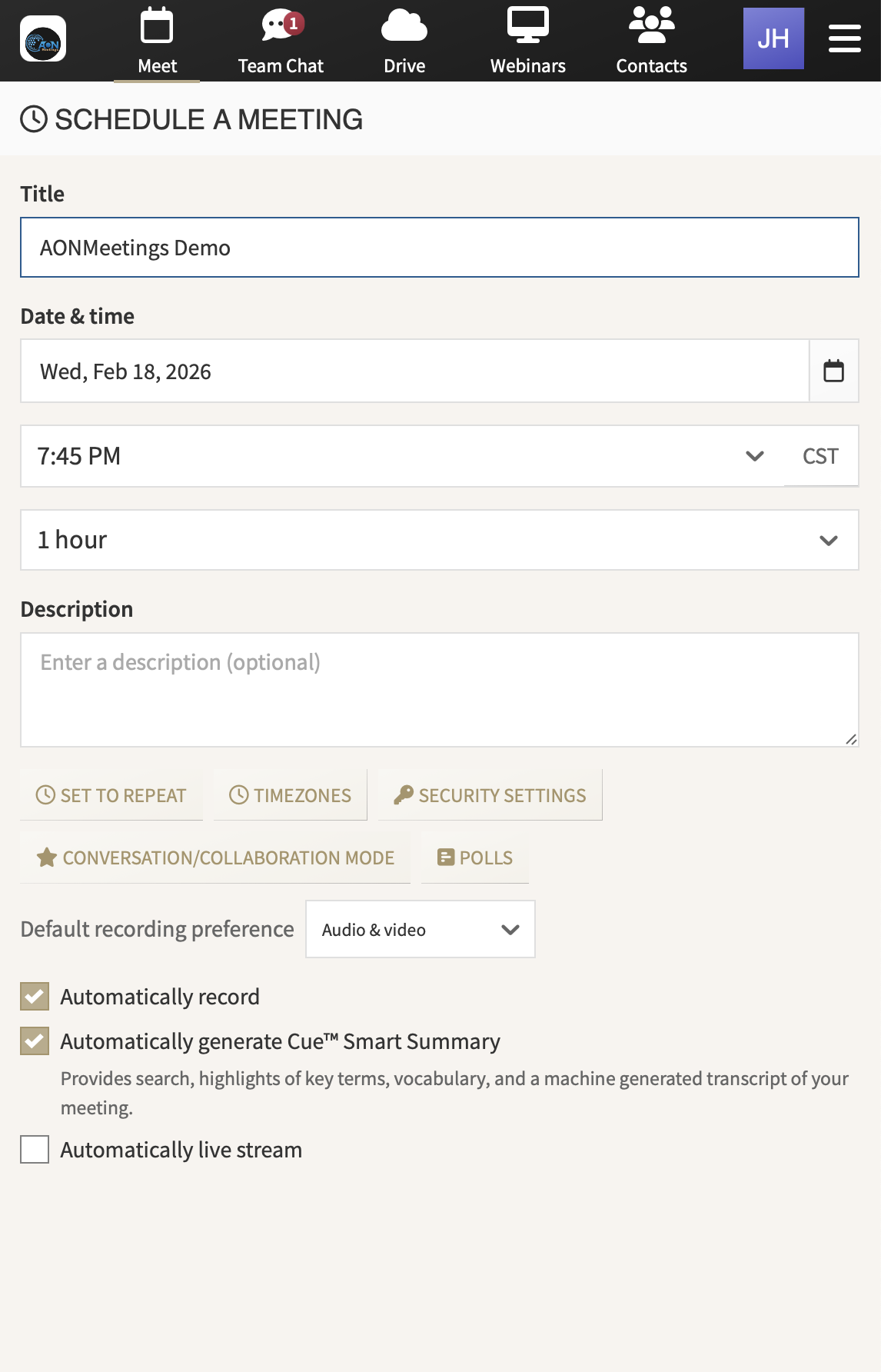
Give every invitation a direct route in. Share a registration or event link that attendees can open in a modern browser. That keeps the joining step clear for people who may not use online meeting tools every day.
Put presenters and moderators in distinct roles. The speaker can focus on the program while another person manages arrivals, watches chat, gathers questions, and keeps the session moving. This is especially useful when a small staff team is supported by volunteers.
Invite participation at the right moments. Use polls, questions, chat, shared screens, and documents to hear from the audience without turning a planned presentation into a scramble. A moderator can surface the questions that will be most useful to answer live.
Keep the room ready for the audience. Waiting rooms, meeting locks, one-time access codes, and moderator tools give hosts practical ways to manage entry and guide a focused event. The team can choose the level of control that fits the gathering.
Make the work useful after the live session. Record an orientation, community briefing, training, or educational presentation so people who could not attend can still benefit. A recording also gives staff and volunteers a useful reference when the same questions return later.
Bring interested people closer after the event. The same platform supports follow-up meetings, committee discussions, volunteer interviews, and working sessions. A broad live event can lead naturally to a more personal conversation without sending people to another tool.
FOR THE MOMENTS THAT BUILD COMMUNITY
AONMeetings helps nonprofit teams choose a format that fits the gathering, whether the goal is a presentation-led event, a training session, or a working conversation where everyone needs a voice.
Share progress, introduce a program, explain a campaign, and give people a welcoming place to ask questions while the story and next step are still fresh.
Prepare people for a role, a new process, or an upcoming event. Record the session so new volunteers and partners have a clear reference when they join later.
Run a workshop, panel, listening session, or planned presentation with registration and live engagement, then keep the recording useful for people who missed it.
A SMALL TEAM CAN HOST WELL
A polished nonprofit webinar does not require a large production department. It does require a few simple decisions before the event begins. Choose who will welcome people, who will present, who will monitor questions, and who will keep track of the next action attendees should take.
Start with the outcome. A community update may need people to understand a decision. A volunteer session may need people to complete a task safely. A donor briefing may need people to see how their support connects to a program. That outcome helps the presenter decide what to show, what to say, and which questions to answer live.
Before inviting the audience, rehearse the actual experience. Join from the attendee link, check the opening screen or document, test the presenter handoff, and decide how the team will collect questions. The point is not to make the event feel overproduced. It is to make the welcome feel confident and the information easy to follow.
After the event, share the recording, the promised resources, and one clear next step. That may be a volunteer signup, a donation page, a registration form, a small-group follow-up, or simply a way to reply with questions. A timely follow-up respects the attention people gave you and helps the event keep working after the live hour ends.
CAPACITY THAT FITS THE GATHERING
Most nonprofit teams need a dependable place for ordinary conversations first. A board committee, staff planning session, volunteer interview, or partner meeting should not require a different platform from the one used for an occasional webinar.
AONMeetings includes webinar capability with every plan, alongside the meeting features hosts use between events. Standard supports up to 25 participants, Pro supports up to 100, and Business Pro supports up to 250.
When an annual meeting, public presentation, training series, or community event needs more reach, monthly and one-time webinar capacity options support up to 5,000 attendees. This gives an organization room to plan the event it needs without carrying large-event capacity through every ordinary week.
Compare plans and capacityFocused committee discussions, volunteer interviews, and small training sessions.
Regular community sessions, partner gatherings, and larger volunteer training.
Broader membership events, custom branding, and added host controls.
Monthly or one-time room for major public and community events.
A PLATFORM THAT SUPPORTS THE RELATIONSHIP
When a nonprofit brings people together online, the technology should support the relationship, not become the main event. A clear browser link helps people arrive with less friction. A prepared host team helps the session feel considered. Participation tools help the audience feel heard when the format calls for it.
AONMeetings keeps the path consistent from a broad community webinar to a smaller working conversation. The same organization can use one platform for presentations, training, board and committee meetings, and follow-up sessions instead of rebuilding the process around a different product each time.
That gives a nonprofit a practical way to make more room for the people it serves and the people who make the work possible. Start with the meeting and webinar capacity that fits today, then expand when a larger gathering is on the calendar.
For a closer look at registration, engagement, and hosting controls, explore the AONMeetings webinar platform. When you are ready to choose a plan, AONMeetings gives your team a clear place to start.
Yes. Attendees can join from a modern browser using the event link, so donors, volunteers, members, and community partners do not need to install a separate meeting application.
Yes. Every AONMeetings plan includes webinar capability up to its participant limit, with registration, chat, questions, polls, screen sharing, and recording tools.
Yes. AONMeetings brings board discussions, volunteer training, one-to-one conversations, working sessions, and larger webinars together in the same browser-based platform.
Standard supports up to 25 participants, Pro up to 100, and Business Pro up to 250. Monthly and one-time webinar capacity options are available for events with up to 5,000 attendees.