
Client consultations
Give prospective and current clients a simple route into a professional conversation. Share documents, show the work, and keep the next step clear before the meeting closes.
AONMEETINGS FOR SMALL BUSINESS
Run client calls, team meetings, training, and webinars in one professional room. AONMeetings keeps joining simple for the people you invite and practical for the people who run the business.
A BETTER FIT FOR THE WORKDAY
Small businesses need a meeting platform that works for more than one kind of conversation. A client consultation should feel polished. An internal meeting should be quick to start. A training session should be easy to record. A webinar should not require a second subscription and a new set of tools to learn.
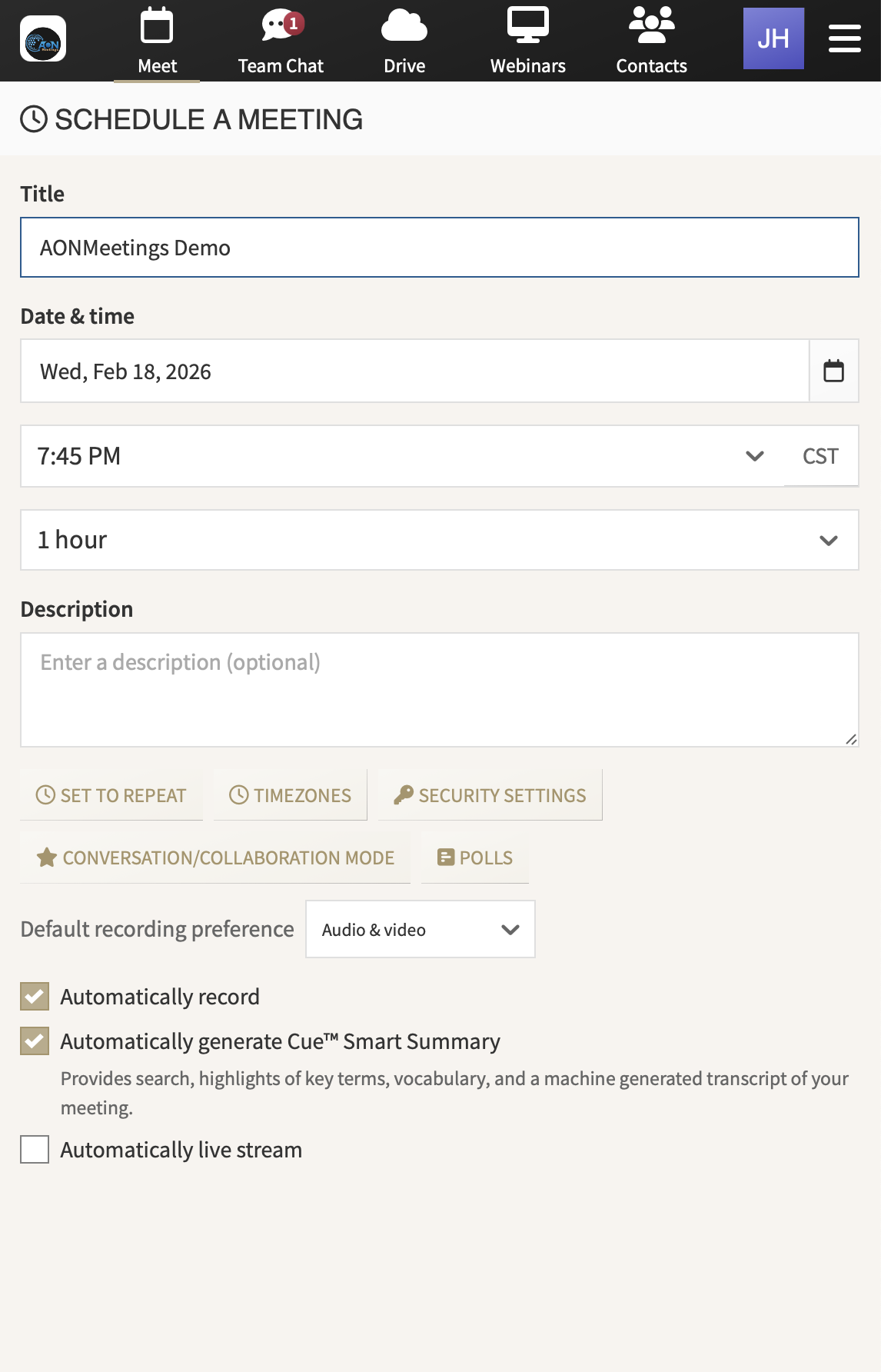
AONMeetings brings those moments into one browser-based platform. You can send a direct link, invite the right people into the room, share what matters, and keep a useful record after the conversation ends.
That means less time troubleshooting access, chasing separate event tools, or paying for capacity you do not use every week. Your team gets a clear way to meet now and a practical way to grow later.
It also helps the business show up consistently. A consultant can walk a client through a recommendation. A service team can train a new customer. A manager can bring contractors into a weekly check-in. Each conversation has a professional place to happen, without asking people outside the company to navigate a technical obstacle course first.
That consistency matters because the meeting experience becomes part of the customer experience. When an invitation is easy to use and the room is ready when people arrive, the business looks organized before the first agenda item begins.
As you compare options, look for the everyday details that affect adoption. Can a client join on the device they already use? Can a host share the information they need without a handoff to another tool? Can the team return to a recording when the next action depends on a detail from the call? Those practical answers matter more than a long feature checklist.
AONMeetings is designed around those repeatable moments, so the experience stays clear for both the person hosting and the person joining.
ONE PLATFORM, MANY KINDS OF WORK
Meet with clients without a download detour. Send a direct meeting link so clients, prospects, patients, vendors, and partners can join in a modern browser. Less setup helps the conversation begin on time.
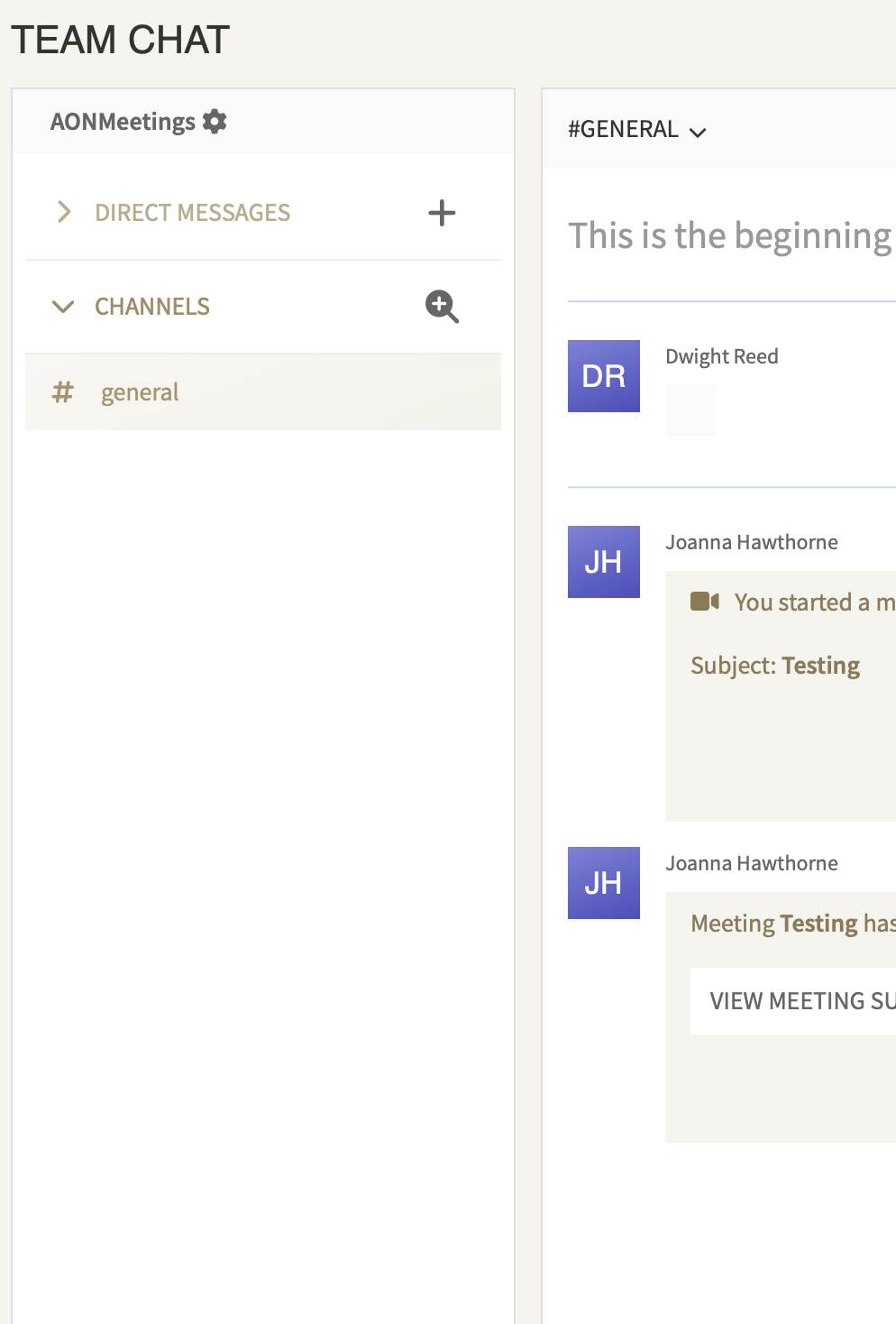
Keep the team moving between meetings. Share screens and documents, annotate together, use chat, and record the discussion when people need to revisit a decision or catch up later.
Host webinars from the same place. Registration, polls, questions, paid events, and live engagement are already part of the platform. You can present to an audience without creating a separate event workflow.
Choose capacity that suits the business today. Start with the plan that fits your regular meetings, then add room for a bigger webinar when a launch, training program, or customer event needs it.
Make the handoff after the call easier. A client call often creates work for someone who was not in the room. A recording can help a teammate revisit the conversation, prepare a proposal, or confirm the details that should guide the next step.
Keep your calendar from turning into a pile of workarounds. When meetings, webinars, and follow-up all happen in the same platform, your team has fewer links, accounts, and disconnected processes to manage. That leaves more attention for customers and delivery.
BUILT FOR THE MOMENTS THAT MOVE BUSINESS FORWARD
Use AONMeetings when the goal is a clear decision, a helpful explanation, a confident introduction, or a live event that deserves more than a basic video link.
Give prospective and current clients a simple route into a professional conversation. Share documents, show the work, and keep the next step clear before the meeting closes.
Bring remote staff, contractors, and partners together without making every participant install another meeting app. Record useful decisions so the work does not disappear when the call ends.
Teach a process, onboard a customer, introduce a service, or run a live webinar with registration and participation tools ready for the event.
CLEAR PLANS, ROOM TO GROW
AONMeetings gives small businesses a straightforward starting point. Standard supports up to 25 meeting or webinar participants. Pro supports up to 100. Business Pro supports up to 250, with added collaboration and broadcast options for teams that need more reach.
Every plan includes unlimited meetings and webinars, so a regular client call and a scheduled presentation do not force you into separate products. When an event needs a larger audience, monthly and one-time webinar capacity options support up to 5,000 attendees.
The practical question is not whether your business will ever need a large event. It is whether the everyday platform can handle the client calls and team work now, then give you a credible option when an opportunity brings more people into the room. AONMeetings is designed to do both.
Compare plans and capacityEveryday client calls, small teams, and recurring conversations.
More room for growing teams, training, and regular presentations.
More reach, custom branding, livestreaming, and host controls.
Monthly or one-time options for a larger audience.
PRACTICAL BY DESIGN
For a small business, every customer-facing detail matters. A meeting link that leads to a download prompt or a confusing sign-in process puts friction in front of the relationship before the real conversation even starts.
AONMeetings is built around a more direct experience. Guests join from their browser. Hosts have the room controls they need. Teams can move from a one-to-one meeting to a group presentation or webinar without stitching together unfamiliar tools.
It is also a useful fit when you need to keep the business flexible. You can choose a plan for normal day-to-day work, upgrade as the team grows, and add larger webinar capacity when a campaign or event calls for it. There is no need to build your workflow around a platform designed for a much larger company.
Before choosing a plan, think about the meeting that affects your business most often. It may be a sales conversation, a client review, a training session, or a weekly team check-in. The right platform makes that repeatable meeting feel reliable for the host and straightforward for the person receiving the invitation.
Then consider the moments that ask for more. A customer education webinar, a product launch, a partner session, or a larger training event should feel like an extension of the same workflow, not a separate project that has to be learned under pressure.
When webinars are an important part of the plan, see how AONMeetings works as webinar software for small business. Then choose a plan when you are ready to start.
No. Clients, guests, and team members can join an AONMeetings call from a modern browser using the meeting link.
Yes. Webinars are included with every AONMeetings plan, so a small business can run client calls, training, presentations, and events from the same platform.
Standard supports up to 25 participants, Pro supports up to 100, and Business Pro supports up to 250. Larger webinar capacity is available for events with up to 5,000 attendees.
Yes. AONMeetings includes audio and video recording, with AI meeting summaries and smart search available on supported plans.