
Client consultations
Give a prospective or current client an uncomplicated path to the conversation, then use host controls to begin the meeting with the right people present.
AONMEETINGS FOR LAW FIRMS
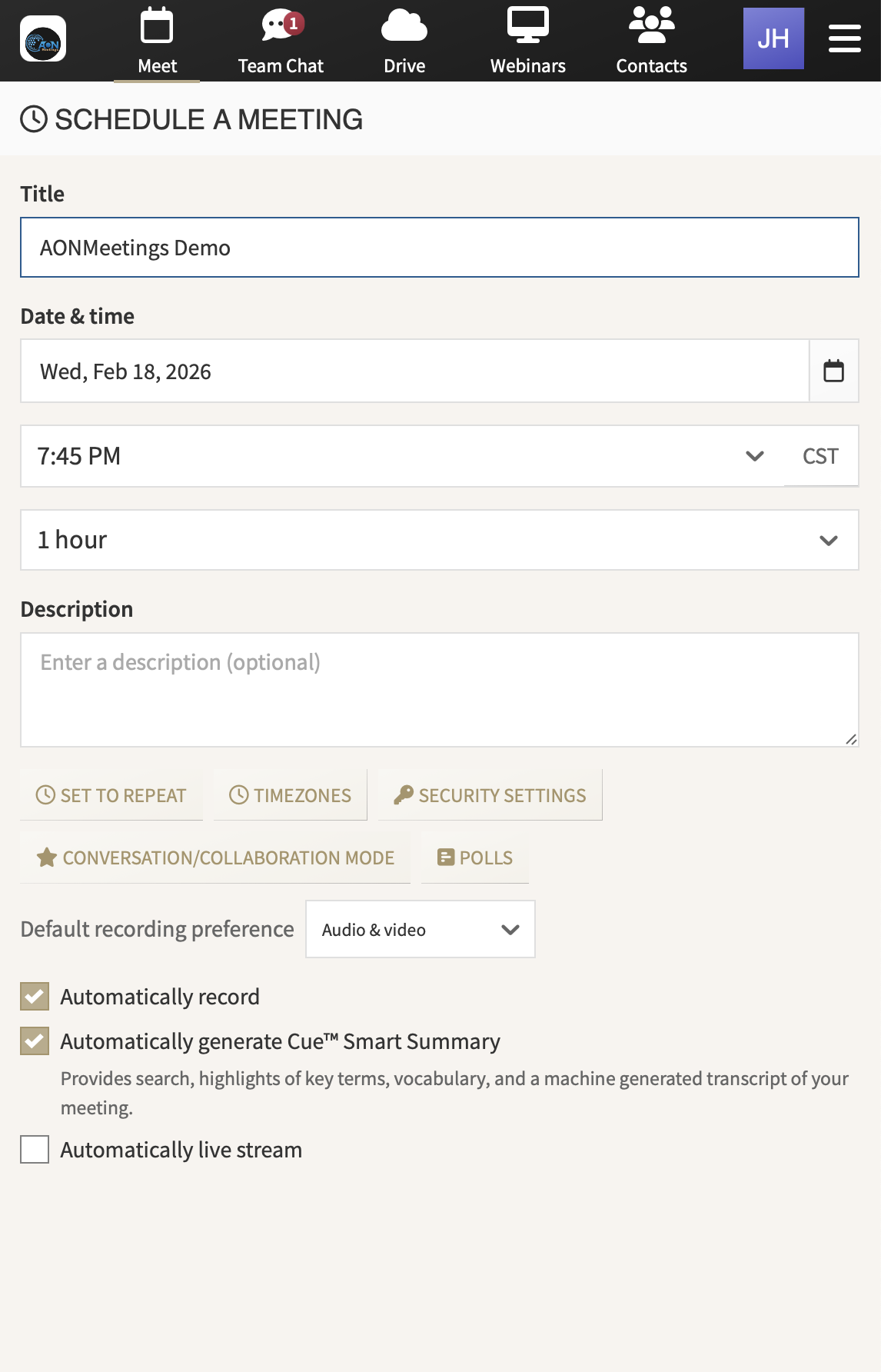
Give clients one clear way to join. AONMeetings brings consultations, internal meetings, document reviews, and firm events into a browser-based room that is simple to enter and practical to manage.
A MORE DIRECT CLIENT EXPERIENCE
For a client, a virtual legal meeting should begin with a clear invitation, not a new application to install or an unfamiliar account to create. The first few minutes matter. They set the tone for a consultation, a status update, a document review, or a conversation that may already feel high stakes.
AONMeetings gives a firm a direct browser link for the people it invites. Clients, co-counsel, outside professionals, and other participants can open the room in a modern browser, which helps the meeting begin with less avoidable friction.
Simple joining does not mean giving up control. The person hosting can use waiting rooms, meeting locks, one-time access codes, and moderator tools to prepare the room and guide participation. Those tools give the firm practical choices around how people arrive and when the conversation starts.
That is useful across the ordinary work of a legal practice. An attorney can meet a prospective client. A team can review a matter internally. Staff can walk someone through next steps. A firm can bring a larger audience together for client education or a professional event. The joining experience remains familiar even when the meeting format changes.
When the room is straightforward for the guest and manageable for the host, the firm spends less time solving access problems and more time on the conversation that brought everyone together.
KEEP THE MEETING FOCUSED
Send a clear meeting link. Give clients and invited participants a direct route into a browser-based room. Fewer joining steps help avoid last-minute emails and give the meeting a more professional opening.
Review arrivals before the discussion begins. A waiting room lets the host control when people enter. It gives the team a useful pause to make sure the right participants are present and the room is ready.
Share the information that matters. Use screen and document sharing when a conversation needs to move from explanation to review. Teams can present a timeline, walk through a document, or clarify the next action while everyone is looking at the same material.
Keep host responsibilities clear. An attorney can focus on the client conversation while another team member watches arrivals, manages participation, or helps with the materials being shared.
Record with intention. A recording can help a firm revisit a meeting or share an approved update internally. Each firm should decide when recording suits the matter and apply its own policies for client notice, access, retention, and follow-up.
Use a webinar when the audience is larger. Registration, questions, polls, chat, and host controls give firms a practical format for client briefings, community education, professional programs, and other planned presentations.
BUILT FOR THE CONVERSATIONS A FIRM RELIES ON
AONMeetings helps firms keep the invitation and host workflow consistent, whether the goal is a one-to-one consultation, a focused team discussion, or a planned presentation for a larger audience.
Give a prospective or current client an uncomplicated path to the conversation, then use host controls to begin the meeting with the right people present.
Bring colleagues, co-counsel, or invited professionals into a focused room where the team can discuss the work and share materials in context.
Host a planned webinar with registration, live questions, polls, and follow-up tools when the firm needs to speak to a broader group.
CAPACITY FOR EVERYDAY WORK AND BIGGER MOMENTS
A law firm should not need one platform for an internal team meeting and another for a client briefing. AONMeetings includes meetings and webinars in every plan, so the team can use a familiar room for regular work and larger presentations.
Standard supports up to 25 participants, Pro supports up to 100, and Business Pro supports up to 250. That gives firms options for consultations, team meetings, professional education, and client programs without making the ordinary meeting experience more complicated.
When a firm is planning a larger event, monthly and one-time webinar capacity options support up to 5,000 attendees. A team can choose capacity around the event it is running instead of carrying an oversized event product through every week.
Compare plans and capacityFocused consultations, internal check-ins, and small client meetings.
Growing teams, larger client conversations, and regular training.
More reach, custom branding, and added collaboration controls.
Monthly or one-time room for major client and community events.
A PRACTICAL MEETING PLATFORM FOR LEGAL WORK
The useful test for law-firm video conferencing is not whether a platform has the longest feature list. It is whether clients can join with confidence, hosts can prepare the meeting responsibly, and the team can keep the conversation focused on the matter at hand.
AONMeetings starts with a browser-based invitation. That simpler entry point can make client consultations and scheduled updates feel easier to attend, especially for guests who are not using video meeting software every day.
Behind the link, the host has practical options for managing the room. Waiting rooms, locks, one-time access codes, moderation, screen sharing, documents, recordings, and webinars help a firm match the meeting to the people and purpose involved.
For broader information about privacy-minded meeting controls, see secure video conferencing for professional teams. When your firm is ready to assess the right plan, AONMeetings gives you a clear place to begin.
No. Clients, co-counsel, witnesses, and other invited participants can join from a modern browser using the meeting link.
Yes. AONMeetings includes waiting rooms, meeting locks, one-time access codes, and moderator tools so hosts can prepare the room before a discussion begins.
Yes. Hosts can share their screen and documents during a meeting, making it easier to review information together while the conversation is happening.
Yes. AONMeetings includes audio and video recording. Firms should decide when recording is appropriate and follow their own client, privacy, and recordkeeping policies.