
Meeting Guides
Meeting Minutes Template: Format, Example and Tips
Use this meeting minutes template to capture decisions, owners and due dates, then send a clear record that keeps work moving after the call.
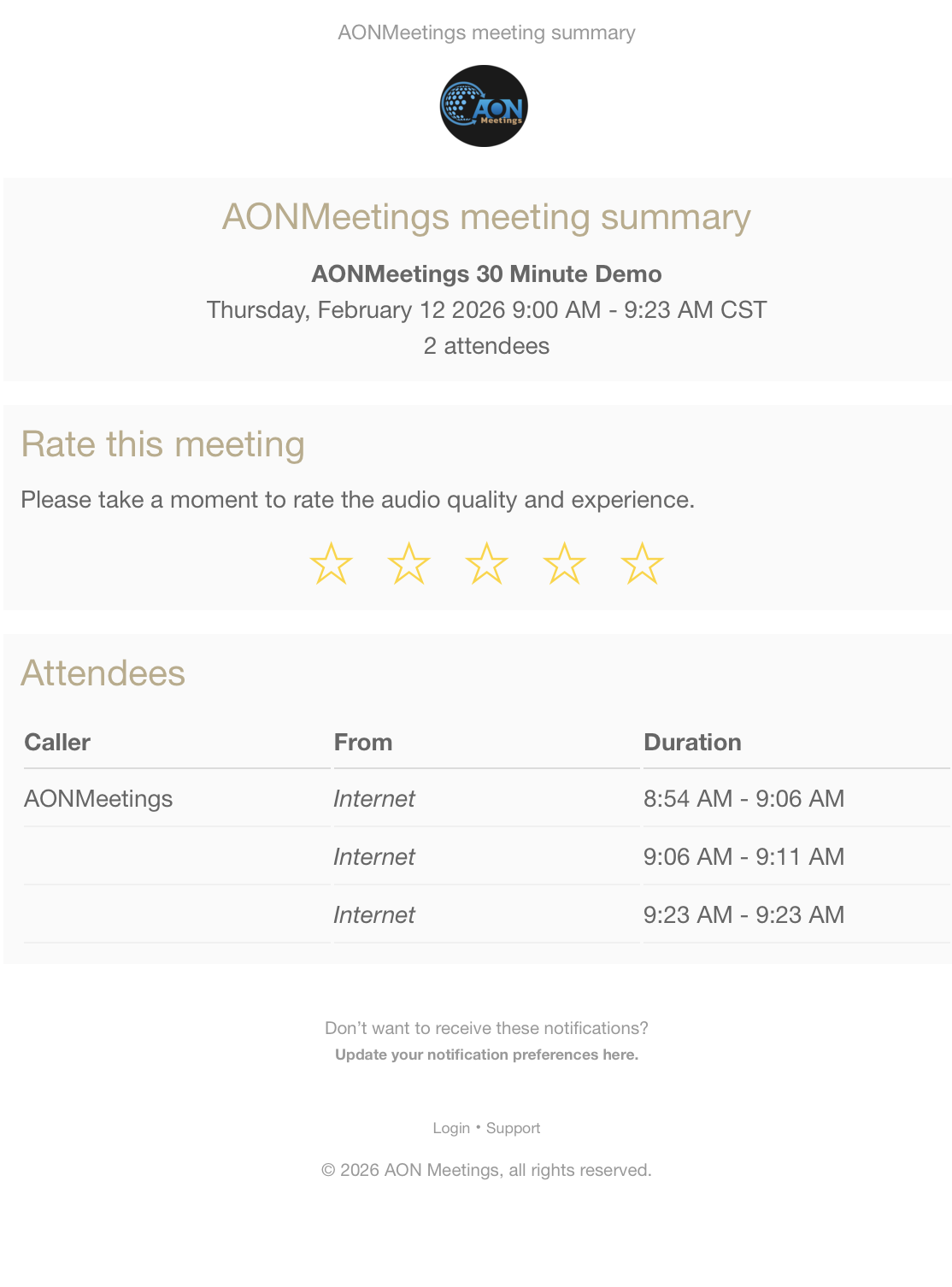
Good meeting minutes answer three questions: what did we decide, who owns the next step and when will it be done? Everything else should support those answers. A useful record helps attendees leave with the same understanding, gives absent colleagues a reliable update and makes it harder for important work to disappear into a busy week.
That is why minutes are not a transcript. A transcript preserves every spoken word. Minutes turn a conversation into a practical record: the context that mattered, the decision that was reached, the action required and any point still unresolved. For a project meeting, client call, leadership check-in or committee session, the format below gives you a clean starting point.
Copy the template, remove sections you do not need and keep the headings in the same order for recurring meetings. Familiar structure helps people find the important part quickly, especially when they are reading minutes between calls.
Meeting minutes template
This version works for most internal team meetings and client discussions. It keeps the record short enough to read, but specific enough to create follow-through. Formal boards and statutory committees may need extra fields, such as quorum, declarations of interest, motions and vote results.
Notice that the minutes do not attempt to prove who had the best argument. They preserve the choices the group made and the work that follows. If the session is a webinar, the webinar agenda template, registration-page guide and reminder-email guide can turn those action lines into a repeatable event plan.
Keep decisions separate from discussion
One of the easiest ways to make minutes confusing is to mix the background, decision and action into one dense paragraph. Give each a separate label. The discussion summary explains why the team considered an option. The decision explains what the team chose. The action says what happens next.
This distinction is especially valuable when a person joins late, reads the minutes on a phone or returns to the issue a month later. They can skim the decision first, then read the context only if they need it. Microsoft’s meeting-minutes guidance makes the same practical distinction by separating discussion, decisions and assigned follow-up.
For a formal meeting, check your organisation’s rules before simplifying the record. Board, regulatory or statutory minutes can require exact motions, attendees, votes and approvals. The template is a strong working format, not legal advice or a substitute for those obligations.
Send the draft while the meeting is fresh
A useful rhythm is simple: tidy the notes soon after the meeting, send a draft to the right people, correct factual errors, then store one approved version where the team can find it. Do not create a chain of files named “minutes final final v3”. The single source of truth should show the meeting date and version clearly.
Keep corrections focused on accuracy. Minutes are not a place to reopen a decision because someone now prefers a different outcome. If the decision itself needs to change, add it to the next agenda and record the new decision there. That preserves an honest trail of what happened and why.
For regular project meetings, begin the next call by reviewing the previous action items. Mark each one done, open, blocked or carried forward. The action-item tracker can help teams keep that follow-through visible between meetings, while the meeting agenda outline helps the next discussion start with the work that actually needs a decision.
Common mistakes that make minutes useless
- Writing a transcript: A long record that hides the decision is harder to use than a short, accurate summary.
- Leaving actions ownerless: “Follow up with the supplier” is a reminder, not an assignment.
- Using flexible dates: “Soon” and “next week” create different expectations for different people. Use a date.
- Skipping unresolved items: If a decision is pending, name what is missing and who will bring it back.
- Waiting too long to share: Details fade, and corrections become harder to make fairly.
- Recording sensitive detail carelessly: Include what the record needs, then store and share it according to your organisation’s privacy rules.
Minutes should make the next step easier, not create a second meeting to decode what happened. When in doubt, shorten the narrative and strengthen the action line.
How AONMeetings supports better follow-through
Clear minutes work best when people can join the conversation without friction and leave with a shared understanding. AONMeetings gives teams browser-based joining, screen sharing, chat, recording options and webinars in the same workspace, so a client call, internal review and larger training session can follow a consistent rhythm.
Frequently asked questions
What should meeting minutes include?
Include the meeting purpose, date and time, attendees, each agenda item, the decisions made, action items with an owner and due date, open questions, and the next meeting details. Formal committees may need additional items such as votes, quorum or declarations of interest.
Are meeting minutes the same as a transcript?
No. A transcript records what was said, often word for word. Meeting minutes are a concise working record of what was decided, what remains open and who will do what next.
When should meeting minutes be sent?
Send a draft while the discussion is fresh, ideally the same day or next working day. Give attendees a clear way to correct factual errors, then keep one agreed version where the team can find it.
How detailed should meeting minutes be?
Use enough detail that a person who missed the meeting can understand the decision and next step. Avoid a running transcript unless your governance rules specifically require that level of record.
Related posts
Webinar Feedback Survey Questions That Lead to Better Events
Use these webinar feedback survey questions to learn what helped attendees, what got in the way and what to improve before your next event.
Read guide →Webinar Registration Thank You Email: What to Send
A practical webinar registration thank you email template, plus the details that reassure registrants and help more of them attend live.
Read guide →What Is a Webinar? How It Works for Hosts and Attendees
Learn what a webinar is, how a live online session works and how hosts and attendees can make the experience more useful.
Read guide →Webinar Subject Lines: 35 Examples That Earn Opens
Use these webinar subject line examples to make the value of your event clear, earn more opens and guide registrants towards a useful live session.
Read guide →