
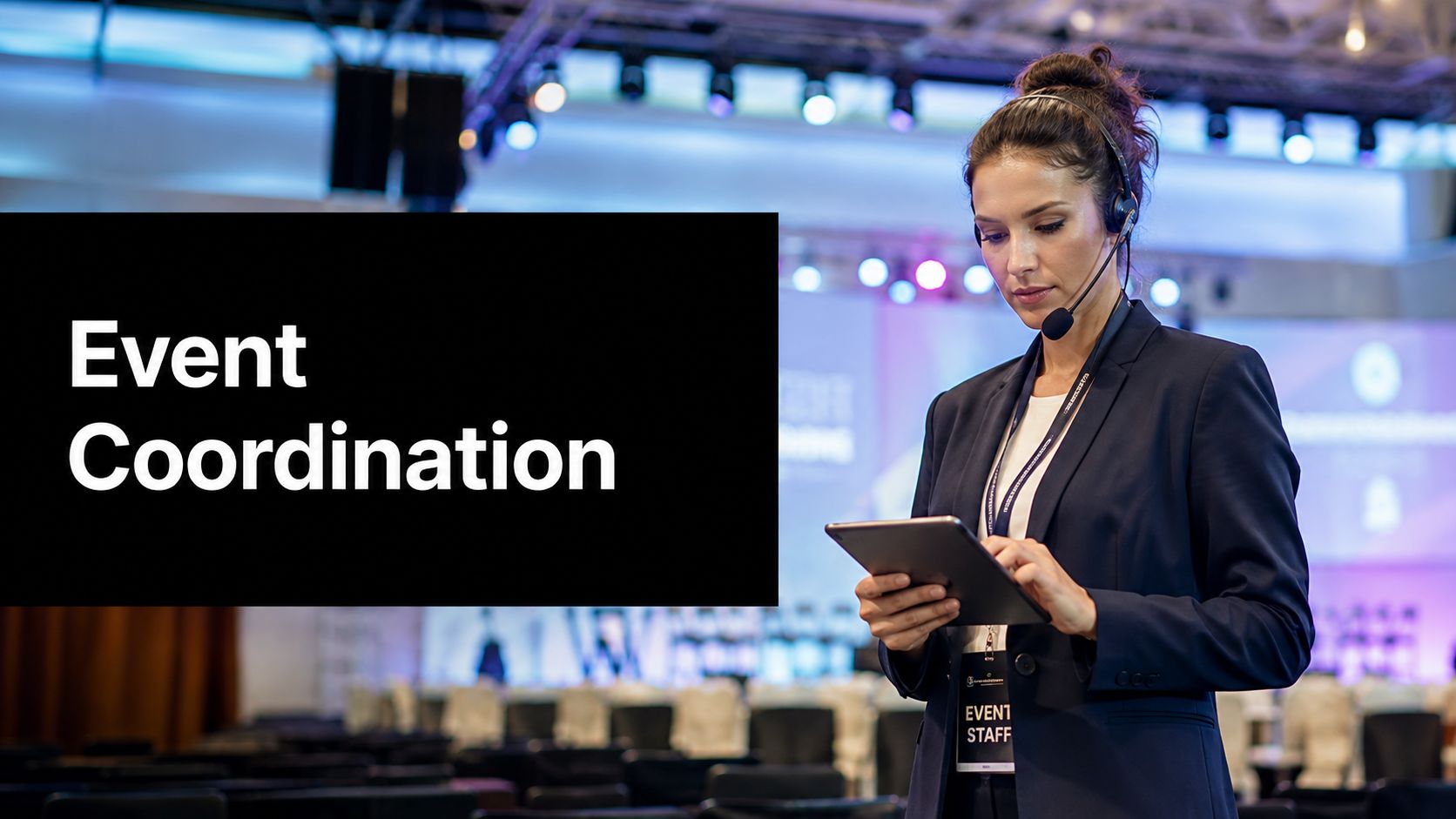
You've got the meeting invite, the venue hold, and the speaker draft, but the event still feels like it could slip sideways the moment one vendor calls in late or the livestream tests fail. That gap between a good plan and a live event that holds together is where event coordination lives. It's the operational layer that keeps people, timing, logistics, and technology moving in the same direction.
Understanding Event Coordination as a Distinct Function
A regional sales kickoff looks straightforward on paper. The agenda is approved, the room is booked, and the slides are ready. Then someone asks for hybrid access, a remote speaker needs a rehearsal, and the client wants translated support for attendees joining from different regions. At that point, the job is no longer just “organizing an event.” It becomes the work of coordinating every moving part so the event can happen without breaking its own schedule or experience.

Event coordination is the execution and integration layer of an event. It connects the plan to the live experience by managing vendors, staff, registrations, permits, logistics, communications, and on-site control of scope, schedule, cost, quality, and risk, which is why it functions like the integration point that keeps the event system within its design constraints (technical definition of event coordination). If those variables aren't synchronized, delays, service gaps, safety issues, and budget overruns can cascade fast.
Practical rule: if the task is about making the event happen in real time, it belongs in coordination.
That's also why coordination is a paid specialization inside a major labor market, not a side duty. In the United States, the Bureau of Labor Statistics counted about 155,800 meeting, convention, and event planners in 2024, and employment is projected to grow 5% from 2024 to 2034 (event planning statistics). Those numbers show a durable operational need, not a one-off task.
For a multilingual event, coordination can also include risk reduction around communication gaps. A useful example is Translators USA LLC risk reduction, because language support isn't just a nice-to-have, it changes how smoothly attendees move through the event.
How Event Coordination Differs From Planning and Production

A small team can blur the lines fast. One person may choose the venue, brief the vendors, and cue the room on event day. The work overlaps, but the responsibilities do not. The clean way to sort them is to ask three separate questions, who sets the direction, who keeps the operation aligned, and who manages the technical build and show flow.
Planning shapes the event
Event planning starts with the decisions that define the event before anyone begins loading equipment or checking in guests. That includes the budget frame, venue choice, theme, attendee goals, and contract direction. The planner decides what the event should be and what experience it is meant to create. The coordinator then makes sure those approved choices can hold up once real vendors, guests, and timing pressures enter the picture.
A helpful way to separate the two is to use a simple operations test. If the decision changes the event's design, it belongs to planning. If the decision keeps the approved design on track once work has started, it belongs to coordination.
Production runs the technical show
Event production handles the technical build. Audio, lighting, video, staging, power, and connectivity sit in that lane. Production teams manage the physical and digital systems that make the room function, and for more complex events they also check compatibility, rehearse cues, and plan for failure points so the show can keep moving if something goes wrong.
A production team can make the room look and sound right, but it still depends on coordination for the surrounding logistics. Load-in windows, dock access, speaker arrival times, room turns, and who gets told about last-minute changes all sit outside the equipment rack, yet they shape whether the technical work succeeds or turns chaotic.
Coordination keeps the system synchronized
Coordination is the control layer between the approved plan and the live event. It manages the run sheet, confirms vendors, tracks registrations, handles last-minute changes, and keeps every group working from the same instructions. In practice, it is the person or function that keeps the event from splitting into separate conversations about people, space, timing, and technology.
A seating chart for professional events shows the point clearly. The design choice may come from planning, but the seating arrangement becomes useful only when coordination turns it into a checked, shared operational document. Guests can be assigned, tables can be balanced, and special requirements can be folded in without creating confusion at check-in or during meal service.
For a small team, the decision framework is straightforward. If the work is about design and direction, it belongs to planning. If it is about technical delivery, it belongs to production. If it is about making the approved event happen, it belongs to coordination.
When a task crosses two or three of those buckets, assign one owner anyway. Shared ownership is where details disappear.
That distinction matters even more in SMBs, where one person often wears all three hats. In that setting, coordination is the function that keeps the event from breaking into separate streams of decisions, one for people, one for place, and one for technology.
Core Responsibilities and Skills Every Coordinator Needs
A good coordinator doesn't just “stay organized.” The role is a control function. It absorbs updates, resolves conflicts, and keeps decisions moving so the event doesn't stall while people wait for someone else to answer. That's why the work shows up in both small meetings and high-stakes corporate programs.
The responsibilities that matter on the ground
The most useful way to think about the job is by system, not by checklist.
- Vendor relationships: confirm deliverables, timing, arrival windows, and escalation paths.
- Staff scheduling: make sure front-of-house, technical, and support teams know where they need to be.
- Registrations: track attendance, changes, and late additions without creating duplicate confusion.
- Permits and venue approvals: keep compliance items from becoming day-of surprises.
- Communications: translate executive decisions into instructions vendors and crews can use.
- On-site control: manage scope, schedule, cost, quality, and risk while the event is live.
Each of those tasks has a downstream effect. If the vendor call time is wrong, load-in slips. If registrations aren't current, seating and catering get messy. If communication is vague, the team starts improvising in different directions.
The skills that make coordination work
Coordination rewards people who can stay calm while others are rushing. It also demands written precision, because a run sheet isn't decoration, it's the operating document everyone follows. Good coordinators can talk to executives in one minute, vendors the next, and a production crew right after that without losing meaning in translation.
The strongest coordinators don't sound busiest. They sound clearest.
Three habits separate strong performers from average ones. They write instructions that leave little room for interpretation. They flag risks before they become visible. They treat every update as something that has to be absorbed into the live plan, not just acknowledged.
That's the measure of coordination quality. Not whether the team was busy. Whether the event stayed intelligible, executable, and recoverable when something changed.
A Typical Coordination Workflow and Timeline
A 12-week corporate conference gives a useful example because the work changes shape over time. Early on, coordination is mostly about clarity. Later, it becomes about control. By the end, it's about speed and clean handoffs.
Weeks 1 to 2, lock the scope
The first deliverable is usually a clean intake summary. Who is the audience, what's fixed, what's still flexible, and what constraints already exist? That's where the coordinator starts collecting contacts, confirming the decision chain, and building the first version of the master timeline.
Weeks 3 to 6, manage vendors and commitments
This phase is heavy on sourcing and confirmation. The coordinator keeps the contact sheet current, checks vendor availability, and tracks who has accepted what responsibility. If there's a transport need, dietary concern, or room change, it gets folded into the plan before it hardens into a problem.
Weeks 7 to 9, turn plans into operating documents
By this point, a run-of-show draft should exist. So should a load-in schedule, a contingency matrix, and a clean list of owners for each segment of the event. Good coordination starts looking boring, which is exactly what you want. Boring means visible, controlled, and not dependent on memory.
Weeks 10 to 12, rehearse and execute
The final stretch is about rehearsal, walk-throughs, and confirming that the live sequence still matches the approved plan. On event day, the coordinator becomes the person who notices what changed first and decides what needs to be fixed now versus after the session ends. After teardown, they gather notes, debrief the team, and capture what needs to be improved next time.
Different team sizes handle this differently. A freelancer may own all five stages. A coordinator in a larger organization may lead the workflow while other people handle production, creative, or executive approvals. The phases stay the same either way.

Hybrid and Virtual Coordination in Modern Events
A hybrid event changes the job because the audience is split between a room and a screen, and the coordination work splits with it. One person may be speaking to people on stage, while another is watching the stream, chat, and timing behind the scenes. If the two sides drift apart, the event feels disjointed even when each piece works on its own.
The operational layer is broader than many newcomers expect. It covers audio, lighting, video, staging, power, and connectivity. If any one of those pieces slips, the audience does not just see a technical hiccup. They feel the event lose shape, the same way a relay race stalls if one runner misses the handoff.
What changes in a hybrid setup
Hybrid coordination starts with deciding what must stay synchronized across the room and the remote audience. The coordinator needs a clear view of who is in person, who is online, and which moments have to land at the same time for both groups. A keynote can happen once, but moderation, Q&A, timing, and chat handling all need separate attention so they do not collide.
A browser-based platform can reduce friction for remote attendees. AONMeetings fits that use case because it supports secure meetings and webinars in a browser, which helps avoid install problems and keeps access simple. Teams that are building online attendance, rehearsals, and speaker handoffs can also use your complete virtual event plan for 2026 as a planning reference.
What coordinators check before launch
Pre-event checks matter more in hybrid events than in a simple in-person meeting. The coordinator verifies camera feeds, mic levels, screen-share permissions, and venue connectivity before anyone steps on stage. That review also includes a fallback path if the live stream drops or a speaker connection fails in the middle of a session.
The job is to keep the moving parts invisible to the attendee. The audience should experience one event, not a stack of workarounds stitched together at the last minute. That takes preparation, and it also takes someone who can translate between the room, the platform, and the people responsible for each side.
For teams that want attendee records, follow-ups, and contact history in one place, why event managers use Recepta.ai is a useful resource for understanding how CRM-connected workflows support coordination.
If the remote audience cannot hear the cue, it does not count as a cue.
Pricing, Hiring Models, and Tools for Event Coordination
Hiring for coordination depends on how much control you need and how many moving parts you're trying to contain. A one-off workshop has different needs than a multi-day conference with speakers, sponsors, and parallel sessions. The right model is the one that matches the complexity of the work, not the prestige of the title.
Common hiring models
| Model | Typical Cost Structure | Best Fit | Key Trade-Off |
|---|---|---|---|
| Freelance coordinator | Project or hourly | Short events, lean teams, focused execution | Limited bandwidth outside the assignment |
| In-house coordinator | Salary and benefits | Ongoing event volume, repeat workflows | Fixed overhead, even in slower periods |
| Full-service agency | Retainer or event-based fee | Large or complex events, multiple stakeholders | Higher cost, less day-to-day control |
For teams that need a repeatable system, tools matter as much as staffing. Coordinators usually rely on registration platforms, project management software, shared calendars, and video tools to keep details visible. In some environments, CRM-connected event workflows help keep contacts, follow-ups, and attendee history in one place, which is why some teams look at resources like why event managers use Recepta.ai when they're deciding how to centralize records.
If you're building an internal event function, the event coordinating business page is a useful internal reference point for thinking about service scope and structure. For video coordination, AONMeetings is one browser-based option with predictable per-user pricing starting at $3.99, along with unlimited meeting time and built-in webinars, which makes budget forecasting simpler when you're trying to avoid surprise usage spikes.
The point of tools isn't to replace coordination. It's to give the coordinator a single view of registrations, owners, deadlines, and communication so they can spend less time chasing updates and more time preventing misses.
Risk, Compliance, and the Real Value of Coordination
People often talk about event coordination as if it's mainly about keeping a schedule on time. That misses the harder part. In healthcare, legal, education, and government settings, the coordinator is also the person watching for safety issues, venue requirements, emergency response steps, and any condition that could interrupt the event or damage trust.
That's why coordination functions like an operational control layer. It catches problems before attendees see them. It manages authority and venue liaison work so approvals don't get lost. It keeps the event inside its guardrails when the room gets crowded, the tech changes, or the speaker runs long.
The value is measured in what didn't go wrong. No lost access point. No missing escalation path. No unmanaged risk that turned into a public problem.
That's especially important now that event work is more operationally complex and more outcome-driven. If budgets tighten or expectations rise, the coordinator's ability to prevent disruption protects both reputation and ROI. Smooth execution is nice, but avoided failure is often the business result.
Putting It All Together and Frequently Asked Questions
If you're deciding whether you need a coordinator, ask three questions. Does the event have multiple vendors or moving parts? Will timing failures create visible problems? Is there any compliance, access, or communication risk? If the answer is yes to more than one, you probably need dedicated coordination, even for a smaller event. A practical internal reference like promotional event ideas can also help teams compare event types before staffing them.
How long does a coordinator stay engaged? Usually from early setup through wrap-up, not just event day.
How do you measure success? By whether the event stayed controlled, on schedule, and recoverable when something changed.
Should a small business hire one for under 100 attendees? If the event has several vendors, speakers, or live technology, yes, because attendee count alone doesn't capture complexity.
What tool gives the biggest lift? A shared coordination workspace that keeps schedule, owners, and communications in one place.
If your team is trying to make event execution calmer and more predictable, AONMeetings gives you browser-based meetings, webinars, and shared controls that fit into a coordination workflow without adding extra software overhead. Visit AONMeetings to see how it can support the planning, rehearsal, and live delivery side of your next event.