
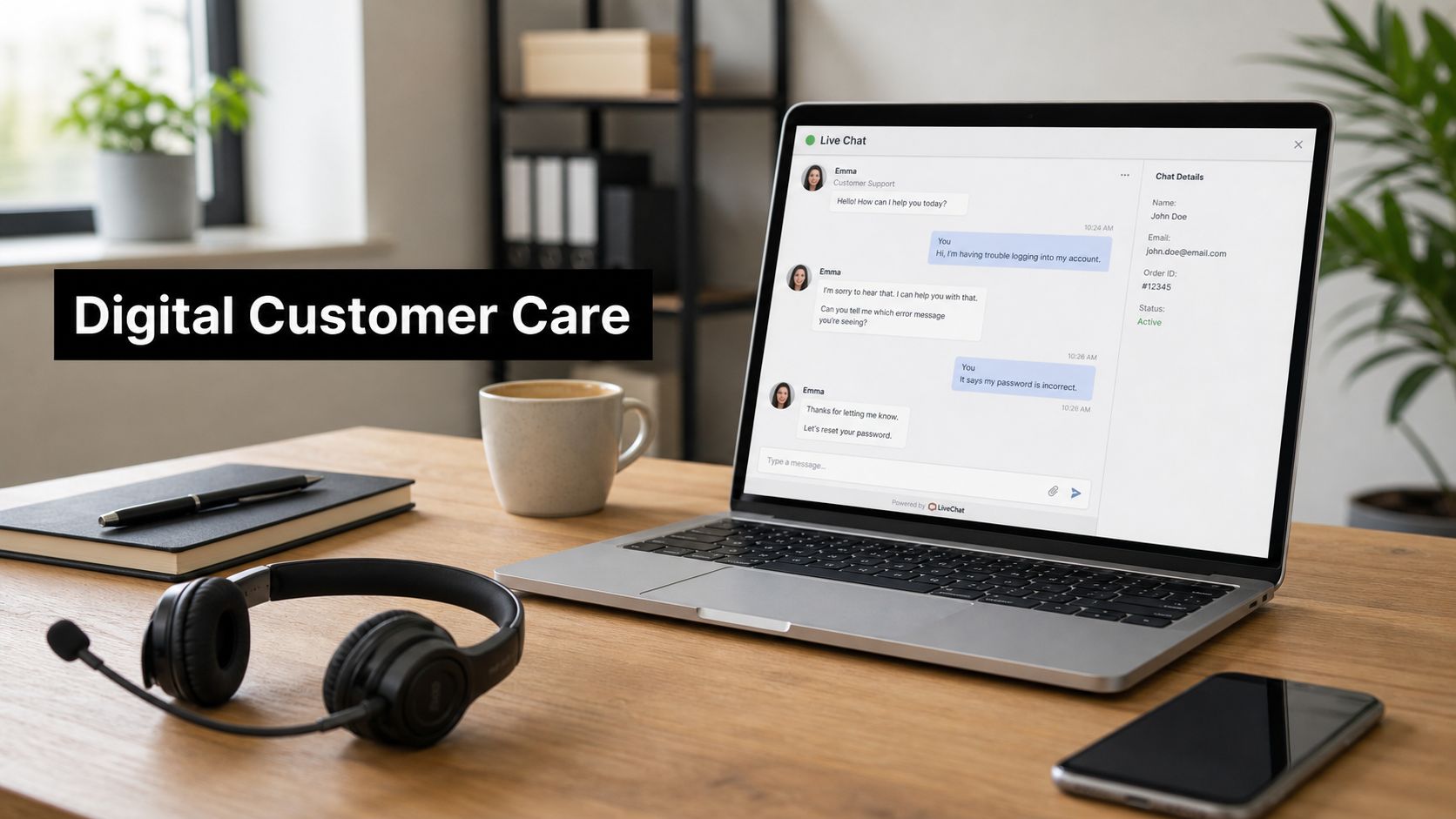
74% of customers expect anything they can do in person or by phone to be possible through digital channels, and 90% rate immediate response as critical. At the same time, 61% of organizations were already using AI in customer service in 2025, up from 46% in 2023 in Deloitte Digital's reporting, which shows how quickly support has moved from manual handling to AI-led service orchestration. Those numbers matter because digital customer care is no longer a side channel, it's the operating model customers already expect.
What trips teams up is that digital care isn't a simple channel list. It's the work of connecting self-service, live chat, email, messaging apps, knowledge bases, and human escalation so the customer doesn't have to repeat themselves when the issue moves from one place to another.
What Digital Customer Care Actually Means
A useful definition starts with a simple idea. Digital customer care is the coordinated delivery of support across digital touchpoints with full context preserved between them. That includes asynchronous channels like email, ticketing, social care, community forums, and knowledge bases, plus real-time channels like live chat, in-app messaging, and video conferencing when the issue needs live attention. It also includes AI assistance, because the goal is not to automate every interaction, but to make every interaction move cleanly to the right place.
The shift in adoption shows why that definition matters. Deloitte Digital reports AI adoption in customer service rose from 46% in 2023 to 61% in 2025, and says chatbots are often the entry point for AI in service operations. That points to a change in how support teams work. They are moving from “answer the phone and reply to email” toward a more coordinated service system. Deloitte Digital's customer service excellence trends report
Practical rule: if a customer has to re-explain the issue after moving channels, the care model is broken, even if each individual channel looks busy and responsive.
The working model behind the term
Digital customer care works more like a control tower than a storefront. A storefront offers options, while a control tower decides where each request should go, when a human needs to step in, and what information should travel with the case. That distinction is why channel strategy alone falls short.
A customer might start with a knowledge base article, move to chat, then escalate to email or video without losing the thread. If the workflow is designed well, the customer experiences one journey. If it isn't, they experience a series of disconnected handoffs. The operational task is to keep the case identity, history, and next step intact as it moves.

Channel preference among consumers
| Channel | Share of Consumers Preferring It |
|---|---|
| Live chat | 41% |
| Phone | 32% |
| 23% |
Those preferences line up with the broader expectation for speed. Other 2025 customer-service data shows 90% of customers rate immediate response as critical, and 60% define immediate as within 10 minutes or less. Customer support statistics and trends for 2025
A practical way to read those numbers is this. Digital care is not a row of separate tools, it is a routing system. The job is to direct simple questions to fast self-service or chat, preserve context when an issue needs a longer thread, and send higher-risk cases into the right human queue before the customer has to start over. Pebb communication insights
Once you see digital care as an orchestration discipline, the decisions around channel choice, compliance, and measurement fall into place.
The Core Channels and When to Use Each
A customer asking for a quick order update is asking for a very different kind of help than a patient, client, or student who needs a live consultation. The channel should match the work. Channel choice should match issue complexity, urgency, and risk, because a short status check, a billing correction, and a compliance-sensitive conversation do not belong in the same queue.
Use chat for fast, low-friction questions
Live chat is the right fit for quick answers, order updates, status checks, and simple account clarifications. It keeps the conversation visible on screen, which helps both the customer and the agent stay oriented. When the issue starts to require back-and-forth troubleshooting, chat can still work if the agent has the full case history and can route the conversation without making the customer repeat the basics.
For a plain-language overview of how chat fits into support operations, Pebb communication insights gives a useful frame for digital communication inside customer care teams. For a more tactical view of live chat itself, this live chat guide is a useful companion.
Use email and ticketing when the issue needs detail
Email fits cases that need documentation, longer explanation, attachments, or internal review. Employment disputes, billing corrections, and policy exceptions usually belong here because the thread may need auditability and a slower, more deliberate response. A good ticketing flow also prevents the customer from repeating the same details every time the issue moves between agents.
Use messaging and social channels for convenience
Messaging apps, SMS, and in-app messaging work well for lightweight, mobile-first contact. Social care matters when a customer wants visibility or prefers to reach out where they already spend time. These channels are useful, but they need clear ownership and tight routing, or simple questions can turn into public complaints.
Use video when the stakes go up
Video earns its place when the conversation needs trust, face-to-face nuance, screen sharing, or document review. That includes telehealth, parent-teacher meetings, depositions, compliance-sensitive consultations, and other cases where emotion or complexity rises enough that text stops being efficient. In these situations, video serves as the escalation layer for cases where seeing and hearing each other in real time makes a meaningful difference.
The channel also changes the operational risk. A text thread can carry a status update, but a live video session can surface confusion, verify identity, or support a sensitive review in the same conversation, which is why healthcare, legal, education, and enterprise teams often reserve it for higher-stakes work. In practice, that means the team needs to think about routing, consent, and recordkeeping before the meeting starts.
The right channel is the one that removes effort from the customer while still preserving control, context, and compliance for the team.
Technology and Integrations That Power Digital Care
A digital care stack only works when its layers line up. The CRM stores the customer record, the routing engine moves work to the right place, analytics show where interactions slow down, and the knowledge base plus chatbot layer handles repeatable questions before an agent has to touch them. If one layer is strong and the others are weak, the whole system feels inconsistent to customers.
The stack in practice
| Layer | Primary Job | Example Capability |
|---|---|---|
| CRM | System of record | Customer history, case notes, account context |
| Routing engine | Queue and assign work | Presence, prioritization, supervisor visibility |
| Analytics layer | Reveal patterns | Interaction scoring, topic trends, resolution signals |
| Knowledge and chatbot layer | Deflect and assist | Self-service answers, guided flows, agent support |
Implementation details matter more than many expect. Microsoft's omnichannel documentation notes that web clients need Chromium-based browsers, and that agent presence and supervisor functions depend on third-party cookies being allowed. It also specifies voice and video workloads need at least 4 Mbps down and 8 Mbps up, with 8/16 Mbps recommended. That means a clean CRM setup can still fail in practice if browser policy blocks cookies or the network can't carry media reliably. Microsoft omnichannel system requirements
Before scaling any digital channel, validate a few basics:
- Identity and access: single sign-on, role permissions, and audit logs.
- Workflow connections: webhook or API access, calendar integrations, and case updates.
- Conversation continuity: transcript storage, recording retention, and searchable interaction history.
- Embedded experience: the ability to launch a video room or consultation inside the case or ticket record.
- Browser and network readiness: compatible browsers, allowed cookies, and enough capacity for media traffic.
AONMeetings' computer telephony integration software overview is one example of how teams think about embedding live communication into support workflows, but the broader principle matters more than any single tool. The architecture has to keep the handoff visible, not hidden behind disconnected systems.
Compliance and Security Considerations
Compliance isn't an afterthought in digital customer care, it's part of the channel design. If the workflow handles health data, payment data, student records, or attorney-client conversations, the platform choice and the process design have to protect those interactions from the start. The easiest mistake is assuming a secure policy document can compensate for an insecure default.
Match the workflow to the regulation
HIPAA matters in healthcare, which means telehealth, patient follow-ups, and document sharing need controls that protect patient health information. GDPR shapes how EU data subjects give consent and exercise rights, so care teams need careful handling of recordings, transcripts, and retention. PCI DSS applies to payments, which means cardholder data shouldn't drift into chat transcripts or general notes.
Education teams have their own constraint set through FERPA, which affects student records and advising sessions. Legal services add another layer, because attorney-client privilege isn't just about confidentiality, it's about who can see the conversation, where it's stored, and how it's documented.
Make the safe path the easy path
That's why browser-based, enterprise-class video platforms are often the practical choice for regulated teams. Waiting rooms, moderator controls, end-to-end encryption, and granular permissions reduce the chance that a staff member forgets a step under pressure. If the platform bakes safety into the default experience, compliance becomes part of the workflow instead of a separate burden.
Compliance failures usually come from poor defaults, not from missing policy language.

For teams using video in regulated support flows, the practical standard is simple, build the workflow so a customer can enter the right room, share the right document, and leave a usable record without exposing data to the wrong audience. The platform should make that the default, not a special exception.
KPIs and Measurement Frameworks
Support teams often measure digital care with labels that sound precise but hide the actual story. CSAT, FCR, AHT, deflection rate, and NPS all matter, but each one can mislead you if you read it alone. A fast interaction that ends in a repeat contact is not efficient, and a deflected case that leaves the customer stuck is not a success.
Measure the journey, not just the channel
Channel-level metrics show what happened inside chat, email, or video. Journey-level metrics show what happened across all of them together. That distinction matters when a customer starts in self-service, moves to chat, gets escalated to email, and finally finishes in a video room, because the experience spans more than one queue.
The challenge gets sharper once automation enters the flow. Deloitte Digital notes that chatbots are often the entry point for AI in service operations, so deflection should never be judged on its own. If a bot reduces live-agent volume but increases repeat contacts or escalations with missing context, the apparent win is only a reshuffled workload.
Use each metric for what it can tell you
- CSAT: useful after resolution, but it should be split by journey type so you can see where satisfaction drops.
- FCR: helpful for spotting repeat-contact problems, but only if the definition includes cross-channel follow-up.
- AHT: valuable for operational planning, though it can reward speed over completeness if used alone.
- Deflection rate: useful for self-service and chatbot design, but it needs a check on escalation quality.
- NPS: good for relationship health, not for diagnosing a broken workflow on its own.
If you want a deeper operating view of contact-center performance measures, this KPI resource gives a practical reference point.
The strongest scorecard leaves room for both efficiency and resolution quality. If a channel looks fast but creates extra work later, the metric should show that tradeoff instead of hiding it.
A Stepwise Implementation Roadmap
The fastest way to stall digital care is to add tools before you understand the journey. Teams that do this usually get more channels, more handoffs, and more confusion. A better approach is to start with the customer path, then add the technology that removes friction from that path.
A six-stage rollout that reflects real operations
- Map the top customer journeys. Start with the five that create the most friction, because that's where support volume usually hides the most pain.
- Quantify where they break. Look for repeated transfers, abandoned chats, unresolved tickets, and cases that bounce between teams.
- Choose the first two journeys to fix. Don't add a new channel until you know which problem it's meant to solve.
- Stand up the routing backbone. CRM, queue logic, analytics, and knowledge access should be in place before self-service expands.
- Pilot self-service and chatbot flows only on repeatable issues. If a problem isn't stable enough to automate, keep it human-led for now.
- Design escalation with full context handoff. The agent should see the conversation history, customer profile, and prior actions without asking the customer to start over.
BCG's guidance is useful here, because it argues that many live-agent contacts come from broken digital journeys, not from issues that need a person. That means a chatbot-first mindset often treats the symptom, not the cause. BCG's digital customer service guidance

A simple maturity view
A beginner team usually has separate channels with separate notes. A developing team has some routing and a knowledge base, but not much consistency. An optimized team connects channels, preserves context, and measures the whole journey. That's the target.
Sector Examples and Where Video-First Tools Fit
The same orchestration pattern shows up in very different industries. The tools change, the risk changes, and the language changes, but the logic stays the same, routine issues are deflected, assisted channels handle the bulk, and secure video carries the high-stakes moments.
Healthcare
A patient portal can handle appointment questions and basic pre-visit guidance, while chat helps with simple administrative issues. When a clinician needs to review imaging, talk through symptoms, or guide a patient through a telehealth visit, a browser-based video room with waiting-room controls is the better fit. In that setting, a platform such as AONMeetings can support a secure, no-install consultation flow with screen sharing, document sharing, transcripts, and waiting-room controls.
Legal
Legal teams often start with email or secure intake forms because clients need to attach documents and describe the matter carefully. If the discussion becomes sensitive, encrypted video with controlled entry and matter-specific records helps maintain continuity and auditability. The key is not just privacy, it's traceability.
Education
Advising offices and student support teams use digital care differently from a retail contact center. Messaging and email are useful for scheduling and policy questions, while video fits office hours, counseling, parent meetings, and high-context advising sessions. FERPA-aware recording and transcript handling matter because students and families expect continuity without exposure.
Enterprise support
Enterprise teams usually see the same pattern at a different scale. Chat and email handle the bulk of account, billing, and access questions. Video becomes the last layer when the issue involves security review, implementation troubleshooting, or a customer who needs to see a shared screen and walk through the problem live.
The common thread is architectural, not cosmetic. Each sector needs one workflow, not three disconnected systems, and the video layer should sit inside that workflow instead of living off to the side.
Practical Tips and Habits for Improving Digital Care

The most reliable improvements come from habits, not from a grand redesign. Teams that review real conversations usually find more broken journeys than they expected, and they fix them faster because they are looking at actual work, not just dashboards. That kind of review also shows where routing breaks down, where customers lose context, and where a handoff needs to carry more detail.
Six habits worth building now
- Read your own transcripts monthly. Look for the places where customers get stuck, repeat themselves, or get handed off without context.
- Build a feedback loop from support to product. If the same issue keeps appearing, it is usually a product or journey problem, not just an agent problem.
- Equip agents with real-time guidance. Give them the information they need while the conversation is happening, not after.
- Measure customer effort, not just speed. A short interaction that creates follow-up work is not a real win.
- Curate the knowledge base relentlessly. Old articles create bad answers, even when the bot or agent is well trained.
- Audit channel health regularly. Check whether chat, email, and video are resolving the right issues, or just moving them around.
The safest digital care models do not rely on memory, they rely on defaults that protect the customer automatically.
If your team is building secure, browser-based video into a wider support workflow, AONMeetings offers meetings, webinars, waiting rooms, recordings, transcripts, and security controls that fit regulated collaboration. Explore AONMeetings if you want a practical way to connect video escalation, compliance, and customer support inside one browser-based environment.