
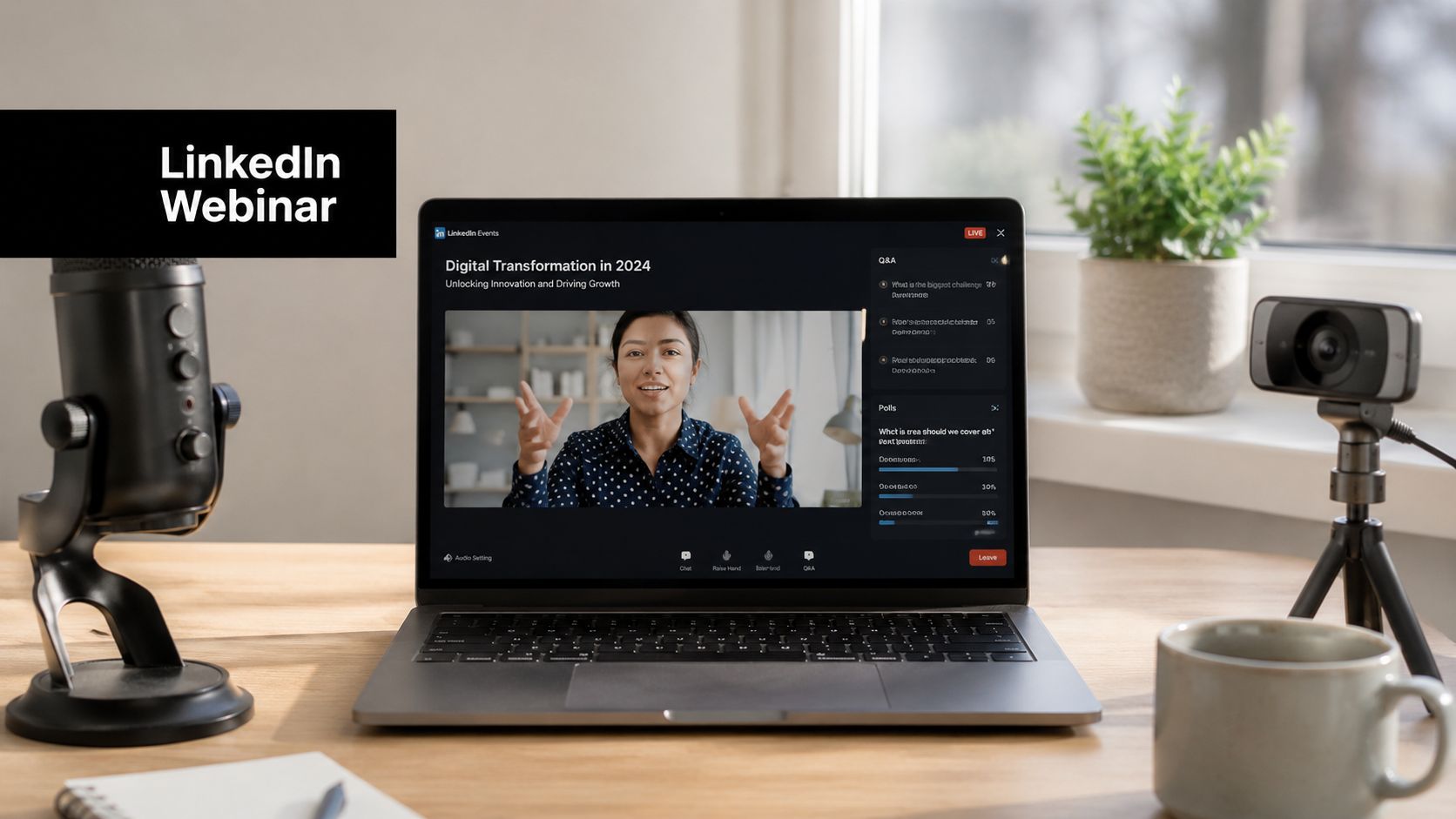
You're staring at three browser tabs, a calendar invite, and a LinkedIn event page that still isn't behaving. The speaker is asking about the stream link, marketing wants the post copy, and someone in IT is asking who owns the page permissions. That's a normal day for a webinar on LinkedIn, and the difference between a smooth launch and a messy one usually comes down to configuration, not content.
LinkedIn has become a serious webinar channel because the numbers support it. LinkedIn's own webinar benchmark roundup says the average webinar audience reached 216 attendees in 2024, up 7% year over year, with a 57% registration-to-attendee conversion rate and 51 minutes of average engagement. It also says Q3 produced the biggest lift, with average attendance rising to 229 attendees per webinar from 192 the prior year, a 19% increase. That makes LinkedIn webinars more than an awareness tactic, they can hold attention for almost an hour and turn more than half of registrants into live attendees, which is a real baseline for enterprise marketing, training, and lead generation. LinkedIn's 2025 webinar benchmark discussion shows the format improved across the year, not just in one isolated quarter.
The platform also matters because professional audiences already use LinkedIn to find event content. LinkedIn documented a 120% year-on-year increase in content promoting webinars on its platform when comparing Q1 2020 with Q1 2019. That growth happened as teams moved from in-person events to digital formats at scale, and it's part of why LinkedIn still functions as a discovery layer for B2B webinars.

Why LinkedIn Webinars Deserve a Spot in Your Strategy
A first-time organizer usually starts with a simple goal, fill the room, then realizes the work is getting the stream approved, the event configured, and the follow-up structured. That's where a webinar on LinkedIn stops being a marketing experiment and becomes an operating system for professional events. The platform is useful because it sits close to the audience you want, people who already expect business content, product education, and industry discussion.
What the benchmark numbers really mean
The benchmark data gives you a sane expectation. If your first event gets nowhere near 216 attendees, you're not automatically failing, but you now know what LinkedIn's own benchmark environment looks like in mature markets. A 57% registration-to-attendee conversion rate means the live audience is usually a meaningful share of the people who raised their hand, which is why reminder emails, calendar nudges, and clean event pages matter so much. LinkedIn's webinar benchmark roundup also shows 51 minutes of engagement on average, so the format can hold attention long enough for a real demo, panel, or teaching segment.
Practical rule: don't judge LinkedIn webinars like social posts. Judge them like scheduled meetings with a qualified audience.
Why the channel fits B2B better than generic promotion
LinkedIn's professional graph makes it easier to reach people by function, company, and industry context than a broad social channel does. That doesn't guarantee attendance, but it does mean the event page, the speakers, and the comments all carry business relevance in a way that general-purpose promotion often misses. Teams that used to rely on in-person conferences now lean on LinkedIn because the platform supports both discovery and credibility at the same time.
The bigger shift is strategic. A webinar isn't just a one-off event, it's an asset that can drive education, account engagement, and post-event follow-up. When LinkedIn promotion is matched with a strong stream setup and a disciplined replay plan, the event becomes part of a longer pipeline motion instead of a single live audience spike.
Prerequisites and LinkedIn Live Access Configuration
LinkedIn Live is less forgiving than you might expect. Before anyone talks about slide decks or speaker intros, you need to verify who has permission to create the event, connect the streaming tool, and publish the broadcast. LinkedIn's own workflow is explicit, organizers must choose a streaming tool, connect it, create the event, set up the livestream, and only then go live, so the sequence matters just as much as the content itself. LinkedIn's event setup guidance makes clear that access and platform capabilities need to be checked in advance, which is why webinar production on LinkedIn is partly a permissions problem.
Get the access layer right first
The cleanest setup starts with ownership. If your company page is hosting the event, the person configuring the stream should have the correct admin role on that page, and the team should know who owns the event if someone is out sick on launch day. Personal-profile streaming and organization-page events are not interchangeable in practice, so teams need to pick one path and stop switching between them mid-production.
That's also where a browser and playback resource helps. For teams checking video formatting and distribution constraints, LinkedIn video specs for 2026 is a useful reference because it helps avoid last-minute confusion about upload and display expectations.
A simple configuration order
Use this order every time:
- Confirm permissions. Verify the right admin or event ownership before any stream is created.
- Connect the streaming tool. Authorize the approved platform or encoder.
- Create the event. Set title, description, and audience details after access is confirmed.
- Set up the livestream. Link the stream destination and recording options.
- Test the handoff. Make sure the right people can see the event and the live controls.
Skipping one step usually creates avoidable friction later, especially when a host thinks the event is ready but the stream key hasn't been approved. In enterprise teams, that's rarely a content problem. It's usually a role conflict, a stale connection, or a missing confirmation that the correct page owns the event.

Connecting Your Webinar Platform via RTMP Streaming
RTMP is the part of the workflow where first-time hosts usually discover how many moving pieces are hiding behind a simple “Go Live” button. If you're using a webinar platform or encoder, the goal is straightforward, pull the stream key and server URL from LinkedIn, enter both into your platform's broadcasting settings, and confirm the connection before the event starts. A technical explainer like what RTMP is and how it works can help junior producers understand why the stream needs a destination and an encoder before LinkedIn can receive anything.
Build the connection deliberately
Start by copying the server URL and stream key from LinkedIn into the RTMP settings of your webinar platform. Then verify that the software is set to send to the correct destination, because the most common mistake is a valid key paired with the wrong event or a stale event destination. After that, run a private or unlisted test stream if your tool supports it, and confirm that the preview shows audio, video, and slide switching the way you expect.
Browser-based platforms add another layer. Some teams use Chrome, others use Edge, and the practical answer is simple, test the exact browser and device you'll use on launch day. If your encoder or browser-based studio handles camera selection, microphone permissions, and multi-camera switching, validate all of those before the live window opens.
Rehearsal is not optional
A real rehearsal needs to cover three things, not one. First, the stream key connectivity itself. Second, the recording setup, because a live event with no recording is a wasted asset. Third, any multi-camera or screen-share handoff, since that's where presenters often freeze or accidentally expose the wrong window.
Run the rehearsal like a live broadcast, not like a meeting. If the audience would notice it, your tech check should catch it.
Security also matters here. Enterprise teams should use meeting lock features, waiting rooms, and end-to-end encryption where available inside the webinar platform before the stream is sent publicly to LinkedIn. That keeps the internal production side controlled while the external broadcast remains public. The public-facing LinkedIn audience only sees the stream, not the operational complexity behind it.
Promoting Your Webinar on LinkedIn Without Audience Fatigue
Most LinkedIn webinar promotion fails because teams confuse visibility with repetition. Posting the same invite over and over creates fatigue fast, especially when the audience already sees a lot of promotional noise in their feed. An independent guide on LinkedIn webinar post strategy describes the more useful pattern as mostly giving value, using one direct invite, and avoiding repeated bare asks, which matches what tends to work in practice.
Sequence the posts, don't spam them
The best organic promotion starts two to three weeks before the event and changes tone as the date gets closer. Early posts should explain the problem, not the event. If the topic is relevant, people engage because the issue is worth discussing, not because they were told to register.
Use the middle of the campaign for value preview. That can be a short opinion from the host, a practical insight from the slide deck, or a speaker note that shows why the webinar matters. The closer you get to the event, the more direct your ask can be, but it still needs a reason. One clean invitation beats five lazy reminders.
A simple way to think about it is this:
- Teaser posts should surface the pain point.
- Speaker spotlights should add credibility.
- Agenda reveals should remove uncertainty.
- Final reminders should be direct and brief.
Use native event mechanics well
LinkedIn Events help here because the event page becomes the central registration point, not just a social post. Tagging speakers and partners expands reach without needing paid distribution, but the copy still has to earn attention. The registration description should make the value obvious in the first few lines, because that's where the audience decides whether the event is worth their time.
The registration-to-attendee benchmark of 57% from LinkedIn's webinar roundup is a useful reminder that sign-up doesn't guarantee live attendance. LinkedIn's benchmark discussion suggests the core job of promotion is not only to get registrations, but to keep them warm enough to show up. That means reminder emails, LinkedIn comments, and event updates all matter as much as the original invite.

Designing for Lead Quality and Measurable Pipeline Outcomes
Attendance feels good. Lead quality pays the bills. That's the gap most webinar programs don't close, especially when the strategy is built only around promoting the session rather than qualifying the audience. LinkedIn's webinar guidance emphasizes engaging formats, strategic registration questions, active chat, and post-event follow-up, but the key question is which signals separate casual attendees from high-intent accounts. LinkedIn's webinar delivery guidance points toward the right ingredients, but teams still need a practical scoring model.
Qualify without killing sign-ups
The registration form should ask enough to help sales, but not so much that it repels sign-ups. Firmographic fields that map to account fit, job role, company size, and urgency usually matter more than decorative details. If a form feels like a tax return, it will suppress conversion. If it asks nothing useful, sales gets noise.
A smart approach is to ask only for fields your follow-up team will use. Then pair that with live engagement signals, such as chat participation, Q&A activity, and poll responses. When those signals are combined with LinkedIn profile context, they create a much better view of intent than attendee count alone.
For teams that want a deeper framework on form design and capture mechanics, capture leads from webinars is a useful companion read because it focuses on the mechanics of turning interest into usable lead data.
Treat replay behavior as a qualification signal
Replay viewing tells you something different from live attendance. A registrant who watches the recording and returns to key moments later is showing follow-through that deserves attention. That's one reason the live event should feed an on-demand workflow, not stop at the broadcast.
Practical rule: the highest-intent leads are usually the ones who register, participate, then come back for the replay.
Follow-up should split by behavior. Live attendees can get a shorter thank-you message and a next-step offer. Replay viewers may need a more educational nudge, since they already showed they were interested but couldn't attend live. If your CRM and LinkedIn outreach are aligned, those paths become much easier to manage. AONMeetings' lead generation funnel guidance fits naturally into that kind of workflow because it connects webinar activity to downstream qualification and follow-up design.
Pre-Event Checklist and Common Troubleshooting Fixes
The final 24 hours before a LinkedIn webinar are where small mistakes turn into public problems. A missed permission, a late tech check, or a tool mismatch can wipe out a clean launch even when the content is strong. Independent practitioner guidance recommends a 15 to 30 minute pre-event tech check, and that window should be used for the things that break streams, not for rehearsing the full presentation.
Run this checklist before the room opens

- Technical Setup. Test audio levels, camera framing, and internet stability. If you skip this, you'll discover feedback, clipping, or a frozen frame in front of the audience.
- Platform Permissions. Confirm LinkedIn Live access is active and the streaming software is connected. If you skip this, the stream may never reach the event page.
- Content Finalization. Load slides, keep speaker notes ready, and mute participant mics where applicable. If you skip this, presenters will stall while searching for files.
- Contingency Plan. Assign a backup stream link and a person to watch chat and troubleshoot live issues. If you skip this, one technical fault can slow the whole event.
Fix the common failures fast
If the stream key is rejected, re-check that the key matches the correct event and wasn't pasted with hidden spaces. If audio drops out, verify the selected microphone inside the studio, not just the browser permissions. If browser encoding fails, switch to the approved browser and retest the camera and mic devices before the live window starts.
Two other problems show up often. If recording doesn't start, confirm the platform's recording toggle is on before going live. If the LinkedIn event page isn't updating, refresh the connection and make sure the event ownership still matches the authenticated account.
The practical risk nobody likes to talk about is the timing of the final event link. Hosts may not receive the final link until close to launch, so last-minute coordination should assume the link can arrive late. That's another reason the stream owner, the moderator, and the backup technician all need a clear handoff before the broadcast begins.
Maximizing Long-Tail Value with On-Demand Replay Strategy
Treat the live webinar as the start of distribution, not the end of it. That matters because on-demand webinars generate more views and more questions than live-only sessions according to ON24's 2024 benchmark reporting, which is exactly why the replay often outlives the live audience. The strongest programs don't ask whether the event was “successful” on launch day. They ask how much value the recording will keep producing over time.
Make the event page work after the livestream
Once the live session ends, update the LinkedIn event description with the key takeaways, the replay link, and a clean summary of what people missed live. If the platform supports it, embed or feature the recording prominently so visitors don't have to hunt for it. The replay needs its own promotional cycle, because many of the people who care about the topic won't be available at the original start time.
The most effective repurposing angle is usually not the whole webinar, it's the moments where the speaker made one sharp point. Those clips can become follow-up posts, newsletter highlights, or short video snippets that direct traffic back to the full recording. A single event should feed a broader content system, not sit as a one-time archive.
Keep the distribution loop open
The replay phase is also where lead capture gets a second chance. People who skipped the live version may still convert if they see the recording attached to a new post, especially if the post starts with a takeaway instead of a sales pitch. That's why the webinar on LinkedIn should be designed with repurposing in mind from the beginning, not as an afterthought once the cameras stop.
AONMeetings gives teams a browser-based way to host webinars, manage registrations, and stream through RTMP without forcing every attendee or presenter into a heavyweight setup. If you're planning a webinar on LinkedIn and want one platform for the live event, recording, and follow-up workflow, visit AONMeetings and review how its webinar and streaming features fit your production process.