
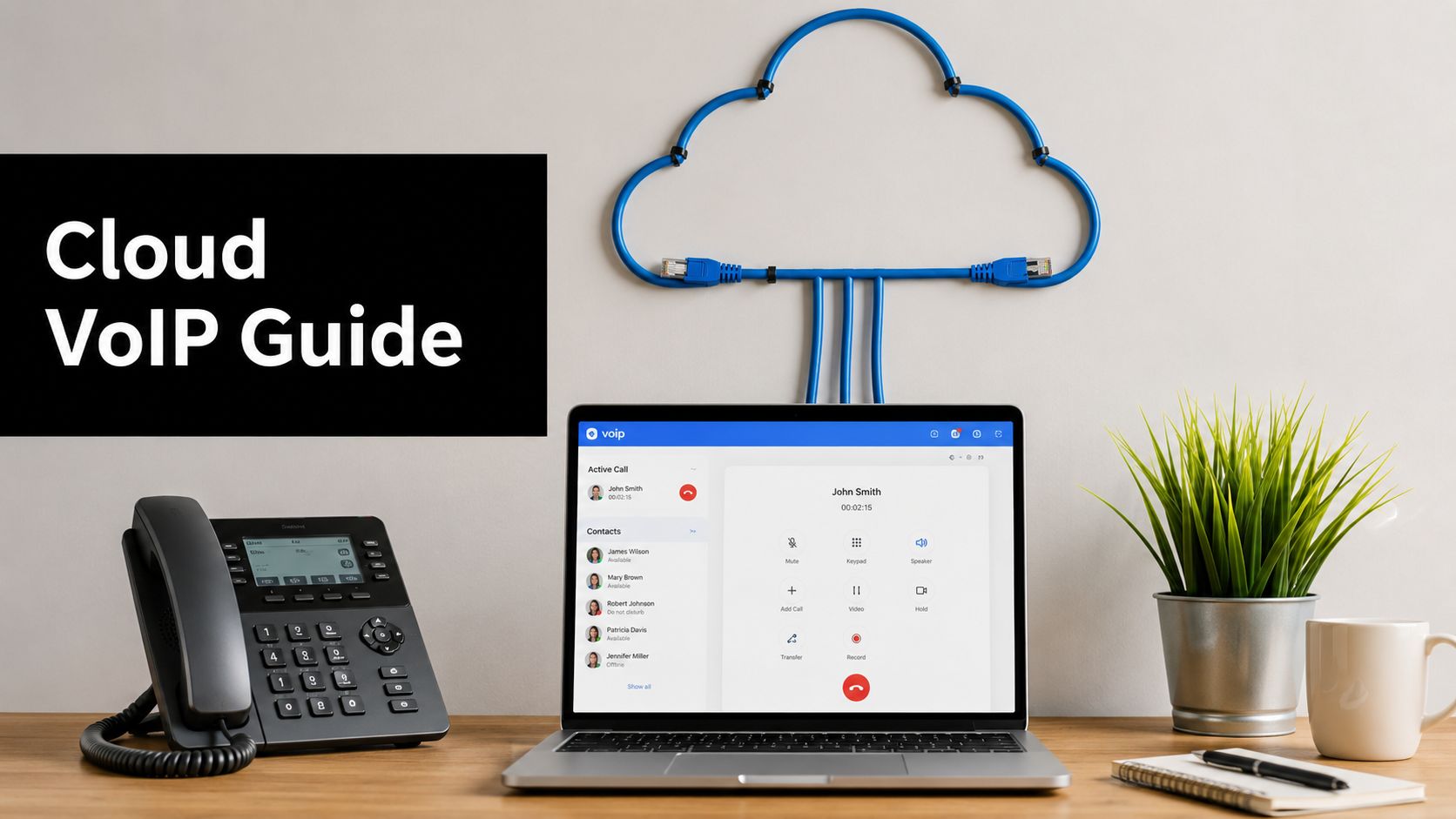
Your office phones ring, but the system behind them is older than the laptops on your team's desks. The carrier bill still arrives every month, someone in the office still worries about the phone closet, and every time a line drops, the same question comes up, should this still be so hard?
A cloud VoIP system is the clean answer to that problem, but only if you understand what you're buying. It's not just a cheaper phone plan. It's a move from owning fragile on-site telephony gear to subscribing to voice service that runs over the internet, with the calling platform hosted in a provider's data center instead of your server room. That shift changes cost, maintenance, resilience, compliance, and how your team works every day.
What a Cloud VoIP System Is

A business owner usually notices the issue in two places, the phone closet and the monthly bill. One looks costly to replace, the other looks costly to keep. A cloud VoIP system addresses both by moving the phone system's control layer off-site and carrying calls over the internet instead of old circuit-switched phone lines.
A cloud VoIP system is voice service delivered from a provider's infrastructure, while your office uses phones, headsets, or apps to place and receive calls. The provider runs the call routing, manages the service, and keeps the platform updated. Your team still uses the phones, but the PBX gear no longer sits in your server room.
The shift from dedicated voice circuits to packet-based calling has roots in the mid-1990s, when VocalTec released Internet Phone in 1995, the IETF began formal SIP work in 1996, and RFC 2543 in 1999 helped SIP become a core signaling standard for business deployments see the evolution of SIP and VoIP technologies.
Renting an apartment works similarly
Owning a house means you handle the roof, the furnace, and the repairs. Renting an apartment means someone else maintains the building, but you still rely on the landlord's systems. A hosted phone platform works the same way, your office does not own the PBX hardware, the provider does.
That setup makes the service feel lighter after it is deployed. Users make and receive calls from desk phones, softphones, or mobile apps, while the provider handles routing, updates, and most of the backend plumbing. If you want to see how voice fits into broader collaboration tools, browse CallZent's CCaaS insights and compare that model with a broader cloud communication platform approach.
A cloud phone system still depends on your network and on the provider's service design. If the office router is overloaded, if internet service is unstable, or if the platform is built without enough attention to compliance controls, call quality and recordkeeping can suffer. That is why the fundamental question is not just where the phone system lives, but what else it must connect to and what risks your business has to manage.
Practical rule: if your team cannot point to the place where call control lives, it is probably in the cloud, not in your office.
How a Cloud VoIP System Works Under the Hood

The moving parts are easier to understand if you separate them by job. SIP is the signaling layer, so it's the knock on the door. Codecs are the language your voice gets translated into. SBCs, or session border controllers, act like security checkpoints at the edge of the network. The cloud provider's data centers then act as the hosted PBX, the place where call logic, routing, and failover live.
A user starts a call on a desk phone or softphone. The device sends signaling to the provider, the provider sets up the call path, and the voice itself travels as data packets over the internet. The far end then reassembles those packets into audio. That's the short version, and it's why broadband alone doesn't guarantee clean calls, because the path, the codec, and the provider's handling all matter.
Why the provider's network matters
The public internet is only part of the story. A cloud provider can have excellent call handling on its side, but if your local router is overloaded or your office network is noisy, the call still suffers. That's why voice systems depend on more than raw connectivity, they depend on how traffic is prioritized and how cleanly packets move end to end.
For that reason, people comparing old PBX setups with cloud voice should also compare support models. A business that wants to keep a legacy phone core and add internet calling may look at SIP trunking fundamentals, while a team replacing the whole phone layer usually cares more about managed cloud routing, security controls, and failover design.
Useful shortcut: if your provider can't explain what happens during an ISP outage, it's not enough to ask about features, you need to ask about architecture.
Voice Quality, Bandwidth, and the Numbers That Matter
A cloud VoIP rollout can look fine on paper and still frustrate users on Monday morning. The phone system may be healthy, but if the office network is crowded, voice packets arrive late, out of order, or not at all. That is when people hear robotic audio, clipped words, and awkward pauses.
The numbers that matter are codec choice, latency, jitter, and whether voice traffic gets priority on the network. CALNET's cloud-hosted VoIP requirements call for low-latency codecs such as iLBC and Opus, and they set Mean Opinion Score, or MOS, at 3.7 or higher as a practical minimum for acceptable enterprise call quality CALNET cloud-hosted VoIP requirements. That is a useful benchmark because a business can have enough raw internet speed and still get poor voice if packets arrive unevenly or too late. The phone call is more like a relay race than a water pipe, each packet has to reach the other side in order and on time.
The thresholds that usually decide call quality
| Metric | Acceptable Threshold | Why It Matters |
|---|---|---|
| Bandwidth per concurrent call with G.711 | About 100 kbps | Helps size voice capacity before users start competing for the same link RingOffice benchmark |
| Bandwidth per concurrent call with G.729 | Roughly 30 to 50 kbps | Lowers bandwidth use when many calls run at once |
| One-way latency | Below 150 ms | Keeps conversations from feeling delayed |
| Jitter | Below 20 ms | Reduces choppy, uneven audio |
| MOS | 3.7 or higher | Practical floor for acceptable enterprise call quality |
That table gives buyers a simple way to pressure-test a quote. A provider can promise plenty of capacity, but voice quality still depends on how that capacity behaves under load, how the codec compresses audio, and whether the network can keep packets moving smoothly. For a more detailed check before you upgrade the office circuit, review internet speed requirements for cloud calling and compare them with the provider's voice design.
The trade-off often surprises non-technical buyers. Higher bandwidth can help, but it does not fix a congested router, a bad Wi-Fi layout, or a network path that gives video, file sync, and voice the same priority. If the call path is shared with everything else in the office, voice gets stuck in the same traffic jam.
Practical rule: if the office has enough bandwidth but calls still sound rough, the fix is usually QoS, codec choice, or network path design, not a bigger internet plan.
Some teams also need voice to fit into broader communications tools, not sit beside them. If your company already uses Microsoft 365, the M365 integrated telephony guide is a useful reference for understanding how calling can connect with the rest of the workplace stack. That matters because voice quality is only one part of the buying decision, and compliance, recording, and integration can matter just as much in regulated or distributed environments.
Cloud VoIP vs Hosted VoIP vs On-Premise PBX
These terms get blended together all the time, but the trade-offs aren't the same. On-premise PBX means you own the hardware and run it in your building. Hosted VoIP means a provider runs the phone platform off-site. Cloud VoIP usually describes the more elastic, multi-tenant version of that hosted model, with the infrastructure abstracted further and scaled by the provider.
That difference matters because cost and control move in opposite directions. With on-premise PBX, you get direct control, but you also take on maintenance, upgrades, and hardware replacement. With cloud VoIP, you give up some direct control and gain simplicity, faster scaling, and far less local administration.
Side-by-side decision view
| Category | On-Premise PBX | Hosted VoIP | Cloud VoIP |
|---|---|---|---|
| Infrastructure ownership | Your business owns the equipment | Provider hosts the equipment off-site | Provider manages a cloud-native voice platform |
| Maintenance burden | Highest | Lower | Lowest for the customer |
| Scaling | Usually slow and hardware-bound | Easier | Fastest and most flexible |
| Control | Highest | Moderate | Lower, because the platform is abstracted |
| Disaster recovery | Depends on your setup | Provider-dependent | Stronger when redundancy is built into the service |
The decision is not which one sounds modern. It's which one fits your operational reality. A small team with minimal IT staff usually benefits from less hardware. A regulated organization may accept more overhead if it needs tighter control over recordings, retention, or locality.
For buyers comparing phone systems with integrated collaboration tools, this hosted telephone system guide from F1Group is useful because it frames voice as part of a larger communications stack rather than a standalone utility.

Decision lens: if your organization prizes control above all else, on-premise still has a role. If your priority is speed, flexibility, and less local maintenance, cloud usually wins.
Real Benefits and the Risks Most Articles Skip
The obvious benefits are real. Cloud calling usually means a more predictable subscription model, simpler scaling when staff changes, automatic updates, and the provider carrying more of the platform burden. That's attractive because it shifts telephony from a hardware project into a service relationship.
The under-discussed part is that your office still has to stay online. The service can be excellent, but if the ISP, router, or local network fails, your phones are affected too. Neutral guidance from AT&T and business.com emphasizes that cloud phone systems still depend on a reliable, low-latency internet connection and that critical environments should consider redundant internet links, while PCMag notes that cost, control, and compliance can make cloud VoIP the wrong fit for some businesses AT&T on cloud-based phone systems.
Benefits that matter in day-to-day operations
A cloud platform also changes how teams respond to change. New users can be added without waiting for hardware work, and remote staff can use the same business number from different places. The provider also handles much of the infrastructure upkeep, which reduces the amount of telephony administration your internal team has to own.
Risks that belong in the buying conversation
That convenience comes with trade-offs. You lose some direct hardware control, and your organization has to think harder about security, privacy, and data residency. In regulated settings, that question becomes more serious because call recordings, transcripts, retention settings, and emergency calling rules can affect compliance just as much as the voice path itself.
The practical fix is to plan for failure before you sign. Ask about backup connectivity, call forwarding during outages, failover routing, and how the provider supports audit and policy controls. Cloud VoIP isn't fragile by default, but it isn't magically resilient either.

Short version: cloud VoIP lowers friction, but it doesn't remove your dependency on the network underneath it.
Common Use Cases Across Industries
A five-person startup, a hospital department, and a law firm all want voice service, but they don't want the same thing from it. The startup usually wants speed and simplicity. A larger enterprise wants consistent call flows across sites. A regulated organization wants controls, retention rules, and clean auditability.
In healthcare, the conversation starts with access and privacy. Teams need secure calling workflows, recordings that can be governed, and meeting tools that can support telehealth without creating a shadow IT mess. In legal services, the priority shifts to privileged communications, reliable recording policies, and the ability to separate client-sensitive traffic from general office chatter.
Where cloud voice shows up first
- Small businesses: They usually care about replacing a clunky office phone closet with a simpler setup, plus voicemail, routing, and mobile access.
- Multi-site enterprises: They need consistent extensions, shared call flows, and support for hybrid teams.
- Healthcare organizations: They look for secure voice, governed recordings, and collaboration tools that support remote consultations.
- Law firms: They want call logging, controlled recordings, and integrations that preserve matter context.
- Educational institutions: They need remote and hybrid communication that can support faculty, student support, webinars, and internal coordination.
The bigger picture is that voice no longer sits alone. It plugs into chat, webinars, CRM tools, transcripts, and contact center workflows. That's why many organizations now compare phone systems as part of a broader unified communications stack, not as a standalone purchase.
Practical rule: if the business has more than one communication channel, the real question is whether voice connects cleanly to the rest of them.
Integration With Unified Communications and Video Conferencing
A modern cloud VoIP system rarely operates by itself anymore. It usually serves as the voice layer inside a wider communications setup that also includes video meetings, webinars, chat, shared presence, and meeting transcripts. That matters because staff do not want to jump between disconnected tools just to move a customer conversation forward.
The practical question is whether voice connects cleanly to the rest of that stack. A sales rep can click to call from the CRM, move the discussion into a video demo, then hand the prospect off to a webinar registration flow without losing context. The same user identity, call history, and presence state can follow those steps, which cuts repetition and keeps the conversation coherent.
A clean integration path also changes what happens during a busy day. If an incoming call lands while a meeting is already in progress, the right setup should show who is available, who should answer, and whether the call belongs in a voice queue, a video room, or a recorded session. That kind of routing works like a front desk that already knows the visitor, instead of making every department ask the same questions again.
What to ask before you buy
Ask whether the platform supports single-number reach, CRM click-to-call, shared presence, and call handoff into meetings or webinars. If your organization is in healthcare, legal, or education, ask how those features affect retention, access control, and recording policy. Integration is useful only if it respects the rules your business already lives under.
Teams also need to look at the failure modes that are easy to miss. Voice, video, and webinar traffic all depend on the network, so a weak connection can affect several tools at once instead of only one phone line. In regulated environments, the same shared platform can create more questions about who can join, who can record, where the files live, and how audit trails are kept.
A phased migration still makes sense here. Audit current call flows, test one site, validate quality and failover, train the people who answer the phones, then roll out by department. That sequence lowers risk and makes integration problems visible before they affect customers.
AONMeetings fits naturally in this discussion as a browser-based video and webinar platform with secure collaboration features, including meetings, webinars, and AI meeting transcripts. It is not a phone system by itself, but it shows how voice-adjacent tools now sit inside the same communications strategy.
Useful test: if a platform cannot connect voice, meetings, and transcripts without friction, a collection of separate tools falls short of a unified stack.
Buyer Checklist and Migration Roadmap
Before you sign anything, judge the platform on four things, not one. Voice quality, resilience, compliance, and integration should all be visible in the proposal. If a vendor only talks about monthly price, you're not getting the whole picture.
Ask direct questions about encryption, admin controls, data residency, audit logs, and how the system behaves during an outage. Then ask the financial questions that usually get buried, including contract length, porting effort, hidden add-ons, and what it costs to leave later.
A simple migration sequence
- Audit current usage. Identify extensions, call queues, recordings, and special workflows that must be preserved.
- Pilot one location. Test call quality, softphones, desk phones, and routing in a controlled environment.
- Validate failover. Check what happens when internet service degrades or a local device goes offline.
- Train users. Show staff how to transfer calls, find voicemail, and use the mobile or desktop app.
- Cut over by department. Move in stages so support can focus on one group at a time.
The right cloud VoIP choice is the one that fits your tolerance for dependency, your compliance load, and your need for broader collaboration tools. If your business wants voice, webinars, and secure browser-based meetings in one environment, start by exploring AONMeetings and compare its collaboration features against the phone and communications stack you already use.
If you want help mapping cloud voice, meetings, and webinar workflows into one practical communications plan, visit AONMeetings and compare its browser-based platform with the phone system you're using today. It's a useful place to start if you're deciding how much of your communication stack should stay on-premise and how much should move into the cloud.