
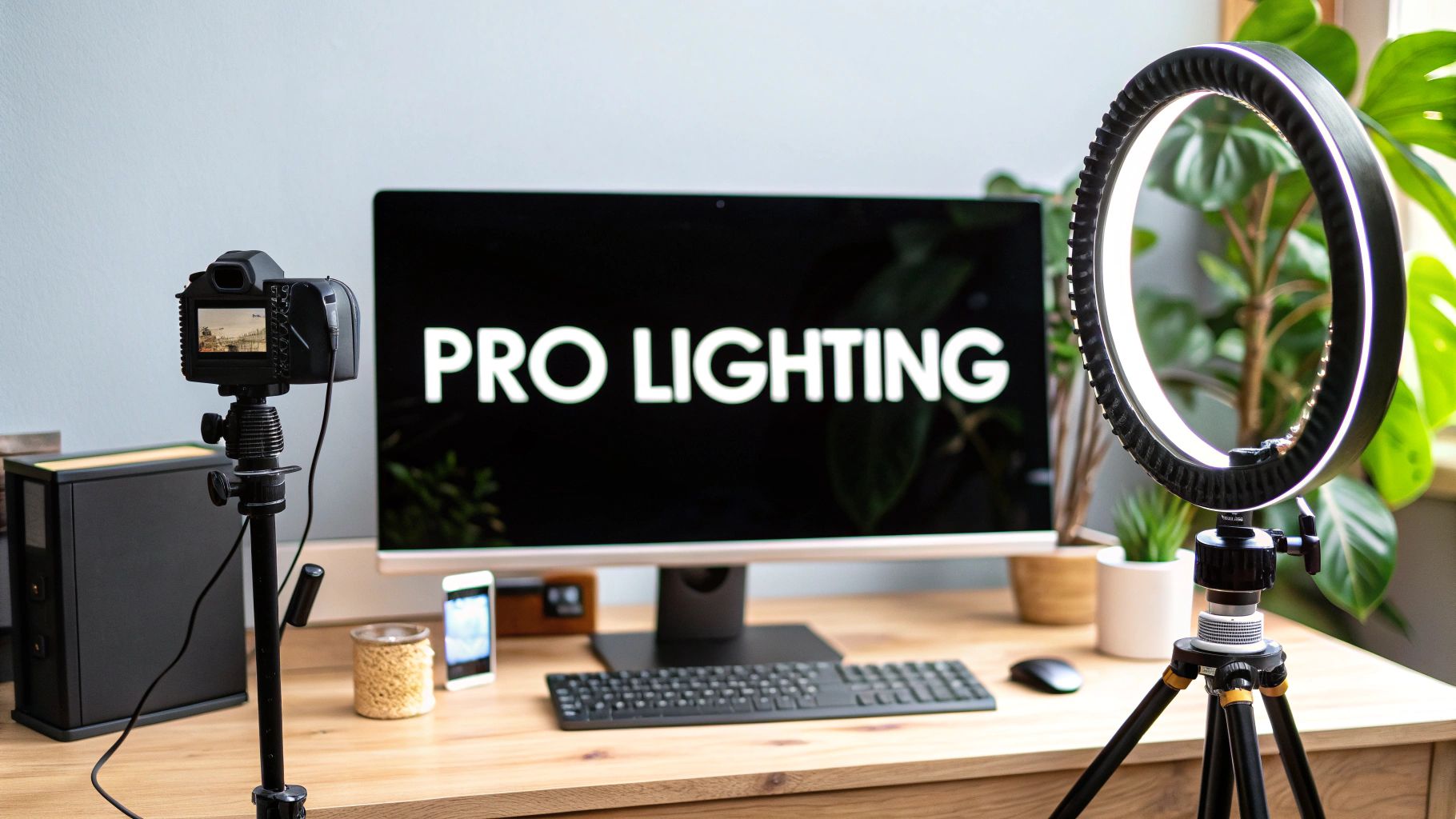
The secret to looking great on any video call? It's all about the lighting. The best setup is surprisingly simple: you want soft, even light coming from directly in front of you. This one change is enough to banish distracting shadows and instantly make you look clearer and more professional.
Why Good Lighting Is Your Secret Weapon on Video Calls

Let’s be honest, we've all been on a call with someone who looks like they’re dialing in from a cave. Or worse, the classic "witness protection" look—a shadowy silhouette against a blindingly bright window.
Great lighting isn't just about vanity. It's one of the most powerful—and often overlooked—tools for communicating effectively.
How you show up on camera sends a strong message before you even say a word. When you're well-lit and clearly visible, you project credibility and engagement. On the flip side, poor lighting can make you seem disinterested, tired, or unprepared, completely undermining what you have to say.
The Psychology of Professional Presence
In a world of remote and hybrid work, your video feed is your personal brand. It’s your handshake, your eye contact, and your body language all rolled into one digital package. Mastering your lighting is one of the fastest ways to elevate your professional impact.
And this isn't a fleeting trend. The global video conferencing market was valued at a staggering USD 11.65 billion in 2024 and is expected to more than double by 2033. As more of our work lives happen on screen, presenting yourself effectively is no longer optional—it's essential.
The core principles are simple: keep your light source soft, frontal, and even. A well-lit face is subconsciously perceived as more open and trustworthy, which helps you build rapport and communicate better in every virtual meeting.
Quick Fixes for Common Video Lighting Problems
Ever wonder why you look a certain way on camera? Bad lighting is usually the culprit. Before you run out and buy new gear, here’s a quick-glance table to diagnose and solve the most common issues with things you probably already have.
| Common Problem | What It Looks Like | Quick Solution |
|---|---|---|
| "The Silhouette" | You're a dark shadow against a very bright background. | Never sit with a window or bright lamp directly behind you. Turn around to face the window so it becomes your primary light source. |
| "The Interrogation" | Harsh, dramatic shadows across your face, often from a single overhead light. | Turn off the overhead light. Move a lamp in front of you, or sit facing a window. The goal is frontal, not top-down, light. |
| "The Ghost Story" | Unflattering shadows under your chin and nose, making you look tired or spooky. | This is caused by "uplighting" (light coming from below). Turn off that light and position a light source in front of and slightly above you. |
| "The Split-Face" | One side of your face is bright, the other is completely in shadow. | Your main light source is too far to one side. Move it directly in front of you or add a second, less powerful light on the other side to fill in shadows. |
These simple adjustments can make a world of difference and are the first things you should try before getting more advanced with your setup.
Beyond Just Looking Good
A truly professional setup is about more than just pointing a light at your face. It's about creating a comfortable and distraction-free environment for everyone on the call.
For instance, a harsh, direct light can create a nasty glare on your screen or glasses, which is not only unprofessional but can also lead to serious eye strain. Beyond just flattering your features, think about the practical details. Things like selecting the best eyeglasses for Zoom meetings can make a big difference.
Ultimately, a polished setup is about sweating the small stuff so you can focus on what really matters: your message.
Working with Natural Light Like a Pro

Before you even think about buying a single piece of equipment, let’s talk about the best light source out there. It’s powerful, it’s high-quality, and it’s completely free: the sun.
Learning to use natural light is the single fastest way to look better on camera. But it’s not as simple as just plunking your laptop down near a window. The trick is to get soft, even light on your face without creating harsh glare or distracting shadows. Your window is now your key light, and you always want your key light in front of you.
Master Your Positioning
The number one mistake I see people make is sitting with their back to a window. This is called backlighting, and it’s a rookie error that’s incredibly easy to fix. When you do this, your camera tries to expose for the bright light streaming in from outside, which plunges you into a dark, unprofessional silhouette.
The fix is simple. Turn your desk or chair 90 degrees so you're facing that window. Seriously, just this one change can be a complete game-changer for your video quality. You’ll go from a shadowy figure to a clear, well-lit professional in seconds.
But what if the window is directly to your side? That creates its own problem—a dramatic "split-face" effect where half of you is brightly lit and the other half is lost in shadow. To correct this, just turn your chair about 45 degrees toward the window. This angle lets the light wrap around your face more gently, softening the shadows for a far more balanced and pleasing look.
Pro Tip: Can't move your desk? No problem. Grab a large piece of white foam board (or even just a big sheet of white paper) and prop it up on the dark side of your face, just out of the camera's view. It will bounce the window light back onto the shadowed side of your face, acting as a makeshift "fill light" and instantly brightening you up.
Diffuse and Adapt to Changing Light
Natural light is fantastic, but it has a mind of its own. The sun moves, clouds roll in, and the intensity changes constantly. That harsh, direct sunlight from a midday glare can be just as unflattering as a dark room, creating "hot spots" on your forehead and making you squint.
This is where a diffuser becomes your best friend. You don't need to buy anything fancy. A simple sheer white curtain or a thin white bedsheet hung over the window works perfectly. It will scatter that intense, direct beam of light, transforming it into a soft, beautiful glow that makes you look great on camera.
Remember to stay adaptable as the light changes throughout your day.
- Morning/Evening Light: This light is often much softer and warmer. You can usually get away with being closer to the window without needing to diffuse it.
- Midday Sun: This is the big one. The light is at its harshest and most direct. Diffusing it with a curtain is almost non-negotiable if you want to avoid looking blown-out and overexposed.
- Cloudy Days: These are a hidden blessing for video calls. The clouds act as a giant, natural diffuser for the sun, giving you soft, even, and consistent light for hours.
By understanding how to place yourself and manage the sun's intensity, you can achieve a polished, professional look on every call—all without spending a dime.
Choosing Your Video Conferencing Light Gear

When the perfect natural light from a window just isn't an option, it's time to bring in some backup. Investing in dedicated lighting is the single biggest upgrade you can make to your on-camera presence. The market is packed with choices, but only a few are genuinely right for producing that professional look on video calls.
Let's cut through the noise and look at the gear that actually makes a difference. The most common and effective tools you'll come across are ring lights, key lights (which are usually LED panels), and sometimes smaller, clip-on style lights. Each one fits a different need, space, and budget, whether you’re working from a dedicated home office or a small corner of your apartment.
What to Look For in a Light
Before you even think about hitting "buy," you need to get familiar with two critical specs: color temperature and brightness. Getting these two things right is far more important than the brand name on the box.
-
Color Temperature (Kelvin): This is all about how "warm" (yellowish) or "cool" (bluish) the light appears. To look natural and avoid that sickly, artificial glow, you need a light that's adjustable. Aim for a range between 3200K (warm) and 5600K (cool). This flexibility is what lets you match the light in your room, no matter the time of day.
-
Brightness (Lumens): This just tells you how powerful the light is. But what’s more important than the maximum output is the ability to dim the light. A light that’s blasting you at full power is just as unflattering as a dim, shadowy one. It creates harsh "hot spots" on your face. Always, always get a dimmable light.
Honestly, having control over both of these settings is non-negotiable. It's what gives you the power to adapt to any lighting situation, from a gloomy, overcast morning to a late-night international call.
Video Conferencing Light Comparison
Deciding between a ring light and a key light can feel like a tough choice, but it really comes down to your specific setup and what you're trying to achieve. One offers incredible simplicity, while the other provides more professional control.
To make it easier, here's a quick breakdown of the most popular lighting types. This table should help you figure out which option is the best fit for your space, workflow, and budget.
| Light Type | Best For | Pros | Cons | Price Range |
|---|---|---|---|---|
| Ring Light | Solo presenters, beginners, and small spaces. | Even, soft light; minimizes shadows; easy to set up. | Can create reflections in glasses; less flexible positioning. | $25 – $150 |
| Key Light (LED Panel) | Professional setups, dedicated offices, users who wear glasses. | High-quality, directional light; flexible positioning; no reflections. | Takes up more space; can be more expensive. | $70 – $300 |
| Clip-On Light | Travel, laptops on-the-go, and quick fixes. | Highly portable and compact; affordable; easy to use. | Less powerful; can create harsh light if not diffused. | $15 – $50 |
Ultimately, the goal is to create soft, flattering light that makes you look your best. While a clip-on light is a great starting point for those on the move, most professionals will benefit from graduating to either a ring light for its simplicity or a key light for its superior control and quality.
Ring Lights vs. Key Lights: The Great Debate
The ring light has become the unofficial symbol of remote work, and for good reason. It’s designed to throw soft, direct light straight onto your face, which does a fantastic job of smoothing out your skin and getting rid of distracting shadows. It's a nearly foolproof solution for anyone presenting solo.
The global market for camera ring lights hit around $500 million in 2023 and is expected to keep climbing. This isn't just a fad; it's a direct result of the shift to remote work, where looking polished on camera has become a professional necessity.
While ring lights are a fantastic and simple tool, they have one well-known drawback: the tell-tale circular reflection they can create in eyeglasses.
That’s where a dedicated key light—like a small LED panel on a stand—really shines. Instead of placing it directly in front of you, you can position a key light off to the side, typically at a 45-degree angle. This creates a more natural, dimensional look that you see in professional videography and completely avoids any reflections. They simply offer more creative control.
For a deeper dive into specific setups and models, be sure to check out our comprehensive guide to the best light for video calls.
Setting Up Your Lights for a Flattering Look
Owning the right equipment is a great first step, but how you position it is what truly separates an amateur setup from a professional one. This is where we’ll take the gear you’ve chosen and turn your workspace into a mini-studio. We're borrowing techniques from professional videographers but simplifying them for the everyday video call.
The goal is to move beyond simply pointing a light at your face. We want to create a look that has dimension, is genuinely flattering, and doesn't have any of those harsh, distracting shadows. This doesn't require a complex, Hollywood-style setup; you can get fantastic results with just one or two lights once you understand a few core principles of placement. The most important of these is your key light.
Your Key Light is the Star of the Show
Think of your key light as the main, most powerful light source in your setup. Its whole job is to provide the primary illumination for your face. Whether you're using a ring light, a dedicated LED panel, or even just a strategically placed window, its position is absolutely critical.
The most common and effective placement is the 45-degree angle. Here’s how it works:
- Position Your Light: Place your key light about 45 degrees to one side of your face (either left or right is fine).
- Adjust the Height: Raise the light so it's slightly above your eye level, pointing down at your face.
This angle is a favorite among pros because it creates a much more natural, three-dimensional look than a light blasted straight at you. It subtly sculpts your features by creating soft, gentle shadows on the opposite side of your face, adding depth and preventing your image from looking flat and washed out. Plus, if you wear glasses, this off-center position is a game-changer for eliminating that distracting glare from your lenses.
Remember, the goal of good lighting for video calls isn't to eliminate all shadows, but to control them. Soft shadows create shape and dimension, making you look more natural and presentable on camera.
Softening Shadows with a Fill Light
Once your key light is set, you'll probably notice that the side of your face opposite the light is a bit dark. This is totally normal, and it's where a fill light comes in. Its only job is to "fill in" and soften those shadows created by the key light, making them less dramatic.
Your fill light should always be less intense than your key light. If you're using a second artificial light, just place it on the opposite side of your face from the key light and dim it to about 50% of your key light's brightness.
Don't have a second light? No problem. A simple piece of white foam board or even a large sheet of paper propped up just out of the camera's view works wonders. It will catch the light from your key light and bounce it back onto the shadowed side of your face, instantly brightening it up.
This infographic simplifies the process of spotting and fixing common lighting issues on the fly.

The visualization shows a straightforward workflow: identify unflattering shadows, adjust your main light's position, and use a diffuser to soften any harsh highlights for a polished final look.
Adding a Backlight for Separation
Ready for the final touch that truly elevates your setup? Consider adding a backlight, which is sometimes called a hair light or a rim light. This is a less-intense light that you place behind you, off to one side, pointing at the back of your head and shoulders.
Its purpose is to create a subtle outline of light around your silhouette. This small detail visually separates you from your background, adding a significant amount of professional polish and depth to your video. It’s what stops you from looking like a flat cut-out pasted against your backdrop. A small, dimmable lamp works perfectly for this—just make sure it’s hidden from the camera's view.
Common Lighting Mistakes and How to Fix Them
Even with the best of intentions, it’s shockingly easy to make a few lighting missteps that completely sabotage your on-camera look. We've all seen them in meetings: the mysterious silhouette, the ghoulish face lit from below, or the washed-out hotspot from a light that’s just too harsh.
These common lighting mistakes are distracting and can make you look unprofessional. The good news? They are all incredibly easy to diagnose and fix. Think of this as your go-to troubleshooting guide. Let's break down the most frequent lighting fails and give you simple, actionable solutions you can use right now.
The Backlight Silhouette
This is, without a doubt, the number one mistake people make on video calls. It happens when your main light source, like a bright window or a powerful lamp, is directly behind you. Your camera, trying its best, exposes for the brightest part of the image—that background light—which plunges you into a dark, featureless shadow. You become an anonymous silhouette.
The Fix: This one has an immediate fix. Turn around. That's it. Reposition your entire setup so you're facing the window or light source. In an instant, you've turned the problem into the solution, transforming that powerful backlight into a beautiful, soft front light that illuminates your face perfectly.
The Ghoul Under the Desk
You know this one—it’s the classic "telling a ghost story with a flashlight under your chin" effect. This creepy look, often called "uplighting," happens when your main light source is positioned below your face. It casts bizarre, unflattering shadows upward, highlighting your chin and nostrils while making your eyes look sunken and tired.
This mistake instantly undermines your credibility. We're naturally wired to see people lit from above, like from the sun. Always make sure your primary light source is at or, even better, slightly above your eye level.
The Harsh Hotspot
A "hotspot" is that patch of super-bright, blown-out light on your face, usually on your forehead or cheeks. It’s caused by a small, intense, and direct light source—like a bare bulb or a direct beam of sunlight—hitting you head-on. This looks incredibly harsh, flattens your features, and is a major distraction for everyone on the call.
The Fix: You need to soften your light. The key is to diffuse it, which just means spreading the light out. If it’s an artificial light, you can place a diffuser sheet or even a thin white t-shirt over it. If the problem is a window, just pull a sheer white curtain across it. This simple trick turns a harsh, small light into a large, soft one that wraps gently around your face.
Fixing these errors is a huge step, but they are just one piece of the puzzle. To truly polish your on-camera presence, it helps to be mindful of other potential blunders. For more great tips, check out our guide on common video conferencing mistakes to avoid.
Lighting Problems We All Face (And How to Fix Them)
Even after you think you've mastered the key, fill, and backlighting, a few pesky questions always seem to come up. Getting your general lighting right is a huge step, but it’s the little details that truly take your on-camera presence from good to great.
This is where we tackle those common, real-world problems that can make or break your setup. You’ve put in the work to understand light placement and diffusion—now it’s time to solve for the specific things every remote professional runs into, like annoying glare on your glasses or figuring out the right color temperature.
How Do I Stop My Glasses from Glaring?
This is, without a doubt, the most common frustration for anyone who wears glasses on camera. You get your light set up just right, only to see two bright, distracting blobs reflected in your lenses. The fix is all about changing the angle of your light source.
If you’re using a ring light, this can be tricky since its whole purpose is to sit directly in front of you. But if you have a key light, like a portable LED panel, the solution is surprisingly simple:
- Move the light higher: Try positioning your key light so it’s well above your eyeline, angled down toward your face.
- Move the light to the side: Shift the light further to your left or right, to about a 45-60 degree angle.
By changing the angle, you're changing where the reflection goes. Instead of bouncing straight back into your camera, the light bounces harmlessly away, and the glare vanishes while you stay perfectly lit. You’ll probably need to experiment a bit to find that sweet spot.
A little high school physics flashback: the angle of incidence equals the angle of reflection. Move your light, and you control where that reflection is cast.
What’s the Best Color Temperature for My Light?
Honestly, there’s no single “best” color temperature. The right one is whichever setting looks most natural in your specific room. This is exactly why I recommend getting a light with adjustable color temperature—it gives you the flexibility to adapt. Your goal is to match the ambient light around you.
For instance, if your office has warm, yellowish lamps, setting your key light to a cool, blue-ish tone (like 5600K) will look jarring and out of place. Instead, you'd want to dial it down to a warmer setting (around 3200K) to blend in. On the flip side, if you have cool, blue-toned daylight pouring in from a window, a setting closer to 5600K will mix more seamlessly.
A good starting point is to set your light to a neutral 4400K. From there, adjust it warmer or cooler until your skin tone looks natural and the light doesn't clash with your background.
Can’t I Just Use My Overhead Room Light?
I get the temptation. It's already there, and it seems so convenient. But relying solely on your ceiling light is almost always a bad idea for video calls. Overhead lighting is notoriously harsh and, because it's positioned directly above you, it creates the absolute worst kinds of shadows.
This is often called "top-down" lighting, and it's famous for casting deep, unflattering shadows under your eyes, nose, and chin. It has a knack for making people look tired, older, and sometimes a little sinister. Always, always prioritize a light source that is in front of you, and preferably one that's diffused.
A strong on-camera presence is a huge part of mastering the art of virtual presentations. Simply turning off that overhead light and switching on a frontal light is one of the easiest, most impactful changes you can make to your setup.
Ready to create a professional video presence with zero hassle? AONMeetings offers a secure, browser-based solution with HD video, recording, and AI features built right in. Forget downloads and installations—just click and connect. Start hosting better meetings today.