
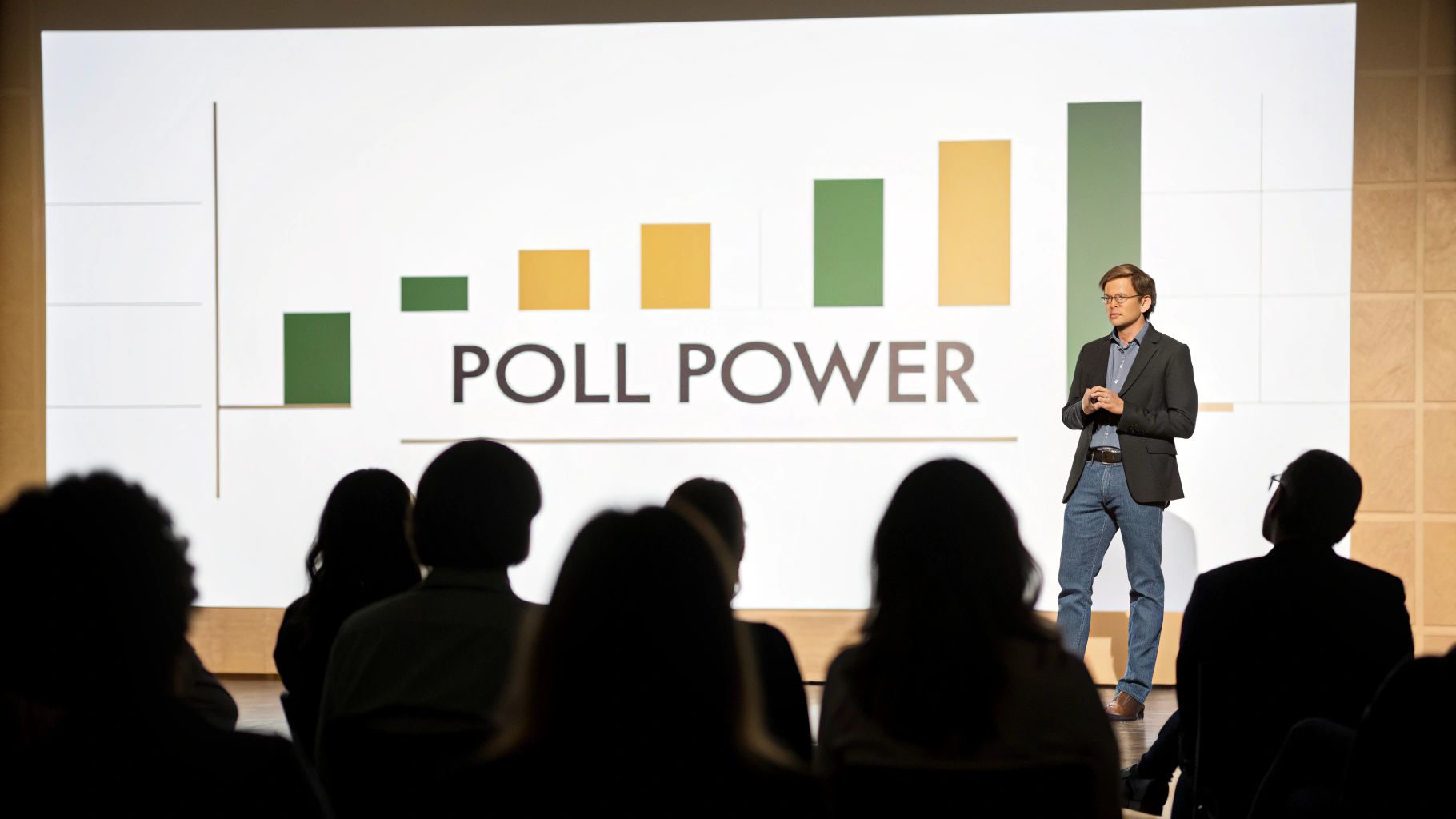
A great poll does more than just ask a question; it turns a one-way presentation into a dynamic, two-way conversation. By asking targeted questions, you get immediate feedback from your audience, which instantly transforms them from passive listeners into active participants.
Why Polls Are Your Secret Engagement Weapon
Have you ever felt the energy drain from a virtual room? We’ve all been there. A well-placed poll is the perfect jolt to pull everyone back in, breaking up a long presentation and immediately refocusing wandering attention. This isn’t just a gimmick; it’s a strategic tool for making your content interactive and participant-driven.
Imagine a marketing team stuck debating a new campaign slogan. Instead of an endless back-and-forth, a quick poll can settle the matter in seconds with real-time data. Or picture a trainer mid-webinar who wants to check for understanding. They can launch a quick poll to gauge comprehension before moving on to the next topic, ensuring no one gets left behind.
The Real-World Benefits of Polling
When you start using polls, you fundamentally shift the dynamic of your meeting. You’re no longer just talking at people; you're talking with them. This simple change gives you:
- Instant Feedback: No more guessing what the room thinks. You get a clear read on opinions and knowledge levels in real time.
- Sustained Attention: Answering a question forces people to focus, pulling back anyone who might be multitasking.
- An Inclusive Space: Polls give a voice to everyone, even the quietest people in the room, creating a more collaborative and open atmosphere.
The true magic of a poll is its ability to validate your audience's contribution. When you ask for their opinion and share the results, you’re sending a powerful message: "Your input matters here."
This simple act is a cornerstone of genuine audience interaction. If you want to see how polls fit into a wider approach, it's worth exploring the latest strategies for mastering customer engagement plans.
The value of this kind of data is undeniable. The global market for marketing research and public opinion polling is valued at around $81.3 billion, which shows just how much businesses worldwide rely on this kind of feedback for critical decisions. Ultimately, learning how to make a great poll is one of the most effective ways to engage and empower your webinar audience.
Crafting Questions People Want to Answer
The success of your poll is decided long before you ever click "launch." The real magic happens in the design phase, where you craft questions that are not just easy to understand but genuinely compelling. A great question respects your audience's time—it's clear, concise, and directly tied to the conversation happening right now.
Think about the last poll you ignored. Was the question confusing, biased, or just plain boring? Vague questions like, “What are your thoughts on marketing?” are far too broad and almost always get skipped. A much sharper approach is a specific, actionable question like, “Which of these three headlines would make you click?” This focus makes it easy for people to weigh in and gives you data you can actually use.
Choose the Right Question Format
The format of your poll needs to match your goal. Are you trying to drive a quick group decision, brainstorm fresh ideas, or just get a feel for the room's energy? Each objective calls for a different kind of question.
- Multiple-Choice: This is your go-to for quick decisions or simple preferences. Use it when you need to narrow down options, like picking a new logo design or deciding on the next webinar topic.
- Rating Scale: Perfect for measuring sentiment or satisfaction. A simple 1-5 scale can instantly tell you how your audience feels about a new feature or the pacing of your presentation.
- Word Cloud: An excellent choice for open-ended brainstorming. Ask something like, “What one word describes our company culture?” and watch the collective feedback form a visual snapshot of their thoughts.
To help you select the most effective poll for your specific needs, I've put together a quick comparison table. Think of it as a cheat sheet for matching the format to your meeting's goal.
Choosing the Right Poll Type for Your Goal
| Poll Type | Best Used For | Example Scenario |
|---|---|---|
| Multiple-Choice | Making quick, definitive decisions or gauging simple preferences among a few clear options. | "Which of these three dates works best for our Q3 team outing?" |
| Rating Scale | Measuring audience sentiment, satisfaction levels, or agreement with a statement. | "On a scale of 1-5, how valuable was this training session?" |
| Word Cloud | Brainstorming ideas, gathering qualitative feedback, or capturing a collective mood visually. | "What's the first word that comes to mind when you think of our brand?" |
| Open-Ended | Collecting detailed, specific feedback or suggestions when you don't want to limit responses. | "What's one feature you wish our product had?" |
Choosing the right format isn't just a technical step; it's about making it as easy as possible for your audience to give you the exact feedback you're looking for.
This infographic neatly summarizes why polls are so powerful for capturing feedback, holding attention, and making everyone feel included.

Each of these elements—feedback, attention, and inclusion—builds on the others to create a more dynamic and memorable live event. When you know how to make a poll that works, you're not just asking questions; you're building a more connected experience.
Key Takeaway: Whatever you do, avoid leading or biased questions. Instead of asking, "Don't you agree our new update is fantastic?" try a more neutral approach like, "How would you rate your experience with our new update?" Unbiased questions are the only way to get honest, actionable feedback.
This principle of clear, unbiased questioning is the bedrock of professional research. Since its launch in 2005, the Gallup World Poll has set the standard by measuring attitudes in over 140 countries every year, shaping the best practices for how modern polls are built for accuracy. By applying these same foundational ideas to your own polls, you won't just boost engagement—you'll gather meaningful data you can actually trust.
Building Your First Poll in AONMeetings
Alright, you've got the theory down on what makes a great poll question. Now, let's get our hands dirty and actually build one inside AONMeetings. It’s surprisingly simple, moving you from concept to a live, interactive element in just a few clicks. The whole point of the interface is to keep things intuitive so you can stay focused on your audience, not the tech.
First thing's first: find the "Polls/Quizzes" tab in your meeting controls. Think of this as your command center for all things interactive. Once you're in, you'll see a big "Create New" button. Go ahead and click it—this is where the magic happens.
You'll land in the poll builder, which has a super clean layout designed to make creating polls a breeze.

This simple design means you can queue up a poll in seconds without fumbling around and breaking the flow of your presentation.
Customizing Your Poll Settings
Once you've plugged in your question and the possible answers, take a look at the customization options. These little toggles are what let you tailor the poll to fit the exact moment and goal you have in mind.
You've got a few key settings to play with:
- Anonymity: You can choose to make responses anonymous. This is a game-changer for getting honest feedback on sensitive topics where people might hold back otherwise.
- Timed Responses: Want to inject a little energy? Add a countdown timer. It creates a nice sense of urgency and keeps your meeting moving. A 30-second timer is usually plenty for a quick check-in.
- Results Visibility: You get to decide whether you share the results with everyone right after the poll closes.
Pro Tip: I can't stress this enough—always build your polls before your meeting or webinar kicks off. Pre-loading everything lets you launch a poll with a single, perfectly-timed click. It’s the difference between looking like a seasoned pro and frantically typing while your audience waits.
Now, while the built-in polling in AONMeetings is powerful enough for most live events, sometimes you need a more heavy-duty survey tool. For really deep feedback or complex post-event questionnaires, you might look into alternatives to Google Forms for interactive surveys and quizzes.
But for engaging your audience in the moment, the integrated features are exactly what you need. To see just how far you can take it, check out our deep dive into making webinars more interactive with AONMeetings' advanced polling.
Launching Your Poll for Maximum Impact
A brilliant poll launched at the wrong time is a completely wasted opportunity. I've seen it happen. The real art isn't just in crafting the perfect question; it’s in the strategic timing and delivery. Knowing when to deploy your poll can be the difference between a minor distraction and a major engagement booster.
Think about the natural rhythm of your presentation. An icebreaker poll at the very beginning is fantastic for warming up the room and getting people comfortable with participating right away. Launching one mid-presentation is a perfect way to re-engage anyone whose attention might be drifting. And of course, a poll at the end is ideal for gathering final thoughts or actionable feedback to guide your next steps.
When to Launch Your Poll
Deciding on the perfect moment requires reading the room, even a virtual one. Is the energy dipping after a particularly data-heavy segment? That’s your cue. Did you just introduce a complex new idea? Use a quick poll to check for understanding before you move on.
Consider these key moments to drop a poll:
- The Opener: Start with a light, easy question to get everyone comfortable and clicking. Think of it as a low-stakes entry into participation.
- The Mid-Point: Use a poll to break up longer sections and bring focus back to your content. It’s a great pattern interrupt.
- The Decision Point: When you need group consensus or want to gauge the room's opinion on something, a poll provides clear, data-driven direction instantly.
Expert Tip: Don't just silently click the "launch" button. Announce it with a bit of energy! I always say something like, “Alright, I’d love to get your input on this next part. I’m launching a quick poll on your screen now.” This simple verbal cue helps guide your audience and shows them you genuinely value their participation.
Managing the flow once the poll is live is also crucial. Keep an eye on the response rate. Once you have a significant majority of votes—say, 75-80%—it's usually a good time to close the poll to keep the session's momentum going. Waiting for every last person can create an awkward lull that kills your pacing.
These timing strategies are just one piece of the puzzle. For a more complete picture of how polls fit into a broader engagement strategy, check out our 10 tips for engaging webinar audiences with AONMeetings. By mastering the launch, you ensure every poll you create lands with maximum impact.
Turning Poll Data into Actionable Insights

Collecting answers is just the start. The real magic happens when you turn that raw data into a concrete plan. The results from your poll aren't just numbers on a screen; they're a direct line into your audience's thinking, and how you act on that feedback can be a powerful catalyst for change.
The worst thing you can do is flash the results and immediately move on. Take a moment to actually talk about what the numbers mean. If 70% of your team votes for one project direction over another, say it out loud. This simple act validates their input and shows their voices are genuinely shaping the path forward.
From Numbers to Decisions
The whole point is to connect the dots between the poll data and what happens next. It's about interpreting what the responses truly signify and then communicating that meaning back to the group.
I've found a simple three-part approach works wonders for making this feel complete and impactful:
- Acknowledge the Outcome: Start by clearly stating what happened. "Okay, it looks like the overwhelming majority of you are interested in a deep dive on Topic B."
- Translate the Meaning: Explain what this means for everyone. "That tells me we should dedicate our next session entirely to that subject."
- Commit to an Action: Lock in the decision. "I'll get that scheduled for next Tuesday and send out a calendar invite this afternoon."
It's not just about making people feel heard; it's about showing them they were heard.
And this isn't just a "nice-to-have" skill. The market for this kind of data is exploding. Valued at about $8.5 billion, the public opinion and election polling market is on track to hit $12.7 billion. This isn't a coincidence. It highlights a massive shift toward using digital platforms to gather feedback, blending old-school methods with new tools to get a clearer picture. You can discover more insights about the polling market on Research and Markets to see just how big this trend is.
By turning raw data into a decision, you prove that participating in your poll wasn’t just a fun distraction—it was a productive use of everyone’s time. This builds trust and encourages even higher engagement in the future.
Ultimately, knowing how to create a poll is only half the battle. The other half is learning how to listen to what the results are telling you and then acting on that knowledge decisively.
A Few Common Polling Questions
Even with a tool as intuitive as AONMeetings, you're bound to have a few questions as you start weaving polls into your presentations. Think of it as moving from good to great. Here are the answers to some of the most common queries we get from hosts looking to master live polling.
Can I Prepare Polls Before My Meeting Starts?
Absolutely, and you really should. Getting your polls built and saved before the meeting is a pro move. Inside AONMeetings, you can draft, tweak, and save every poll ahead of time.
This isn't just about being organized; it’s about being present. When you’re not scrambling to type out questions mid-session, you can focus on what really matters: your audience and their reactions.
Are Poll Results Anonymous?
That's entirely up to you. AONMeetings gives you the power to make responses completely anonymous with a single click.
This is a fantastic feature for sensitive topics where you need honest, unfiltered feedback. Think team morale or feedback on a new, controversial proposal. When people feel safe, they’re more likely to be candid. If you need to track who said what for accountability, just leave the anonymous setting turned off.
A Quick Pro-Tip: The best polls are simple. Stick to one focused question with two to five clear, concise answers. Anything more complicated can bog down your presentation and you'll see participation numbers drop.
What if No One Participates in My Poll?
It happens, but it's usually less about the audience and more about the delivery. Participation often comes down to how you frame the poll.
Don't just launch it onto the screen and say, "Please answer this." Warm them up first. Introduce it with a bit of energy and explain why their input matters. Instead of a flat request, try something more engaging like, "Alright, I'm curious to see where everyone stands on this next point. Help us decide our next step…" A little encouragement and context can make all the difference.
Ready to turn your monologues into dynamic conversations? With AONMeetings, you can create and launch engaging polls in seconds, directly from your browser. Start building more interactive meetings today.