
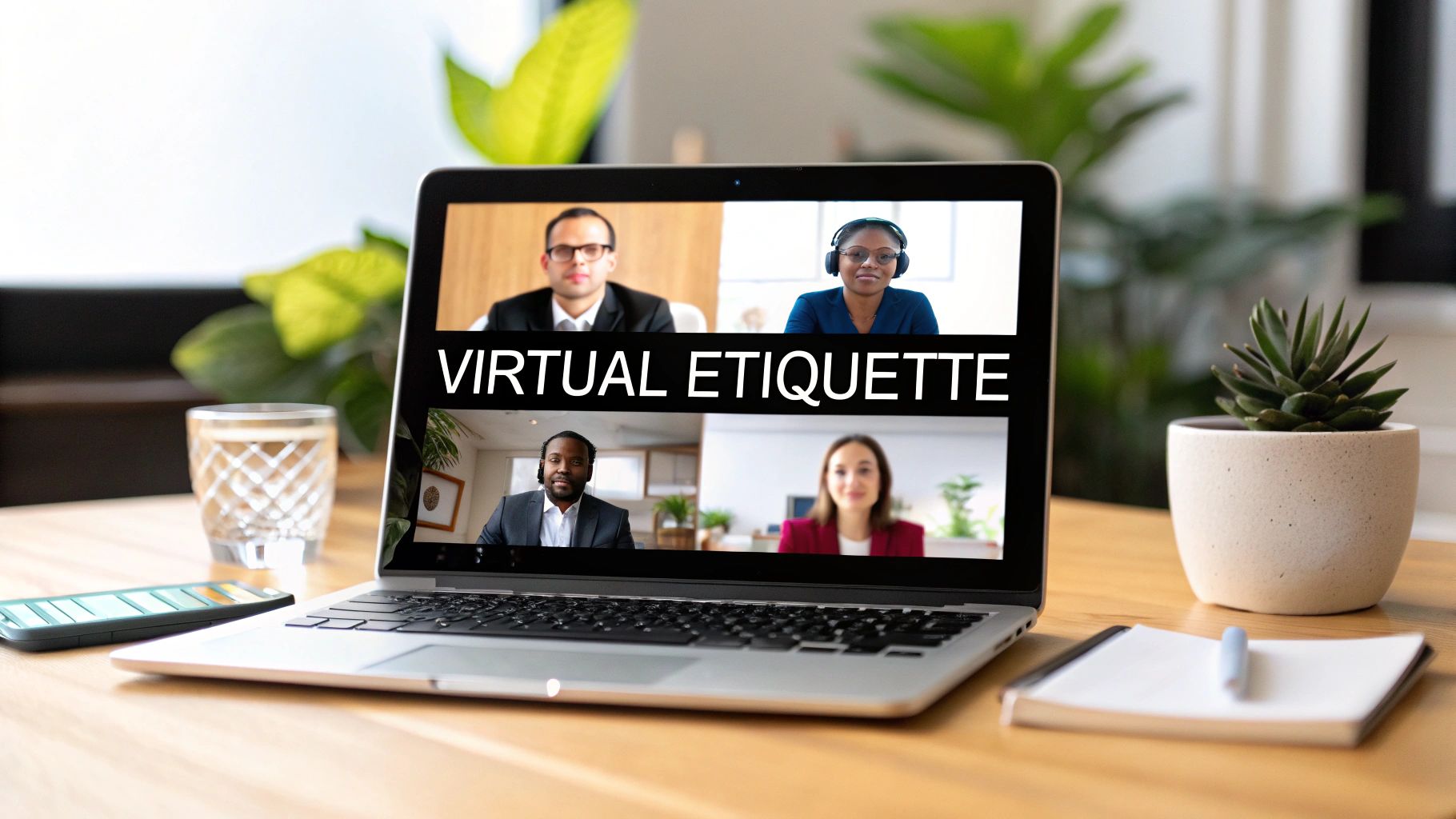
In an era where remote and hybrid work models are standard, the digital handshake has become as important as the physical one. While video conferencing platforms have made connecting across distances seamless, the unwritten rules of engagement have shifted dramatically. Mastering virtual meeting etiquette is no longer a 'nice-to-have' skill; it's a core competency that separates productive collaborations from chaotic, fatiguing online calls.
Poor etiquette can lead to miscommunication, disengagement, and a tangible loss of professional credibility. This guide moves beyond the obvious advice to provide seven actionable, in-depth rules that will elevate your professional presence. We will explore the nuances of everything from pre-call technology checks and professional presentation to the art of active listening and mastering digital tools.
By implementing these specific strategies, you and your team can ensure you are not just present, but truly effective in every virtual interaction. Let’s dive into the essential practices that define modern professional communication.
1. Test Your Technology Before the Meeting
Nothing disrupts the flow of a virtual meeting more than a sudden, "Can you hear me now?" followed by five minutes of troubleshooting. Excellent virtual meeting etiquette begins before the meeting even starts. A comprehensive pre-meeting technology check, performed at least 10-15 minutes before the scheduled time, is a non-negotiable step for any professional. It demonstrates respect for others' time and ensures you can contribute effectively from the moment you join.

This proactive habit prevents the most common technical glitches that derail productivity. Most video conferencing platforms have built-in tools to facilitate this. Zoom offers a "Test Speaker and Microphone" option in its settings, while Microsoft Teams provides a comprehensive device test feature before you enter a call. Google Meet lets you preview your camera and microphone, allowing for last-minute adjustments. Proactively addressing these issues is a cornerstone of professional conduct in a remote environment.
Your Pre-Meeting Tech Checklist
To make this process foolproof, create a quick checklist to run through before every meeting:
- Audio and Video: Confirm your microphone is picking up sound clearly and your webcam is functioning. Check that the correct devices are selected in the meeting software settings.
- Internet Connection: Run a quick speed test if you've experienced instability. If your connection is weak, consider moving closer to your router or switching to a wired connection.
- Screen Sharing: If you are presenting, perform a quick test to ensure the screen sharing function works as expected. This avoids awkward pauses and fumbling during your presentation.
- Application Load: Close all unnecessary applications and browser tabs. This frees up system resources and bandwidth, leading to a smoother meeting experience for everyone.
- Camera Positioning: Position your camera at eye level. This simple adjustment creates a more natural and engaging connection with other participants, mimicking an in-person conversation.
Pro-Tip: Always have a backup plan. This could be a secondary device like a tablet, a mobile hotspot for your internet, or even just the dial-in phone number for the meeting. Learning how to overcome technical glitches in virtual meetings is a critical skill.
These principles of preparation are especially crucial for high-stakes interactions. For example, mastering your tech setup is one of the top virtual interview tips that can help you make a strong first impression on a potential employer. By treating every meeting with this level of diligence, you build a reputation for reliability and professionalism.
2. Mute When Not Speaking
One of the most foundational rules of professional virtual meeting etiquette is strategic microphone management. The simple act of muting your microphone when you are not actively speaking is a powerful gesture of respect for every other participant. It significantly reduces audio distractions, eliminates disruptive background noise, and creates a focused, professional atmosphere conducive to productive conversation. This fundamental practice prevents your colleagues from being subjected to your dog barking, a nearby siren, or the simple sound of you typing.

This principle is so critical that many platforms have integrated features to support it. For instance, Zoom can automatically mute participants upon joining a large meeting, and Microsoft Teams cleverly alerts you when you start speaking while muted. Slack's "huddles" feature even includes a push-to-talk option, a testament to the importance of controlling audio input. Adopting this habit demonstrates your awareness and consideration for the shared virtual space.
Your Microphone Management Checklist
To master the art of the mute button, integrate these habits into your daily virtual meeting routine:
- Learn the Shortcut: Memorize the keyboard shortcut for muting and unmuting on your primary platform. This is often the Spacebar (for push-to-talk) or a combination like
Ctrl+D(Windows) orCmd+D(Mac). - Keep Mute Visible: Position the meeting window so the mute button is always visible and easily accessible. This prevents fumbling when you need to speak.
- Use the 'Raise Hand' Feature: Instead of unmuting to interject, use the "raise hand" function. This signals your intent to contribute without interrupting the current speaker.
- Unmute Intentionally: Make a conscious effort to unmute just before you begin to speak. This avoids the classic "You're on mute" moment and keeps the conversation flowing smoothly.
- Consider Push-to-Talk: For highly interactive or fast-paced brainstorming sessions, explore your platform's push-to-talk functionality. It ensures your mic is only active precisely when you intend it to be.
Pro-Tip: Make muting your default state. Join every meeting with your microphone already muted. This prevents any accidental background noise from disrupting the meeting's opening moments and sets a professional tone from the start.
This practice isn't just about avoiding noise; it's a core component of remote work culture, championed by remote-first pioneers like GitLab. Mastering microphone control is a small action with a large impact, showcasing your ability to collaborate effectively in a digital environment. It is a non-negotiable skill for anyone seeking to exhibit top-tier virtual meeting etiquette.
3. Maintain Professional Appearance and Setting
Your virtual presence is a direct extension of your professional brand. Proper virtual meeting etiquette dictates that you present yourself and your environment with the same level of care you would for an in-person meeting. Paying close attention to your personal appearance, camera angle, lighting, and background minimizes distractions and signals to others that you are engaged and respectful. It ensures the focus remains on the meeting's content, not on a cluttered backdrop or poor video quality.

This principle has been widely adopted from professional broadcasting standards. Think of news reporters broadcasting from home; they maintain a professional appearance from the waist up and use a curated, non-distracting background. Similarly, corporate executives often wear full business attire for virtual board meetings to uphold a standard of formality. This deliberate approach to visual presentation reinforces credibility and maintains workplace standards, even in a remote setting.
Your Visual Presentation Checklist
To ensure your virtual presence is always polished, run through this quick checklist before joining a call:
- Dress the Part: Wear professional attire appropriate for your company culture. Solid, muted colors tend to look best on camera and avoid the moiré effect that busy patterns can create.
- Check Your Lighting: Sit facing a light source, like a window, to illuminate your face clearly. Avoid sitting with a window behind you, as this will turn you into a silhouette. A simple ring light can make a significant difference.
- Position Your Camera: Place your webcam at eye level. Looking down at a laptop camera is unflattering and can seem disengaged. Use a stack of books or a laptop stand to achieve the correct height.
- Curate Your Background: Your background should be clean, organized, and free of personal clutter. A tidy bookshelf, a neutral wall, or a high-quality virtual background are all excellent choices. Just as important as your personal appearance is your virtual setting. For tips on how to ensure your backdrop enhances your professional image, consider choosing the right background for your digital presence.
- Grooming: Ensure your hair is neat and you appear well-groomed, just as you would for a day at the office.
Pro-Tip: Perform a quick "camera check" in your video conferencing tool before every important meeting. This allows you to see exactly what others will see and make any last-minute adjustments to your appearance or setting.
A well-managed visual presence is a key component of effective communication in the digital age. By mastering this element of virtual meeting etiquette, you project competence and respect. To dive deeper, you can explore resources on creating a professional virtual meeting environment from home.
4. Be Punctual and Prepared
In a remote work environment, time is a shared resource, and punctuality is the ultimate sign of respect. Arriving on time, or even a few minutes early, to a virtual meeting signals to your colleagues that you value their schedule and are ready to engage. Proper virtual meeting etiquette dictates that punctuality goes beyond just showing up; it means being fully prepared to contribute from the moment the meeting begins, with all necessary materials organized and accessible. This eliminates dead air and ensures the meeting starts productively.

This level of readiness is a hallmark of high-performing teams and individuals. For instance, many executive assistants schedule a 5-minute buffer before a high-stakes virtual meeting to ensure their executive is settled, has their talking points reviewed, and is mentally present. Similarly, effective sales teams will have their presentation, supporting data, and backup documents open in separate tabs before a client call. This proactive organization, popularized by time management experts like David Allen through methodologies such as "Getting Things Done," adapts traditional professionalism to the digital landscape.
Your Punctuality and Preparedness Checklist
To ensure you are always ready to make a positive impact, integrate this checklist into your pre-meeting routine:
- Set Early Reminders: Use your calendar settings, like those in Google Calendar or Outlook, to create a notification 10-15 minutes before the meeting. This gives you time to wrap up your current task and transition.
- Review the Agenda: Before joining, thoroughly read the meeting agenda and any attached documents. Formulate your thoughts, questions, and potential contributions in advance.
- Organize Your Digital Workspace: Have all relevant documents, links, and applications open and ready. Close anything that is not related to the meeting to minimize distractions and conserve system resources.
- Join Early: Aim to join the meeting 2-3 minutes ahead of schedule. This buffer allows you to address any unexpected technical issues (as mentioned in our first tip) without making others wait.
- Prepare Talking Points: If you are expected to speak, have your key points outlined. This prevents rambling and ensures your contributions are concise and impactful.
Pro-Tip: Always have a "Plan B" for your contributions. If another participant covers your primary point before you get a chance to speak, have a secondary thought or question ready. This demonstrates active listening and keeps you engaged in the conversation.
This discipline is essential for maintaining momentum and focus. When every participant arrives on time and prepared, the entire group can dive directly into the agenda, making the meeting more efficient and respectful of everyone’s time. Adhering to these principles of virtual meeting etiquette builds your reputation as a reliable and professional team member.
5. Use Clear and Purposeful Communication
In a virtual environment, the subtle non-verbal cues we rely on in person are often lost or misinterpreted. Effective virtual meeting etiquette demands more deliberate and structured communication. This means speaking with clarity, pausing to allow others to interject, and being more explicit to ensure your message is received as intended. Without the shared physical space, your words and tone carry significantly more weight.
This practice is essential for maintaining order and productivity, especially in larger groups. Think of the formal speaking protocols used in UN virtual assemblies, where participants clearly state their intention to speak and wait to be acknowledged. This structured approach prevents chaotic cross-talk and ensures every voice is heard. Similarly, podcast hosts master clear verbal transitions and cues, a skill directly transferable to professional meetings. Adopting these techniques elevates the quality of discourse and demonstrates respect for every participant.
Your Clear Communication Checklist
To make your contributions more impactful, integrate these habits into your communication style:
- Pace and Clarity: Speak approximately 10-15% slower than you would in person. Enunciate clearly to compensate for potential audio lags or microphone quality issues.
- Signaling Intent: Use transitional phrases to signal your turn. Simple cues like, "I'd like to add a point here," or "Building on what Sarah just said…" create a smooth and organized flow of conversation.
- Camera Eye Contact: When you are speaking, make a conscious effort to look directly at your camera lens, not at the faces on your screen. This simulates direct eye contact and creates a stronger, more personal connection with your audience.
- Strategic Use of Chat: Reserve the chat function for sharing links, technical data, or complex questions that might disrupt the verbal flow. This keeps the primary conversation focused while providing supplementary information.
- Concise Summaries: After making a detailed point, briefly summarize your key takeaway. This reinforces your message and ensures everyone is on the same page before moving on.
Pro-Tip: In meetings with many participants or those you don't know well, state your name before you speak (e.g., "This is Alex from Marketing…"). This small act of professional courtesy helps everyone identify the speaker and follow the conversation more easily.
Pioneers in online education and virtual facilitation, like communication expert Nancy Duarte, have long championed these principles. They understand that virtual communication is a distinct skill, not just an online version of an in-person chat. Mastering this aspect of virtual meeting etiquette is crucial for leading productive discussions, fostering collaboration, and projecting a polished, professional image.
6. Master Screen Sharing and Digital Tools
Effective virtual meetings hinge on more than just clear audio and video; they require proficient use of the platform's collaborative features. Mastering screen sharing and other digital tools is a critical component of modern virtual meeting etiquette. It transforms a passive viewing experience into an interactive, engaging session, ensuring that presentations are effective and collaborative tasks are productive. When you fumble with sharing the wrong window or can't find the annotation tool, you lose momentum and your audience's attention.
Proficiency in these tools signals preparation and respect for your colleagues' time, allowing for smooth, professional presentations and workshops. For instance, design teams can use real-time screen sharing in Figma for collaborative design reviews, while educators leverage Zoom's whiteboard for interactive lessons. Consultants often use breakout rooms to facilitate small group activities in large workshops, making virtual sessions as dynamic as their in-person counterparts. This digital dexterity is a key differentiator in a remote-first professional landscape.
Your Digital Tool Proficiency Checklist
To ensure you use these features like a seasoned pro, integrate this checklist into your meeting preparation routine:
- Practice Screen Sharing: Before the meeting, do a dry run of sharing your screen. Crucially, know the difference between sharing your entire desktop versus a specific application or window to avoid accidentally showing personal notifications or private information.
- Leverage Annotation Tools: During a presentation, use built-in annotation tools like highlighters, pointers, or drawing tools to draw attention to key data points on a slide. This keeps your audience focused and engaged with your content.
- Monitor the Chat: If you are presenting, keep an eye on the chat window or ask a co-host to monitor it for you. Acknowledging questions and comments in a timely manner makes participants feel heard and valued.
- Share Only When Necessary: Turn off screen sharing when you are finished presenting. Returning the view to the speaker grid re-centers the human element of the meeting, encouraging face-to-face discussion and connection.
Pro-Tip: For large or complex meetings, designate a co-host or "technical facilitator" whose sole responsibility is to manage the digital tools. This person can handle breakout rooms, polls, and chat moderation, freeing up the main speaker to focus on delivering content.
Ultimately, using these tools effectively is a core tenet of professional virtual meeting etiquette. As virtual facilitation experts like Cindy Huggett have popularized, the goal is to make the technology disappear into the background. By handling these tools with confidence, you facilitate a more productive and collaborative environment for everyone involved.
7. Practice Active Engagement and Participation
The digital divide can easily lead to passive observation rather than active contribution. Proper virtual meeting etiquette requires intentional engagement to bridge the distance and maintain momentum. Actively participating involves using verbal and visual cues to show you're present, asking thoughtful questions, and contributing to the discussion to foster a collaborative and energetic atmosphere. This signals to the host and other participants that you are invested in the meeting's outcome.
Simply having your camera on is not enough; true engagement is about actively demonstrating your focus. For instance, agile teams conducting daily stand-ups rely on concise verbal updates from each member to keep everyone aligned. Similarly, a sales team might collaboratively review a pipeline in a shared CRM, with each member providing real-time feedback and updates. This approach transforms a one-way presentation into a dynamic, two-way conversation, which is a hallmark of effective remote collaboration.
How to Stay Actively Engaged
To ensure you are an active contributor, not a passive attendee, integrate these habits into your virtual meetings:
- Provide Verbal Affirmations: Use simple verbal cues like "I see," "mm-hmm," or "that's a great point" to confirm you are listening and processing the information. This auditory feedback is crucial in an environment lacking physical body language.
- Ask Clarifying Questions: Instead of just listening, ask specific questions that help move the conversation forward or clarify ambiguities. Questions like, "Could you elaborate on the Q3 projections?" show you're thinking critically about the topic.
- Use the Chat Strategically: Leverage the chat feature to share relevant links, offer quick affirmations without interrupting the speaker, or ask non-urgent questions. This adds a valuable layer to the discussion.
- Take Visible Notes: The simple act of taking notes, whether on paper or digitally, not only aids your own retention but also visually signals your engagement to others.
- Keep Your Camera On: While not always possible, keeping your video on when you speak or when others are presenting creates a stronger human connection and holds you accountable for staying present.
Pro-Tip: If you sense the energy in a meeting is low, be proactive. A well-timed question or a positive comment can re-engage the group. For new teams, starting with a brief, structured warm-up can set a positive tone. Discovering some effective virtual meeting icebreaker questions can be a powerful tool to spark initial engagement.
Ultimately, practicing active engagement is a key aspect of professional virtual meeting etiquette. It demonstrates respect for your colleagues' contributions and ensures that the meeting achieves its intended purpose. By making your presence felt through meaningful participation, you help build a more connected and productive remote work culture.
Virtual Meeting Etiquette: 7 Key Practices Comparison
| Practice | Implementation Complexity | Resource Requirements | Expected Outcomes | Ideal Use Cases | Key Advantages |
|---|---|---|---|---|---|
| Test Your Technology Before Meeting | Moderate (requires time pre-meeting) | Devices, internet connection, backup options | Smooth meeting start, fewer tech issues | All virtual meetings, especially formal | Prevents technical difficulties, saves time |
| Mute When Not Speaking | Low (simple functionality) | Microphone, platform mute controls | Reduced background noise, clearer audio | Large or noisy meetings | Eliminates distractions, improves audio |
| Maintain Professional Appearance and Setting | Moderate (setup and preparation) | Appropriate attire, lighting, background | Positive impression, reduced distractions | Client meetings, interviews, formal calls | Enhances professionalism, improves confidence |
| Be Punctual and Prepared | Low to Moderate (time management) | Calendar, documents, tech setup | Meetings start on time, increased efficiency | All meetings | Shows respect, increases reliability |
| Use Clear and Purposeful Communication | Moderate (conscious effort needed) | None specific, good audio equipment beneficial | Reduced misunderstandings, inclusive communication | Large groups, formal discussions | Improves clarity, reduces confusion |
| Master Screen Sharing and Digital Tools | Moderate to High (learning curve) | Platform access, digital tools familiarity | Interactive, collaborative meetings | Presentations, workshops, training | Enhances engagement, supports collaboration |
| Practice Active Engagement and Participation | Moderate (requires active effort) | Webcam, microphone | Higher energy, better connection and retention | Team meetings, workshops, conferences | Improves interaction, shows professionalism |
From Etiquette to Excellence: Making Every Virtual Meeting Count
The transition to a digitally-driven workplace has permanently altered the landscape of professional collaboration. Navigating this new terrain effectively requires more than just access to technology; it demands a commitment to a shared standard of conduct. The principles of virtual meeting etiquette are not merely a set of restrictive rules but a powerful framework for fostering respect, clarity, and genuine engagement in an environment where physical cues are limited.
Mastering these practices moves your interactions beyond simple communication into the realm of meaningful connection and peak productivity. When you consistently test your technology, mute your microphone when not speaking, and maintain a professional appearance, you signal to your colleagues that you value their time and contribution. This foundation of respect is crucial for building trust and psychological safety within a remote or hybrid team.
From Principles to Practice
The most critical takeaway from this guide is that true mastery of virtual meeting etiquette is about internalization, not just memorization. It’s about making these behaviors second nature so that the focus can remain on the substance of the meeting, not the distractions surrounding it. When every participant is punctual, prepared, and practices active engagement, the collective energy shifts from passive observation to active collaboration.
To begin integrating these habits, consider these actionable next steps:
- Conduct a Personal Audit: Before your next meeting, review the seven pillars discussed in this article. Identify one or two areas that represent your biggest opportunity for improvement. Perhaps it's preparing a more structured agenda or practicing your screen-sharing flow beforehand.
- Initiate a Team Conversation: Share this article with your team and dedicate ten minutes in your next meeting to discuss it. Agree on a few core etiquette standards you can all commit to collectively. This creates shared accountability and reinforces a positive meeting culture.
- Focus on Incremental Improvement: Don't try to perfect everything at once. Start by consciously focusing on being fully present and engaged in one meeting. The following day, add the practice of arriving two minutes early to test your setup. Small, consistent efforts compound into significant long-term improvements.
Ultimately, the goal of excellent virtual meeting etiquette is to make the technology disappear. When protocols are followed seamlessly, the platform becomes an invisible conduit for ideas, allowing human connection and innovative problem-solving to take center stage. By embracing these standards, you not only elevate your own professional brand but also become a catalyst for a more efficient, inclusive, and effective meeting culture within your entire organization.
Ready to put these principles into practice with a platform designed for seamless professionalism? AONMeetings provides an all-in-one, browser-based solution with features like custom branding, HD video, and AI-powered summaries that make implementing superior virtual meeting etiquette effortless. Elevate your team's online collaboration by exploring AONMeetings today.