
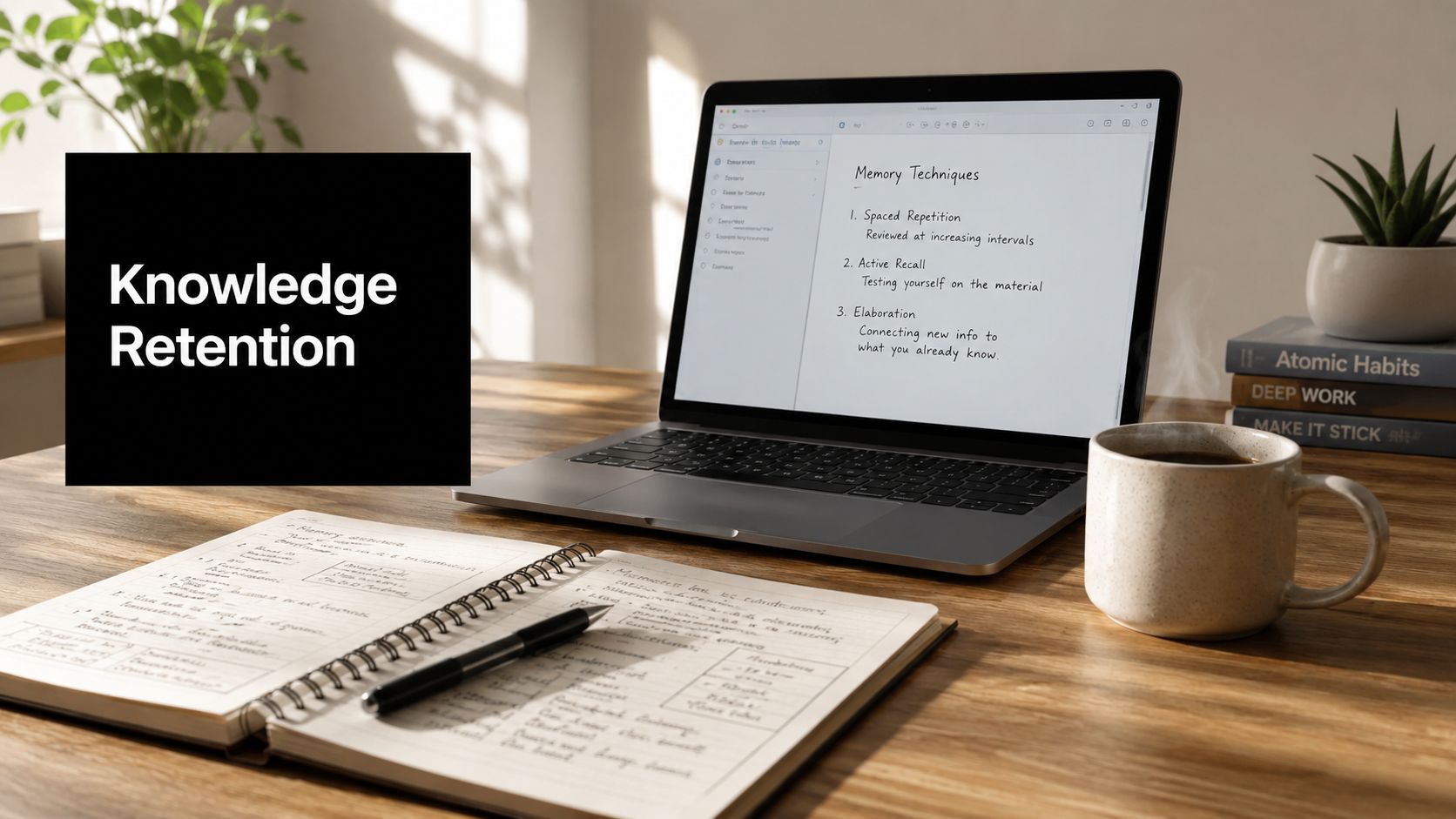
Without reinforcement, learners retain only 21% to 25% of content after 30 days. That isn't a learner problem, it's a design problem, because knowledge retention depends on what happens after the lesson ends.
A training session can feel successful in the room and still disappear from memory by the next month. That's why retention belongs in the same conversation as course design, meeting tools, and performance support, not as an afterthought for HR or instructors.

What Knowledge Retention Really Means
Knowledge retention is the ability to recall and apply what was learned after the lesson, meeting, or training session is over. That sounds simple, but it is different from attendance, completion, or even short-term recall right after instruction. A person can finish a webinar, pass the exit quiz, and still forget most of it when the actual task shows up a week later.
That is why completion metrics can mislead teams. They show that people were present, not that the learning stuck. A better definition treats retention as a measurable outcome, something you can strengthen through design rather than hope will happen by itself.
Practical rule: if people can repeat a concept in the session but cannot use it later, you taught exposure, not retention.
The research base makes that distinction important. One long-term memory study found that forgetting is steepest early, then slows sharply, while another review in educational and medical contexts found a similar pattern of early loss followed by more stable retention over time (long-term memory study). That means retention is not random. It follows patterns that trainers, educators, and managers can design for.
For a plain-language overview of study habits that support recall, the guide on how to study effectively and remember is a useful companion read. The core idea is that retention is a system, not a personality trait.
A modern video conferencing platform can act like part of that system. Recordings let people revisit explanations, transcripts turn spoken ideas into searchable notes, polls check whether key concepts landed, whiteboards capture how a team thought through a problem, captions support attention during live sessions, and analytics show where engagement drops. Those features are not just meeting conveniences, they are retention infrastructure, because they create more chances for people to encounter, review, and use the same idea in different forms.

The Two-Phase Forgetting Curve
Retention follows a predictable pattern, rapid initial loss, then slower change after that. Right after learning, the bucket has a lot of holes, so knowledge drains quickly. As time passes, the leaks slow down, and whatever remains tends to stay much more stable.
That shape matters because it changes when intervention has the most impact. Long-term memory research reported that rapid forgetting occurs soon after learning, then memory stabilizes and remains above chance for the rest of the observation period, with knowledge that survives the early period tending to remain intact over time. In plain terms, the biggest losses happen early, not years later.
Why the early window matters most
If you wait until performance slips visibly, you are already late. The knowledge has been leaking for a while, and people are now trying to recover something that may already have become fragile. Reinforcement in the early phase matters because it targets the period when loss is most likely to occur.
A classic study of school and university learning found that the common belief that formally learned knowledge disappears almost entirely is false, especially for people who reached moderate or advanced levels. It reported a stable period that could persist for decades, and also noted that early decline gives way to more stable retention later, especially for substantial or overlearned knowledge (Wiley study).
Knowledge that survives the early loss window behaves differently from knowledge that only ever lived in working memory.
That is the core design takeaway. A course does not need to defeat forgetting forever. It needs to help the right material survive the early phase long enough to become durable enough to use.
A modern video conferencing platform can support that process directly. Recordings let people revisit explanations, transcripts turn spoken ideas into searchable notes, polls check whether key concepts landed, whiteboards capture how a team thought through a problem, captions support attention during live sessions, and analytics show where engagement drops. Those features are not just meeting conveniences, they are retention infrastructure, because they create more chances for people to encounter, review, and use the same idea in different forms.
Core Cognitive Principles That Drive Retention
Retention improves when people pull knowledge back out, not when they just look at it again. That's the core idea behind retrieval practice, and it's why rereading slides feels productive but usually isn't enough. The mind strengthens what it has to reconstruct.
Spacing beats cramming
Massed learning, the familiar one-night cram, loads information into a short time window and gives the brain too little reason to revisit it. Spaced repetition does the opposite, it brings content back at intervals so the learner has to re-encode it. That repeated effort is what helps the memory trace hold.
A simple classroom example is a weekly low-stakes review of prior topics rather than one final exam only at the end. In corporate training, it's the difference between a single onboarding session and a short follow-up prompt a few days later, then another at the next milestone.
Retrieval practice beats passive review
A quiz after a webinar helps more than re-reading the deck because the quiz forces retrieval. The learner has to search memory, not just recognize familiar text. That search is the work that strengthens recall.
Desirable difficulty helps transfer
Learning should be a little hard. If a task is too easy, people feel comfortable but remember less. If it's slightly challenging, such as interleaving topics or asking learners to explain a scenario in their own words, the brain works harder and the memory tends to hold better.
For a training designer, the pattern is straightforward.
- Use brief recall moments: Start sessions with a question about last week's material.
- Mix related topics: Don't isolate everything into separate silos if the job mixes them.
- Ask for teach-back: Have learners explain the process as if they were coaching a new teammate.
- Repeat with variation: Bring back the same idea in different formats, such as discussion, quiz, and scenario.
A useful summary of this logic is embedded in knowledge retention metrics guidance, which emphasizes that immediate success can hide delayed failure.
How to Measure Retention the Right Way
Attendance and completion only show exposure. A learner can attend every session and still miss the point when the work starts. Retention has to be checked after the first sense of familiarity has worn off.
Build a delayed assessment stack
Start with a pre-test so you know what people already understand. Then use an immediate post-test to confirm that instruction landed. After that, use delayed quizzes after the first few weeks, and again later, to see whether recall survives the early-loss window, a cadence recommended in technical training guidance (DTIC training review).
That delayed view matters because retention is a lagging performance metric. If the score is strong on day one and falls later, the problem is usually not that people never understood the content. More often, the material was not reinforced, tied to the job, or brought back into daily use often enough.
A strong measurement plan also needs a place where learners can revisit what they heard. Recorded sessions, transcripts, captions, and follow-up prompts turn a video platform into retention infrastructure, not just a meeting tool. In platforms with learning management features, AONMeetings's LMS-related feature set can support that record, along with learner tracking and review materials.
Connect learning to work
Delayed tests tell you one part of the story. Job indicators tell you whether recall is turning into action. Industry guidance recommends combining tests with behavior observation and business KPIs such as error rate, onboarding time, or safety incidents to see whether knowledge is being recalled and applied in real work (metrics guidance).
A useful example is a customer-support team. A quiz may show that agents remember the policy, but a transcript review or call score can show whether they apply it under pressure. The same logic works for classroom settings, healthcare training, and technical onboarding, because retention should show up in the next decision, not only on a worksheet.
For teams that want a knowledge-capture workflow outside traditional LMS tools, Claude code second brain is a relevant example of how people organize and revisit information across time.
Read the drop, not just the score
A fall between immediate and delayed results usually points to one of three issues. The learner did not get enough retrieval practice, the content stayed too abstract, or the workflow does not prompt recall when the task begins. That diagnosis is more useful than blaming the learner.
Measurement insight: the key question isn't whether people learned it once, it's whether they can still use it when the job asks for it.
Polling, whiteboards, captions, and analytics help here because they show where recall breaks down and where learners need another chance to practice. A poll can reveal whether a group understood a concept in the moment. Analytics can show which topics people revisit, which recordings they skip, and where follow-up support is still needed.
That gives trainers a cleaner read on retention. It also helps them choose the next reinforcement step with less guesswork.
Retention Strategies for Educators, Trainers, and Specialized Teams
Different audiences lose knowledge for different reasons. A classroom learner, a new hire, and a clinician don't need the same reinforcement pattern because their stakes, schedules, and error costs aren't the same. The right strategy matches the recall window to the work.
Educators need recurring retrieval
Teachers get the best results when they build cumulative review into the week, not just the unit test. Short retrieval starters, teach-back assignments, and low-stakes checks help students pull old material back into working memory before it fades. That works especially well when the new lesson depends on the old one.
Corporate trainers need reinforcement that survives the first week
Workplace learning often fails because it's treated as a single event. Better designs use spaced microlearning, scenario-based simulations, and peer-led reinforcement so employees revisit the material in the context of real decisions. The goal is not just recall, it's transfer to the next customer call, ticket, or team handoff.
Healthcare and legal teams need accuracy under pressure
In healthcare and legal environments, forgetting isn't just inconvenient, it can affect outcomes and compliance. Competency-based assessments, recurring case reviews, and decision-support documentation help teams anchor what matters most. Repetition here isn't busywork, it's risk control.
A helpful rule of thumb is to tie the strategy to the consequence of failure. If the cost of forgetting is low, lightweight reinforcement may be enough. If the cost is high, the workflow should include repeated checks, role-specific guidance, and accessible reference material.
For organizations building structured onboarding around those patterns, training employees online can serve as a practical operational model.
Keep the review format close to the job. The more the practice resembles the real task, the less you have to hope memory will carry the rest.
Using Video Conferencing Features to Boost Retention
A modern video conferencing platform can do more than host a meeting. It can become part of the retention system when each feature is used as a learning tool rather than a convenience. AONMeetings includes cloud recordings, AI-powered transcripts, searchable recordings, meeting summaries, captions, breakout rooms, polling, whiteboards, and analytics, which makes it possible to design for recall inside the meeting itself.
Turn the session into reusable study material
Cloud recordings and searchable transcripts let learners revisit key moments without replaying an entire session. That helps a nurse, a sales manager, or a student return to the exact segment they need instead of starting over. When the material is searchable, review becomes faster and more likely to happen.
AI-generated summaries can work as pre-shift refreshers or pre-class primers. A trainer can send the summary before the follow-up session, so people arrive with the main ideas already activated in memory. That lowers the effort required to re-engage.
Build recall into the live meeting
Polls and whiteboards are not just engagement widgets. They create retrieval moments during the session, which is when learners have to answer, choose, or explain rather than just listen. Breakout rooms add peer teaching, which often exposes gaps faster than passive attendance.
Closed captions and translated transcripts support accessibility, but they also help encoding by giving learners another route into the material. That matters in mixed-language teams and in sessions where audio quality or attention fluctuates.
Use analytics to separate attendance from participation
Meeting analytics help managers and instructors see who engaged, who stayed quiet, and where the meeting may have lost momentum. That doesn't replace a real assessment, but it does help identify sessions that need stronger retrieval prompts or clearer structure. For a compliance lead, that distinction can guide follow-up instead of guessing who absorbed the content.
For teams that record lectures or training sessions, how to record lectures is a useful reference point for turning live instruction into durable review material.
Retention in the Flow of Work
A lot of training content fails because people can't find it when they need it. The lesson may have been fine, but the recall path is too friction-filled during the actual task. Retention, in that sense, is as much about accessibility as it is about memory.
Make the answer easy to retrieve
Searchable recordings, role-specific job aids, and just-in-time refreshers turn prior learning into a live support system. If a support agent can search a transcript before answering a tricky case, or a clinician can pull a protocol summary before a decision, the knowledge has a better chance of being used. That's the practical value of designing for the moment of need.
The contrarian angle matters. Most learning programs talk about quizzing, spacing, and microlearning, but fewer teams design for recall inside real work. The gap isn't usually that people were never taught. It's that the knowledge wasn't retrievable fast enough to matter.
Treat recordings as a performance library
A searchable transcript can do for training what a searchable manual does for equipment. It reduces the cost of looking things up and makes revisiting old material feel normal instead of remedial. AI summaries and on-demand recordings extend that effect, especially for distributed teams that can't all attend live.
If you need to convert existing video into usable text, Mp4 to transcript is a practical example of the kind of workflow that makes review easier.
The best retention support often looks boring. It's the job aid people actually open, not the elegant course they forget existed.
Putting It All Together

Retention gets stronger when you design for the whole arc, not just the moment of instruction. The early-loss window matters most, so reinforcement has to happen quickly enough to help knowledge stabilize. After that, the measurement has to shift from “did they attend?” to “can they still use it?”
A practical checklist is simple. Build a pre-test, an immediate post-test, and delayed follow-up checks. Add role-specific practice, whether that's cumulative review in a classroom, scenario practice in a sales team, or case review in healthcare. Then make the content easy to retrieve with recordings, transcripts, summaries, captions, and job aids.
If you want a short decision rule, use this one. Teach it once, test it later, and make it searchable forever.
For your next training cycle, pick one session, add a 30-day follow-up quiz, and turn the recording into a searchable reference. Then compare what people remember with what they do, and adjust the workflow where recall breaks down. AONMeetings can support that approach as a browser-based meeting and webinar layer for recording, transcription, captions, polling, breakout rooms, and review, so your learning content doesn't vanish when the live call ends.
A CTA for AONMeetings.