
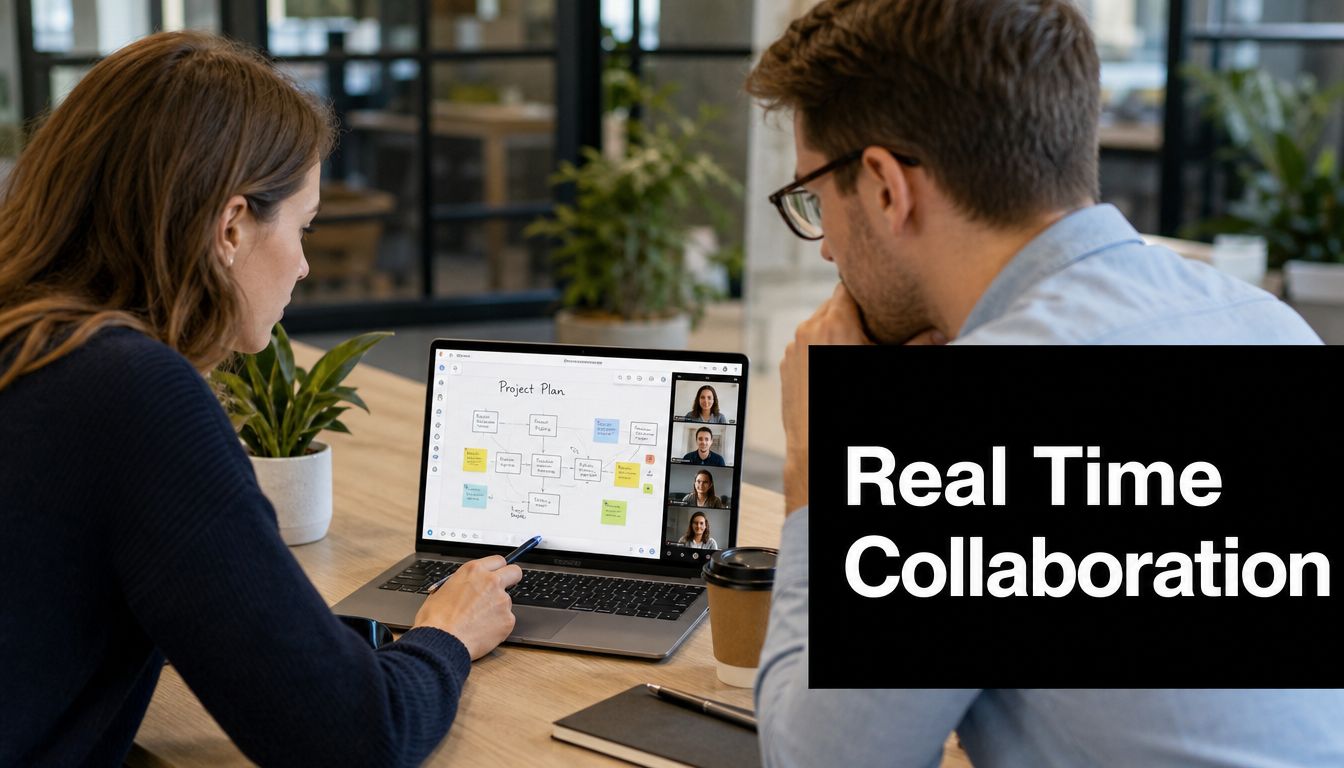
A project stalls in a way that feels small at first. One manager comments on version three of a proposal. A designer updates version five. Legal replies to an older email thread. By the time everyone realizes they're working from different copies, the meeting has ended and the decision has slipped another day.
That friction is why real time collaboration matters. It replaces waiting, version confusion, and scattered context with a shared working moment. People can talk, edit, review, and resolve issues while they're all looking at the same thing.
For executives, the point isn't novelty. It's operational clarity. When teams collaborate in real time, they spend less energy reconstructing context and more energy making decisions.
What Is Real Time Collaboration
Real time collaboration means people work together in the same digital environment at the same moment. They can see updates as they happen, respond immediately, and shape the same document, screen, whiteboard, or conversation without passing files back and forth.
That sounds simple, but many leaders confuse it with chat alone. Messaging is only one part of it. Real time collaboration includes live co-editing, screen sharing, video meetings, whiteboards, annotation, transcription, and coordinated workflows that let a group solve a problem together instead of taking turns in isolation.
A useful way to think about it is this. Email and static file sharing move work in batches. Real time collaboration moves work as a stream.
The business shift behind this change is already visible. The global share of workers using digital collaboration tools rose from 55% in 2019 to 79% in 2021, according to collaboration software adoption data. That wasn't just a temporary reaction to remote work. It marked a broader change in how teams expect to operate.
What makes it different from ordinary digital communication
Three characteristics matter most:
- Shared visibility: Everyone sees the same current state, not a delayed copy.
- Immediate feedback: Questions, approvals, and corrections happen in the flow of work.
- Concurrent contribution: Multiple people can contribute without waiting for handoffs.
If you want a broader primer on the category itself, this overview of collaboration software basics is a useful starting point.
Real time collaboration doesn't remove the need for process. It removes the delay between process steps.
A simple executive example
A product leader, a finance manager, and a sales director need to approve pricing language for a launch. In a traditional workflow, one person drafts, another comments later, and a third replies after a separate review. In a real time workflow, they open the same document, discuss the tradeoffs live, revise wording together, and leave with one approved version.
The gain isn't just speed. It's less rework, fewer misunderstandings, and a cleaner decision trail.
The Engine Behind Instant Connection
When a platform feels effortless, the technology underneath is doing a lot of work. Real time collaboration depends on a set of systems that keep people synchronized even when they're in different offices, countries, or network conditions.
A helpful analogy is a shared digital canvas. Every participant holds a brush. The platform's job is to make sure each person sees the same canvas, with the same updates, in nearly the same moment.

WebSockets and WebRTC
Two protocols sit near the center of most modern collaboration systems. According to technical guidance on collaborative applications, WebSockets and WebRTC are primary communication protocols for smooth synchronization and conflict resolution.
In plain language:
- WebSockets keep an open two-way connection between your browser and the server. Instead of repeatedly asking, “Anything new?”, the application receives updates as soon as they happen.
- WebRTC handles direct real time media communication, especially audio and video, inside the browser.
If you've ever joined a browser meeting without downloading software, you've already benefited from this approach. For a more technical explanation of the signaling layer that supports that experience, this guide to a WebRTC signaling server is worth reading.
Synchronization and low latency
The next question executives often ask is whether “real time” is fast enough to feel natural. The answer depends on architecture.
Benchmark guidance from Univer reports that real time collaboration systems can maintain approximately 1.3 seconds of latency with 200 concurrent users on standard server infrastructure when they use geographically distributed servers, optimized network requests, and small payloads. You can review that benchmark in this collaborative performance reference.
That matters because delay changes behavior. If updates lag, people stop trusting what they see. They talk over one another, duplicate work, or wait unnecessarily.
Why infrastructure choices shape user experience
The front end shows the meeting, document, or whiteboard. The back end determines whether that experience stays smooth under pressure.
Here's the practical model:
- Cloud infrastructure gives the platform room to scale when traffic spikes.
- Data synchronization rules decide how edits are merged and conflicts are resolved.
- APIs and SDKs let the collaboration layer connect to calendars, CRM systems, project tools, and identity systems.
- Low-latency networking reduces round-trip delay so edits, chat, and media feel immediate.
Some organizations also improve meeting usability with support tools. For example, teams that need searchable spoken content can boost productivity with voice-to-text so discussions become easier to review, share, and act on after the meeting.
Practical rule: If a platform feels simple to users, it usually means the vendor made the hard architectural decisions early.
Essential Features That Power Teamwork
Once the infrastructure is in place, users stop thinking about protocols and start using features. Real time collaboration then becomes tangible. The best features aren't decorative. Each one solves a specific coordination problem.

Features matched to the job to be done
A whiteboard, a transcript, and screen sharing may all appear in the same platform, but they serve different purposes.
| Feature | Best use | Why it matters |
|---|---|---|
| Interactive whiteboards | Brainstorming, mapping ideas, workshops | People can build on one another's thinking visually instead of forcing ideas into a linear document |
| HD screen sharing | Reviews, demos, troubleshooting | Teams can discuss the same live context instead of describing problems abstractly |
| Document sharing and co-editing | Approval cycles, drafting, policy review | Stakeholders work from one version rather than trading attachments |
| Live polling | Quick alignment, training, board-style check-ins | Groups can surface preferences or concerns without slowing the meeting |
| Real time transcription | Accessibility, recordkeeping, follow-up | Spoken conversation becomes searchable and easier to revisit |
Why transcription matters more than many teams realize
Many buyers treat transcription as a convenience feature. It's more important than that.
A searchable transcript creates an institutional memory. It helps absent team members catch up. It gives managers a way to review decisions without replaying an entire meeting. It also supports participants who process spoken information differently or need text reinforcement to stay engaged.
That accessibility angle is often overlooked. Research highlighted in an ACM discussion of accessibility barriers in collaboration notes that over half of respondents report that accessibility barriers negatively affect collaboration, job performance, and career growth. That should change how leaders evaluate “nice to have” features.
Choosing features with discipline
Don't ask whether a platform has a long feature list. Ask whether your teams will use the right features for recurring work.
A practical evaluation lens looks like this:
- For decision meetings: prioritize screen sharing, annotation, and transcripts.
- For workshops: prioritize whiteboards, breakout rooms, and polling.
- For regulated environments: prioritize access controls, recordings, and audit-friendly records.
- For distributed teams: prioritize browser access, calendar integration, and reliable chat tied to meeting context.
Feature sprawl creates confusion. Feature fit creates adoption.
Real Time Collaboration Across Industries
Real time collaboration isn't one workflow repeated everywhere. It changes shape based on the work, the stakes, and the compliance environment.

Healthcare and legal work
A physician conducting a remote consultation needs more than video. The session may involve shared records, live clarification, secure communication, and a reliable way to document what was discussed. The technology has to disappear into the clinical workflow, not distract from it.
A legal team faces a different problem. During a deposition prep session, attorneys may need to review exhibits together, mark documents, and compare notes in the moment. The value comes from preserving accuracy while reducing the delays that happen when evidence review is fragmented across email and separate calls.
Education and software development
A professor teaching a virtual class uses real time collaboration differently. The session has to support explanation, participation, and feedback at once. Screen sharing handles lecture material. Polls check comprehension. Chat gives quieter students a way to contribute without interrupting.
A distributed software team may spend its live time in sprint planning, incident response, or pair programming. The key isn't just that people can talk. It's that they can inspect the same code, logs, or roadmap while discussing next steps.
In collaborative technical work, the shared view is often more important than the meeting itself.
Design and engineering environments
Creative agencies use live sessions for client reviews, layout feedback, and campaign iteration. The point isn't merely to “meet online.” It's to keep the asset, the comments, and the decision in one moment so the team doesn't lose context between rounds.
Structural and design-heavy disciplines also benefit from simultaneous review. Seedium notes that real time design collaboration improves communication between stakeholders by giving distributed teams access to the latest design state in the same working session. In practical terms, that means fewer approvals based on stale material.
One pattern appears across all of them
The workflows differ, but the underlying value stays consistent:
- People resolve ambiguity faster
- Teams work from the latest shared context
- Specialists can contribute without waiting for formal handoffs
- Organizations preserve a clearer trail of what was decided
That's why real time collaboration belongs in operational planning, not just IT procurement.
Unlocking Key Business Benefits
Leaders often describe collaboration tools as productivity software. That label is too narrow. Real time collaboration changes how quickly a business can move from issue to decision.
The first gain is reduced rework. When the right people review the same material together, errors are caught earlier. Teams don't spend as much time untangling outdated comments or reconciling parallel versions of the same file.
The second gain is decision velocity. A short live session with the right shared context can replace a string of partial updates spread across days. That matters in sales reviews, launch approvals, client escalations, and operating meetings.
Where the business case shows up
The strongest returns usually appear in places executives already care about:
- Project execution: fewer stalled approvals and cleaner handoffs
- Customer-facing work: quicker resolution of issues that need input from multiple functions
- Hybrid operations: less dependence on physical proximity for alignment
- Knowledge retention: better records of what was discussed and why
There's also a people dimension. Teams don't stay engaged when work feels chaotic. Clear communication, visible decisions, and better meeting habits support a healthier operating environment. If you're looking at the people side of that equation, these employee engagement insights offer useful perspective.
Innovation is a coordination problem
Many executives treat innovation as a talent issue. Often it's a coordination issue instead.
Good ideas usually improve through interaction. Someone proposes a concept, another person spots a risk, a third adjusts the approach, and the group sees the result together. Real time collaboration shortens that cycle. It gives teams a place to test assumptions, compare alternatives, and leave with one next step instead of several unresolved threads.
Faster collaboration isn't valuable because it feels modern. It's valuable because it lowers the cost of getting the right people aligned.
Implementation and Platform Evaluation Checklist
A collaboration platform often wins the demo and loses the quarter.
The usual failure pattern is predictable. Leaders buy for speed, teams inherit another stream of alerts, and managers discover that faster communication does not automatically produce clearer decisions. The right evaluation process asks a better question. Will this platform help people coordinate in real time without training them to live in meetings all day?

What to verify before you buy
Under the surface, real-time collaboration platforms rely on protocols such as WebSockets and WebRTC, plus architecture choices that affect scale, security, and resilience, as explained in this overview of real time collaboration platforms. For an executive team, that technical stack matters for one reason. It determines whether the product feels dependable during normal work, not just during a polished sales walkthrough.
Use this checklist to translate technical claims into business questions:
Browser access
Entry friction spreads fast. If users need downloads, plugins, firewall exceptions, or repeated setup help, the tool creates support load before it creates value.Security and compliance
Ask how the vendor handles encryption, identity, guest access, retention, recording controls, and auditability. In regulated settings, a general-purpose tool may support collaboration but still fail your governance requirements.Performance under uneven demand
Collaboration traffic behaves like rush-hour traffic. Quiet periods are easy. The true test is what happens when many teams join calls, share screens, and upload content at the same time.Service isolation
Separate services reduce blast radius. If recording slows down, that should not break video. If chat has a problem, screen sharing should keep working. Business users judge the whole experience, not the component diagram.Support for healthy meeting patterns
This criterion gets overlooked. Check whether the platform helps teams limit fatigue through features like waiting rooms, time limits, recordings, captions, and easy handoff to asynchronous follow-up. A useful reference on reducing video meeting fatigue while staying productive can help shape those questions.
What to test during a pilot
Treat the pilot like a controlled operational test, not a popularity vote. A small group may enjoy a tool that does not scale well across functions, locations, or management styles.
| Evaluation area | Questions to ask |
|---|---|
| User experience | Can first-time users join, present, and contribute without assistance? |
| Admin controls | Can IT and operations teams set roles, permissions, retention rules, and policies without workarounds? |
| Integration fit | Does it connect cleanly with calendars, identity systems, messaging, and workflow tools? |
| Accessibility | Can people with different hearing, vision, language, or mobility needs participate fully? |
| Fatigue risk | Does the tool encourage quick decisions and clear follow-up, or does it pull teams into more live sessions than the work requires? |
Rollout practices that improve adoption
A measured rollout usually outperforms a broad launch.
Start with a few business moments where timing matters and outcomes are easy to observe, such as client issue resolution, executive approvals, or cross-functional planning. That gives you a clean before-and-after comparison.
Set operating norms early. Define what deserves a live session, what belongs in a document, and what can wait for a status update. Without those rules, teams often fill every gap with another meeting.
Train managers first. They set the tempo. If managers call live sessions for every minor question, the platform will absorb the blame for a process problem.
Review support tickets and usage patterns together. Repeated confusion about joining, sharing, permissions, or recordings points to fixable design and policy issues. Repeated complaints about overload point to something deeper. The platform may be working technically while failing operationally.
Measuring Success and Avoiding Collaboration Fatigue
A common mistake is to judge collaboration success by activity alone. More meetings, more chat, and more live sessions don't necessarily mean better work. In some teams, they signal the opposite.
One of the most important cautions in this space is simple. Excessive reliance on real-time tools leads to fatigue, as noted in this discussion of real-time collaboration fatigue. Many organizations push for speed without defining when live interaction stops helping.
What to measure instead of raw activity
Useful metrics are behavioral and operational, not just volumetric.
- Decision clarity: Are meetings ending with explicit owners and next steps?
- Rework patterns: Are teams revisiting the same issue because live sessions didn't produce a clear outcome?
- Participation quality: Do the same voices dominate, or are more people contributing in ways that fit their work style?
- Follow-through: After a live session, do tasks move forward cleanly or trigger another sync meeting immediately?
The goal is sustainable coordination, not constant presence.
How to reduce fatigue without losing momentum
The healthiest teams combine synchronous and asynchronous work deliberately.
A few practices help:
- Protect focus blocks: not every question deserves an instant meeting.
- Turn decisions into records: summarize live outcomes in a shared document or transcript.
- Use live sessions for ambiguity, not status recitation: if the issue is simple reporting, record it asynchronously.
- Respect accessibility needs: some people perform best with a mix of live discussion and time to process independently.
There's also a human energy component. Video-heavy collaboration can become draining when every interaction demands high attention and constant self-presentation. This guide on how to prevent Zoom fatigue and stay productive offers practical ways to manage that pattern.
The best collaboration culture isn't always on. It knows when to be live and when to leave people room to think.
Real time collaboration works best when leaders treat it as a precision tool. Use it where shared presence creates better outcomes. Don't use it as a default for every exchange.
If your organization needs secure, browser-based meetings and webinars without the usual setup friction, AONMeetings is worth a look. It's built for teams that need reliable real time collaboration, strong security, and straightforward access across healthcare, legal, education, finance, and enterprise environments.