
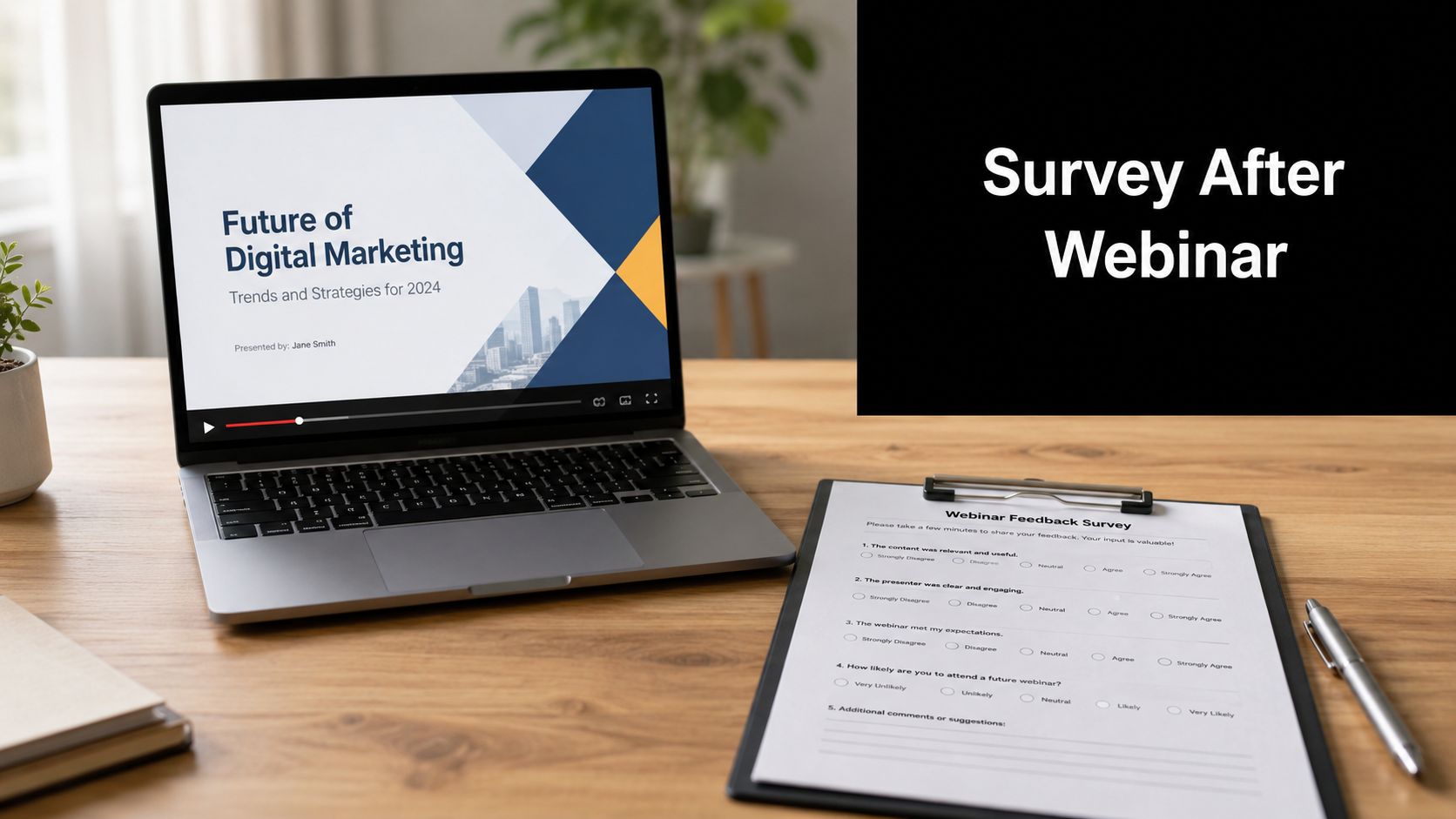
You close the webinar room, export the attendee list, and move on to the next task. That's where many webinar programs stall. The event happened, people showed up, and everyone assumes the work is done.
It isn't.
A strong survey after webinar is where a one-time session becomes a repeatable growth system. It tells you what held attention, what lost people, which objections are still unresolved, and which attendees are warm enough for follow-up. It also reveals something many organizations overlook. Different audience segments need different questions, different timing, and different delivery methods.
Most webinar teams use one generic feedback form for everyone. That approach creates muddy data. Live attendees, no-shows, and on-demand viewers didn't have the same experience, so they shouldn't get the same survey. If you want feedback that improves engagement, retention, and future conversion, segmentation has to be built into the process from the start.
Why Your Webinar Is Not Over When It Ends
The final slide is only the handoff point. What happens next determines whether your webinar program gets smarter or stays repetitive.
Feedback is often treated as an administrative task. They send a long email survey later, ask vague questions, and get too few useful responses to trust the results. That doesn't produce insight. It produces noise. Timing errors, bloated question sets, and generic prompts are usually the reason.
A better way to think about a survey after webinar is as post-event intelligence collection. You're not only measuring satisfaction. You're identifying friction in the attendee journey, testing whether the content matched intent, and uncovering what should happen next for each audience segment.
What weak surveys get wrong
Poor post-webinar surveys tend to fail in predictable ways:
- They arrive too late: By the time the message lands, recall has faded and urgency is gone.
- They ask everything at once: Teams mix content feedback, technical issues, buying intent, and future topic research into one overloaded form.
- They ignore audience context: Someone who attended live can rate pacing and Q&A. A no-show can't.
- They don't connect to action: Results sit in a spreadsheet instead of informing sales, content, customer success, or event operations.
Practical rule: If your survey doesn't change what your team does next, it's not a strategy asset. It's paperwork.
The operational gap shows up clearly in Formbricks' post-webinar survey insights, which emphasize timing within the first hour and separating no-show surveys because those registrants had a distinctly different experience.
Why this matters to the business
The right survey process helps teams answer high-value questions quickly:
- Engagement: Did the format hold attention, or did the audience want more interaction?
- Retention: Would these attendees come back for the next session in the series?
- Pipeline quality: Who wants more information, a demo, or deeper content on the topic?
- Content planning: Which themes deserve expansion into another webinar, a guide, or a nurture sequence?
- Operational improvement: Where did the registration flow, reminders, or platform experience create friction?
When teams start using post-webinar feedback this way, the webinar stops being a standalone event. It becomes an input channel for marketing decisions, audience development, and better follow-up.
Designing a Survey People Actually Want to Answer
The best survey after webinar starts before you write a single question. It starts with a decision. What do you need to learn that will change the next action?
If that sounds obvious, it's because many surveys skip it. Teams often build forms by copying common webinar questions into a template and hoping something useful appears in the responses. That usually creates a survey that feels unfocused to the attendee and difficult to analyze afterward.

Start with one primary objective
Choose the main job of the survey. Not five jobs. One.
Common primary objectives include:
- Measure experience quality: Useful when you're refining format, moderation, speakers, or production.
- Evaluate content relevance: Best when you're testing topic-market fit or educational value.
- Identify follow-up interest: Helpful when webinars support product marketing or sales conversations.
- Source future programming: Strong choice for webinar series planning and editorial alignment.
You can include a secondary question or two, but the survey should still feel centered. If the main goal is content feedback, don't let a long block of demographic questions crowd it out.
Keep the survey compact
Length is where completion rates often collapse. According to Univid's guidance on post-webinar survey questions, experts recommend keeping surveys to 5 to 8 questions, which respects the attendee's time and focuses the feedback on what matters.
That range is practical because it forces prioritization. You stop asking nice-to-know questions and keep the must-know ones.
A compact survey also improves answer quality. People are more willing to think carefully when they feel the ask is reasonable.
Short surveys don't just get finished more often. They also get better answers because respondents don't feel trapped in a form.
Match question type to the decision you need to make
Not every question should be open-ended. Not every question should be a rating scale either. Good survey design uses each format for a distinct purpose.
Use rating questions for trend tracking
These are useful when you want to compare sessions over time. They work well for overall satisfaction, speaker effectiveness, usefulness of the topic, and platform experience.
Examples:
- How satisfied were you with the webinar overall?
- How useful was the content for your current role or needs?
- How would you rate the clarity of the presenter?
Use multiple choice for operational clarity
Multiple choice questions help you group feedback cleanly. They're effective for future topic preferences, preferred format, session length, and next-step intent.
Examples:
- Which topic would you most like us to cover next?
- What format would you prefer next time?
- What would you like after this session?
If you want more interaction during the webinar itself, it helps to understand how live polls shape engagement. This practical guide on running better webinar polls is useful when you're deciding what to ask in-session versus afterward.
Use open-ended questions selectively
Open text is where nuance lives. It's also where abandonment starts if you overuse it. One or two open-ended questions are usually enough.
Good options:
- What was the most valuable part of the webinar?
- What should we improve before the next session?
- What topic should we cover next?
If you want inspiration beyond generic prompts, you can discover effective webinar feedback from Cloud Present and adapt examples to your own goals.
Post-Webinar Survey Question Templates
| Objective | Question Type | Example Question |
|---|---|---|
| Measure satisfaction | Rating scale | How satisfied were you with the webinar overall? |
| Assess content relevance | Rating scale | How useful was the content for your current needs? |
| Evaluate speaker delivery | Rating scale | How clear and engaging was the presenter? |
| Identify strongest content | Open-ended | What was the most valuable takeaway from the session? |
| Improve operations | Open-ended | What should we improve for the next webinar? |
| Plan future topics | Multiple choice | Which topic would you most like us to cover next? |
| Gauge follow-up interest | Multiple choice | What would you like us to send you after this webinar? |
| Check format preferences | Multiple choice | Which webinar format would you prefer next time? |
Write questions that feel easy to answer
Good survey language is plain, direct, and specific. Weak survey language is abstract and hard to interpret.
A few writing choices improve response quality fast:
- Ask one thing at a time: Don't combine content, pacing, and speaker quality in one question.
- Avoid internal jargon: Your team may know campaign terms. Your audience may not.
- Be precise about the subject: Ask about “the Q&A segment” or “the registration process,” not “the experience.”
- Make the ask feel relevant: Every question should make sense to the person receiving it.
The easiest test is simple. Read the form as if you attended the webinar on your phone while switching between meetings. If a question feels like work, rewrite it.
The Art of Timing and Segmented Distribution
A survey after webinar fails most often because teams use the wrong delivery logic. They send the same message, at the same time, to everyone on the registration list.
That's convenient for the organizer. It's weak for the audience.
Response behavior changes depending on what the person experienced. A live attendee still remembers the presenter's pacing, the Q&A, and whether the examples landed. A no-show may still care about the topic but can only comment on reminders, scheduling, and whether they want the recording. An on-demand viewer is interacting with the content on their own timeline, which changes when and how feedback should appear.

Live attendees need immediate capture
For people who stayed through the session, speed matters more than almost anything else. EasyWebinar's post-webinar survey guidance reports that surveys sent immediately after the session can achieve up to 70% higher completion rates, and delaying by 24 hours can cause response rates to be cut in half.
That has a practical implication. If your platform offers an in-browser survey or end-of-session prompt, use it. Don't rely only on email. The attendee is already present, already thinking about the session, and far more likely to respond before they return to their inbox.
Best approach for live attendees
- Primary channel: In-browser survey at session close
- Backup channel: Follow-up email shortly after
- Question focus: Content value, speaker quality, pacing, Q&A, technical experience
- CTA style: Direct and brief, with a clear reason for asking
No-shows need a different survey entirely
No-shows are often mishandled. Teams either send them the same attendee survey or ignore them completely. Both choices waste signal.
A no-show didn't experience the webinar itself, so asking them to rate the content makes no sense. What you want instead is diagnostic feedback. Was the timing wrong? Did reminders miss the mark? Do they still want the replay? Is the topic still relevant?
The strongest guidance in the available material points toward keeping no-show surveys separate and shorter, because these respondents had a different experience from the start.
Questions for this group should stay narrow:
- Why weren't you able to attend live?
- Would you like access to the recording?
- Are you still interested in this topic?
- What timing works better for future sessions?
On-demand viewers respond best in context
On-demand viewers are often an afterthought, but they can become one of the most useful segments in your webinar program. They've shown intent, just not in the live format.
For this audience, survey placement matters. An embedded feedback prompt near the end of the recording usually fits better than a detached email sent days later. Their experience is tied to the replay environment, so the request should live there if possible.
Ask for replay feedback at the moment the viewer finishes or exits. That's the closest equivalent to the live attendee's end-of-session window.
Match channel to audience behavior
A practical segmented distribution model looks like this:
| Audience segment | Best delivery mode | Best use case |
|---|---|---|
| Live attendees | In-browser survey | Capture immediate reaction while attention is still on the event |
| Live attendees who skip prompt | Follow-up email | Recover missed responses without interrupting the session close |
| No-shows | Separate email survey | Diagnose attendance barriers and offer replay access |
| On-demand viewers | Embedded replay prompt | Collect contextual feedback tied to the recording experience |
The invitation itself matters too. If your team needs help writing cleaner asks, these Best email templates for feedback from ReachInbox are a useful starting point for adapting tone by segment.
Tactics to Dramatically Boost Survey Response Rates
Most webinar teams don't have a survey design problem. They have a participation problem.
Even a well-structured survey after webinar can underperform if the invitation is forgettable, the value exchange is unclear, or the form arrives after the attendee's attention has shifted. Standard post-event response rates are often only 20% to 30%, while in-session surveys can deliver 3 to 5 times the response rate of email-only surveys and reach 30% to 50% response rates when executed during the webinar itself or within the final minutes, according to Univid's webinar survey recommendations.

Ask before the webinar ends
The easiest lift often comes from changing the moment of the ask. If the host says, “Please take one minute to tell us what worked and what didn't before you leave,” more people respond than if the same request arrives cold in email later.
This works because the attendee still has context. They don't have to remember what happened. They just have to react.
Make the value proposition explicit
Attendees need a reason to care. “Please complete our survey” is weak because it asks for effort without showing the payoff.
A stronger invitation explains what the feedback influences:
- Future topics: Their answers shape upcoming sessions
- Format improvements: Their comments affect pacing, demos, and Q&A structure
- Resources: Their preferences determine what follow-up materials they receive
People respond more sincerely when they believe their feedback changes something concrete.
Field note: Don't ask for feedback as a favor. Ask for it as input that will improve the next experience they get from you.
Remove friction from the response path
Every extra click reduces completion. That means the mechanics matter.
A few practical improvements:
- Use mobile-friendly forms: Many attendees open follow-up emails on their phones.
- Avoid mandatory free-text fields: They increase drop-off fast.
- Keep the first screen simple: Start with an easy rating question, not a long-form prompt.
- Use clean sender identity and subject lines: The email should look connected to the webinar they just attended.
You should also make the broader follow-up sequence coherent. This guide to a stronger webinar follow-up email is useful if your current survey ask feels disconnected from the rest of your post-event communication.
Consider selective incentives
Incentives can help, but they work best when they fit the audience and don't feel like a bribe. For professional webinars, practical value usually performs better than gimmicks.
Examples that align well:
- Bonus content: A checklist, worksheet, or extended Q&A summary
- Priority access: Early registration for the next session
- Useful resource delivery: A replay, slide deck, or related template
The key trade-off is data quality. If the incentive is too generic, some people answer carelessly just to claim it. Keep the reward relevant to the webinar topic and modest enough that it attracts real interest, not random clicks.
Turning Survey Data into Actionable Business Intelligence
Collecting responses is only useful if someone turns them into decisions. That's where many webinar teams fall short. They gather feedback, glance at a few comments, and then move on without a clear process for routing insight to the right people.
A survey after webinar becomes valuable when the output is structured, tagged, and tied to follow-up actions across teams.

Start by sorting the data into usable buckets
Don't review responses as one undifferentiated pile. Separate them by feedback type first.
A simple operating model works well:
| Feedback bucket | What it contains | Who should use it |
|---|---|---|
| Experience metrics | Ratings on satisfaction, relevance, or delivery | Event and marketing teams |
| Content insight | Topic requests, unanswered questions, clarity issues | Content and product marketing teams |
| Intent signals | Requests for demos, follow-up, or related resources | Sales or revenue teams |
| Operational issues | Audio, access, registration, reminder, or replay problems | Event operations and platform owners |
| Testimonials and praise | Positive quotes and strong endorsements | Brand and demand generation teams |
This step prevents a common mistake. Teams often focus only on average ratings and miss what the comments imply about next actions.
Treat open-ended responses as a tagging exercise
Open text is where attendees tell you what really happened. But unstructured comments become overwhelming if you try to read them casually.
Use a simple tag system. You don't need advanced software to start.
Useful tags include:
- Content suggestion
- Technical issue
- Speaker feedback
- Positive testimonial
- Buying interest
- Format preference
- Future topic request
After tagging, patterns emerge quickly. If multiple respondents ask for a deeper walkthrough, that's a content planning signal. If several mention trouble joining, that's an operations fix. If attendees ask for pricing or implementation details, that's not just feedback. It's follow-up intent.
Route insight by workflow, not by spreadsheet
The strongest webinar teams don't leave survey results in one owner's inbox. They route them.
A practical workflow might look like this:
- Marketing reviews satisfaction and topic demand to improve upcoming sessions and promotional messaging.
- Sales receives explicit hand-raisers who requested contact or deeper evaluation.
- Content teams collect recurring questions to turn into blog posts, guides, short clips, or future webinars.
- Event operations review technical friction before the next live session.
- Customer success or community teams track engagement themes if webinars support retention and education.
If your organization is building a broader listening program, this guide to voice of customer strategy is useful for connecting webinar feedback to the rest of your customer insight workflows.
The most useful survey response is not the nicest one. It's the one that tells the right team what to do next.
Close the loop internally and externally
Internally, create a short post-webinar summary that highlights only what matters:
- top strengths
- top friction points
- requested next topics
- follow-up intent signals
- one or two changes to implement before the next session
Externally, let attendees see that their input mattered. If you change format, add more Q&A, improve reminders, or build a session around a requested topic, say so in future invitations or follow-up messages. That simple acknowledgment increases trust and makes people more likely to respond again.
Creating a Continuous Improvement Loop with Feedback
A webinar program gets stronger when each event informs the next one. That only happens when feedback is designed with intent, distributed by segment, and translated into action quickly.
The core shift is mental. Stop treating the survey after webinar as a form you send because event teams are supposed to send one. Treat it as a structured listening point in the audience relationship. It tells you how people experienced the event, what they want next, and where your program is creating or losing momentum.
Three habits make the biggest difference:
- Design for a decision: Every question should support a clear business or program choice.
- Segment by experience: Live attendees, no-shows, and on-demand viewers need different asks.
- Operationalize the results: Feedback should move to marketing, sales, content, and operations without delay.
When teams work this way, webinars stop feeling isolated. The next session gets sharper. Follow-up gets more relevant. Audiences feel heard. Over time, that's what builds stronger engagement and better retention.
A good webinar ends with applause in the chat. A strong webinar program ends with insight, adjustment, and a better next event.
If you want a simpler way to run webinars, collect audience input, and manage follow-up in one browser-based platform, AONMeetings is worth a look. It combines webinars, live polling, registration, recording, and analytics without software installation, which makes it easier for teams to create a smoother feedback loop from event delivery through post-webinar action.