Training often breaks long before leaders realize it.

The warning signs look small at first. A new hire asks which version of the onboarding deck is current. A manager keeps a private folder of process guides because nobody trusts the shared drive. Compliance reminders go out by email, then someone follows up in a spreadsheet, then somebody else exports a report to prove completion. Every team works hard, yet the learning system underneath the business is patchwork.

That patchwork creates cost, delay, and risk. It also makes growth harder. If people cannot find the right training, cannot prove completion, or cannot see what skills they need next, the organization ends up releaching the same lessons again and again.

This is why the benefits of learning management systems matter to more than HR. A strong LMS is not just a course portal. It is the operating system for how a company teaches, tracks, and improves capability at scale.

Moving Beyond Scattered Spreadsheets and Emails

Most organizations do not start with a broken training strategy. They start with practical shortcuts.

Someone stores onboarding checklists in a shared folder. A department lead records a webinar and emails the link around. HR builds a spreadsheet to track mandatory courses. Compliance keeps its own version because it needs more detail. Soon the company has training in five places, ownership in three places, and accountability in no clear place.

An office desk featuring stacks of paper, a computer showing data charts, and a green lamp.

The core problem is not content

Many leaders think they have a content problem. In reality, they usually have a system problem.

The issue is rarely a total lack of training materials. It is that the materials are hard to find, difficult to update, and almost impossible to track consistently. One employee may learn from the latest policy guide while another uses an outdated PDF saved months ago.

That creates friction in places leaders care about:

  • Onboarding consistency: New hires get different experiences depending on who trained them.
  • Operational accuracy: Teams repeat avoidable mistakes because process knowledge is buried.
  • Compliance visibility: Nobody has a clean, current record of what was assigned and completed.
  • Manager confidence: Supervisors cannot tell whether low performance comes from lack of skill or lack of training.

Why an LMS changes the conversation

A Learning Management System pulls those loose parts into one place. It gives the company a common environment to deliver training, monitor progress, and keep records without chasing files across inboxes and folders.

Consider it akin to moving from a pile of handwritten notes to a shared navigation system. The roads may already exist, but now everyone can see the same route.

A useful LMS does not add complexity. It replaces hidden complexity that already exists in scattered processes.

This matters most when the business grows. Manual coordination can work for a small team for a while. It starts failing when you add new locations, remote staff, contractors, role-specific certifications, or frequent policy updates.

An LMS gives the business a foundation for repeatable learning. That is what turns training from an administrative chore into a strategic asset.

What an LMS Is and What It Solves

An LMS is easiest to understand if you stop thinking about software categories and start thinking about a digital campus.

It is the place where your organization stores learning materials, delivers them to the right people, tracks what happened, and reports the results. If your old setup looked like disconnected classrooms, inboxes, and filing cabinets, an LMS acts more like a unified campus with a library, registrar, testing center, and reporting office in one system.

Infographic

One platform, five core jobs

Here are the five jobs an LMS usually handles.

Centralized content

This is the most visible function. The LMS becomes the single source of truth for onboarding modules, SOPs, policy updates, videos, job aids, assessments, and certifications.

Without that center, people guess where to look. With it, they know the training lives in one reliable place.

A practical example: a manufacturing team updates a safety procedure. In a scattered setup, supervisors may keep sending the old file. In an LMS, the updated version replaces the old one centrally, so everyone sees the right material.

Delivery of learning

Storing content is not enough. The system also needs to assign and deliver it to the right people.

That can mean role-based onboarding for sales, manager training for supervisors, annual compliance refreshers for all staff, or optional career development paths for high-potential employees. The LMS handles distribution so learning reaches the learner instead of waiting for the learner to hunt it down.

If you are comparing this to live training environments, this overview of a virtual classroom helps clarify how synchronous teaching fits alongside LMS-based on-demand learning.

Tracking progress

Many business leaders first see the operational value here.

An LMS records who started a course, who completed it, how they performed on assessments, and where learners got stuck. Instead of asking three managers for updates, you can check the system.

That solves a common confusion point. Tracking is not about surveillance. It is about reducing blind spots. If a team misses a step in the field, you need to know whether training was never assigned, never completed, or completed without comprehension.

Assessments and validation

A good LMS does not just present information. It checks whether people understood it.

Quizzes, scenario checks, acknowledgments, and certification steps help confirm that learning happened. This is especially important when the business must show proof that employees reviewed a required policy or mastered a standard procedure.

Reporting and automation

The final piece is what removes the spreadsheet burden.

The LMS can generate completion reports, identify overdue training, send reminders, trigger recertification workflows, and help managers monitor team progress without chasing status manually. That frees L&D and HR to focus on program quality instead of clerical work.

What problems does this solve

The best way to evaluate the benefits of learning management systems is to map them to business pain points.

Business problemWhat the LMS changes
New hires receive uneven trainingStandardizes onboarding by role
Teams use outdated materialsMaintains one current version
Managers cannot see progressProvides real-time learner tracking
Compliance records are messyCreates documented completion history
Admin work consumes L&D timeAutomates reminders, enrollments, and reporting

If your training process depends on heroic follow-up from HR or department leads, the process is not scalable. An LMS reduces that dependence.

Where leaders often get confused

Some executives hear “LMS” and picture a static course catalog that employees ignore.

That can happen if the system is treated like a storage closet. It should be treated more like infrastructure. The value comes from how it connects learning to business operations, role changes, compliance cycles, and performance expectations.

An LMS is not a replacement for managers, coaches, or live instruction. It is the system that makes all of those efforts more organized, visible, and repeatable.

The Strategic Benefits for Every Key Stakeholder

An LMS purchase often starts in HR or L&D. The return spreads much wider.

That matters because adoption improves when each function sees its own value clearly. A business leader should not ask only, “What features does this platform have?” The better question is, “What friction does it remove for each team that depends on training?”

HR and L&D gain control without constant chasing

For HR and L&D teams, the biggest shift is operational clarity.

Onboarding becomes more structured. Mandatory learning can be assigned by role. Policy updates can be distributed centrally. Completion status lives in one system rather than across email threads and spreadsheets.

That changes the day-to-day work of the team.

Instead of spending hours asking who has completed what, HR can focus on program design, manager support, and learner experience. L&D can spot where employees stall, which content confuses people, and which pathways need revision.

A common practical benefit is cleaner handoffs. If a company hires in waves, HR no longer has to rebuild the onboarding process for every cohort. The LMS carries the structure forward.

KPI ideas for HR and L&D

  • Onboarding completion speed: How quickly new hires finish required learning
  • Compliance status visibility: Whether mandatory training records are current and easy to access
  • Internal mobility readiness: Whether employees complete role-based development paths before promotion
  • Administrative workload: Whether the team spends less time coordinating assignments and reminders

IT gets standardization, governance, and fewer workarounds

IT often gets pulled into learning projects late, usually after content has already spread across shared drives, file apps, webinar tools, and team-specific systems.

An LMS can reduce that sprawl by giving the organization one governed environment for learning data and access management. That is useful even outside highly regulated industries.

From an IT perspective, several benefits stand out:

  • Centralized user management: Fewer disconnected tools to provision and support
  • Reduced shadow systems: Less reliance on informal file sharing and unmanaged repositories
  • Cleaner integration architecture: A clearer path to connect learning with HR or business systems
  • Better permissions control: The ability to limit access by role, region, or function

IT leaders also care about support load. When employees know where training lives and how to access it, the organization creates fewer “where do I find this?” tickets and fewer manual workarounds.

Trainers and educators move from delivery to design

Trainers often spend too much energy repeating the same administrative tasks.

They chase attendance, resend materials, answer basic access questions, and manually reconcile who completed a workshop versus who still needs the assignment. An LMS changes the trainer’s role from traffic manager to learning architect.

That improves the quality of instruction. Trainers can build blended programs that combine live workshops, short videos, reading, quizzes, reflection prompts, and follow-up assignments. They can review assessment results and see where learners struggled instead of guessing.

This is one of the less discussed benefits of learning management systems. The technology does not replace the educator. It gives the educator greater influence.

Consider a product training lead. Without an LMS, every launch may require a scramble of live sessions, emailed decks, and manual attendance tracking. With an LMS, the trainer can create a repeatable launch path with pre-work, session registration, post-session testing, and a manager dashboard to verify readiness.

Trainers become more effective when the system handles logistics and records. Their expertise goes back into teaching.

What trainers can improve

  1. Consistency across cohorts: Every learner gets the same core content.
  2. Feedback loops: Assessment results reveal weak spots in the material.
  3. Blended learning design: Live sessions can focus on discussion and practice instead of basic information transfer.

Learners get clarity, convenience, and ownership

Employees rarely ask for “an LMS.” They ask for something simpler.

They want to know what they need to complete, where to find it, and why it matters. They want fewer passwords, less confusion, and less dependence on someone emailing the latest file.

A good LMS supports that experience by making learning easier to access and easier to follow. Learners can complete assigned courses, revisit past resources, and see the next steps in their development path.

That can improve motivation because the path feels visible. Employees are more likely to engage when training feels relevant to the role, timed to the need, and organized in a way that makes progress obvious.

Here is a simple comparison:

StakeholderBefore an LMSAfter an LMS
HRManual coordinationStructured workflows
ITTool sprawlGoverned system
TrainerRepetitive adminData-informed design
LearnerConfusing accessClear pathway

The strategic takeaway for leadership

The strongest LMS business cases are cross-functional.

If leadership treats the platform as “just another HR system,” it will likely be underused. If leadership treats it as a business capability that supports onboarding, compliance, skills development, and operational consistency, adoption becomes much easier.

Each stakeholder sees a different benefit. Together, those benefits create a more teachable organization.

Measuring the True Return on Investment of Your LMS

Leaders do not fund training systems because course catalogs look tidy. They fund them because they expect measurable business value.

That is why LMS ROI should be tied to operating outcomes, not vanity metrics. Logins matter less than whether the system lowers training cost, speeds readiness, and improves performance where the business feels it.

Start with avoided cost

The cleanest place to begin is training expense.

Learning Management Systems can produce cost reductions of 25-60% in training expenses compared to traditional methods by removing costs tied to instructor travel, venue rentals, and printed materials, according to this review of LMS business benefits. That is a straightforward financial lever because those are visible line items.

For a business leader, this changes the budgeting conversation. Instead of viewing training only as a recurring cost center, the LMS becomes a way to reduce the delivery cost of learning while making training easier to scale.

Then measure time and performance

The next layer of ROI is operational.

A system that organizes onboarding, assigns learning automatically, and gives managers visibility can reduce delays between hiring and productive work. You do not need a generic “completion rate” dashboard to make that case. You need to compare business moments before and after implementation.

Useful KPI categories include:

  • New hire readiness: Time from start date to completion of required onboarding
  • Manager intervention load: How often managers must manually remind, reassign, or verify training
  • Sales or service enablement: Whether teams complete launch training before a new rollout
  • Audit preparation effort: How hard it is to produce proof of training completion
  • Support burden: Whether repeat questions drop after training becomes easier to access

A practical formula is simple. Look for labor saved, direct expenses avoided, and delays removed from revenue-producing work.

Use outcome chains, not isolated metrics

Many teams struggle to prove LMS value because they stop at learning metrics.

A stronger method is to connect each LMS function to a business KPI through a short cause-and-effect chain.

For example:

  1. Training content moves into one system.
  2. Assignments and reminders become automated.
  3. Employees complete required learning more consistently.
  4. Managers spend less time chasing status.
  5. Teams reach role readiness faster.

That chain is far more persuasive than saying course completion went up.

The best LMS business cases are built on operational evidence. They show what the organization spends less on, does faster, or manages with less risk.

Anchor the strategic upside

There is also a broader growth argument.

Companies with strong LMS-integrated training programs have been associated with 218% higher revenue and 24% higher profit margins, as cited in the same LMS ROI discussion. Leaders should read those figures carefully and use them as directional evidence for the value of structured training, not as a guaranteed outcome for any one implementation.

That distinction matters. An LMS does not create profit by itself. It improves the company’s ability to build capability repeatedly and at scale. Revenue impact follows when that capability supports sales readiness, customer education, manager effectiveness, and quality execution.

A practical ROI review cadence

If you want the LMS to keep executive support, review it on a regular business rhythm.

Use a short scorecard such as:

  • Financial: delivery costs avoided
  • Operational: onboarding or certification cycle time
  • Risk: audit readiness and completion visibility
  • Performance: team readiness for launches, process changes, or role shifts

This is how you turn the benefits of learning management systems into a business case that survives budget scrutiny.

Ensuring Compliance Security and Seamless Integration

In regulated environments, training is not just about learning. It is about proof, control, and defensibility.

A healthcare group, legal practice, or financial organization cannot rely on a loose mix of webinars, shared folders, and attendance notes when regulators or clients expect clear records. The LMS becomes part of the control environment.

Why compliance teams care about system design

Compliance training fails in predictable ways.

Someone cannot prove which version of a policy an employee saw. A certification expires because reminders were manual. A recording includes sensitive information and sits in the wrong location. Access permissions are too broad, so the wrong audience can view restricted content.

An LMS helps when it creates structure around those issues:

  • Audit trails: A record of assignment, completion, and acknowledgment
  • Version control: Clarity on which content was current at the time of training
  • Recertification workflows: Repeat assignments and reminders tied to ongoing requirements
  • Role-based access: Limits on who can view, edit, or administer sensitive learning assets

These are not “nice to have” features in high-stakes environments. They shape how defensible the training process is.

Security matters most when learning data and live sessions meet

Many organizations underestimate complexity in this area.

A static course library is one thing. A modern learning environment often includes live webinars, recordings, transcripts, discussion forums, and integrations with identity, HR, and communication systems. Each connection creates convenience, but it also creates governance questions.

In healthcare, a HIPAA-compliant LMS with end-to-end encryption can cut administrative time for training by 60% through automated tracking and reporting, according to a PMC article on secure LMS use in medical education. The same article notes that integration with video conferencing for live, multi-camera streams and closed captioning is vital for real-time compliance in legal and medical education settings.

That finding matters beyond healthcare. It shows that secure learning infrastructure can reduce administrative burden while also supporting regulated teaching workflows.

In regulated organizations, ease of use cannot come at the expense of control. The system has to support both.

Integration should remove friction, not create new silos

An LMS is more valuable when it fits into the systems employees already use.

That may include HRIS for employee status, calendars for scheduling, identity systems for access, and webinar platforms for live instruction. But integration should be intentional. If each tool holds a separate version of learner status, the company just replaces one data mess with another.

A useful integration strategy often follows this pattern:

SystemWhat it contributes
HRISUser data, role changes, team structure
Video platformLive sessions, recordings, transcripts
Calendar toolsSession scheduling and reminders
LMSAssignment logic, completion tracking, reporting

A security-minded team should ask practical questions before connecting these systems:

  1. Who owns access rules for recordings, transcripts, and course assets?
  2. Where is completion data stored when live learning becomes on-demand content?
  3. How are updates handled when people change roles or leave the organization?

For organizations reviewing broader practices, these cybersecurity tips for online learning environments offer a helpful checklist mindset.

The overlooked issue is workflow continuity

One of the least discussed benefits of learning management systems is continuity between live and on-demand learning.

A legal update, medical education event, or compliance webinar often starts as a live session. Its long-term value depends on whether it becomes a secure, searchable, trackable asset afterward. If that handoff is manual, things get lost. If it is designed well, the training remains useful and auditable.

That is where integration stops being a technical detail and becomes a strategic requirement.

Implementation Success and Common Pitfalls to Avoid

An LMS can be a strong investment and still fail.

The failure usually is not caused by the platform alone. It comes from weak scoping, poor governance, unclear ownership, or a launch plan that treats adoption as automatic. Organizations buy the technology, load some content, announce it once, and then wonder why usage stalls.

Implementation works better when leaders treat the LMS as an operational change, not just a software rollout.

Start with business requirements, not vendor demos

Many teams begin in the wrong place. They watch polished product demos before defining the problems the system must solve.

That creates predictable trouble. A flashy interface can distract from more important issues such as access control, reporting logic, onboarding workflows, certification handling, or integration needs.

Before evaluating platforms, document what the business needs.

Questions worth answering early

  • Who are the core audiences: Employees, managers, contractors, partners, or customers?
  • What training matters most first: Onboarding, compliance, product enablement, or role development?
  • What records must be provable: Completion, acknowledgments, certifications, or assessment results?
  • What systems must connect: HRIS, SSO, calendar, webinar, CRM, or content tools?
  • Who owns content quality: HR, compliance, operations, subject matter experts, or an L&D team?

This groundwork prevents an expensive mismatch between the platform and the operating model.

Launch in phases so people can trust the system

A big-bang rollout sounds efficient. It often creates confusion.

A phased launch usually works better because it gives the team room to test assignment rules, refine the user experience, and fix reporting issues before the whole company depends on the system.

A practical sequence might look like this:

  1. Pilot one use case: Start with a contained program such as onboarding or annual policy training.
  2. Validate the learner journey: Make sure employees can log in, find assignments, complete courses, and view status clearly.
  3. Review manager visibility: Confirm that supervisors can use the dashboards and reports.
  4. Add more complexity: Expand into blended learning, certifications, or multi-department pathways after the basics work.

A pilot is not a soft launch. It is a risk-reduction tool that reveals process flaws before they scale.

Common pitfalls that derail LMS value

Some problems appear so often that they are worth naming directly.

Buying for features instead of fit

A system may have impressive capabilities and still be wrong for the business. If common workflows feel awkward, adoption will suffer.

Ignoring the learner experience

Employees compare workplace tools to every digital product they use elsewhere. If navigation is confusing or assignments feel disconnected from their work, they disengage quickly.

Treating content migration as simple

Moving files into a new platform is not the same as designing useful learning. Old decks, outdated PDFs, and duplicate materials should be reviewed before migration, not dumped in bulk.

Weak governance after launch

Without clear ownership, content goes stale, assignments become inconsistent, and reports stop being trusted. Every LMS needs a governance model for updates, permissions, and reporting definitions.

No communication plan

People rarely adopt a new learning system because IT sent a link. They adopt it when leaders explain why it matters, managers reinforce use, and employees see how it helps them do the job.

What successful teams do differently

Strong implementations usually share a few habits.

Good practiceWhy it matters
Executive sponsorshipSignals that learning is operationally important
Clear ownershipPrevents drift in content and reporting
Manager enablementHelps adoption stick in day-to-day work
Content standardsImproves clarity and consistency
Review cadenceKeeps the system aligned with business needs

The final test is simple. After launch, can a new hire, manager, compliance lead, and trainer all answer basic questions without sending three emails for help? If yes, the system is doing its job.

The benefits of learning management systems show up when implementation is disciplined, governance is clear, and the platform is tied to real business workflows. That is when the LMS stops being “another tool” and starts acting like infrastructure for growth.


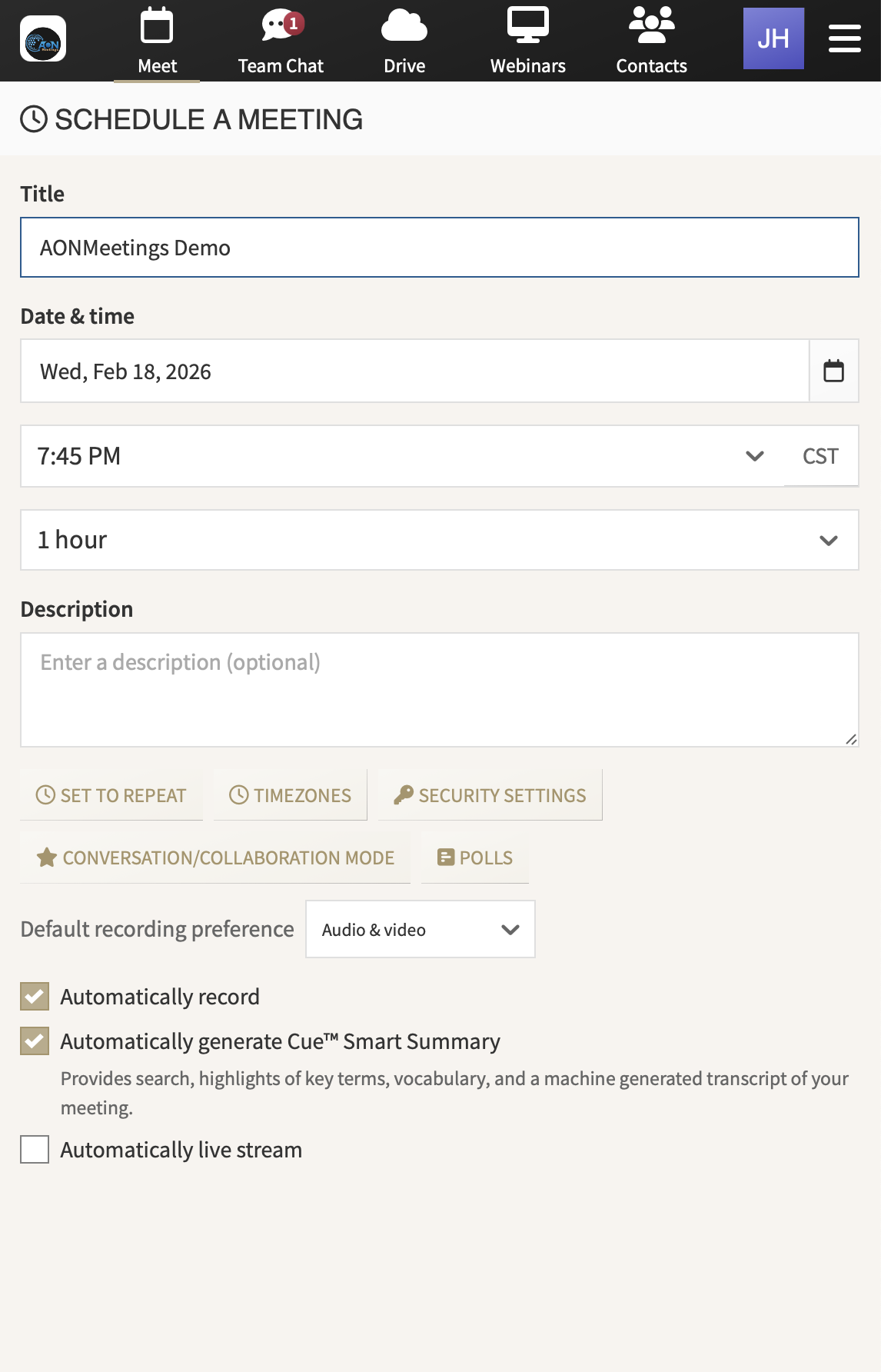
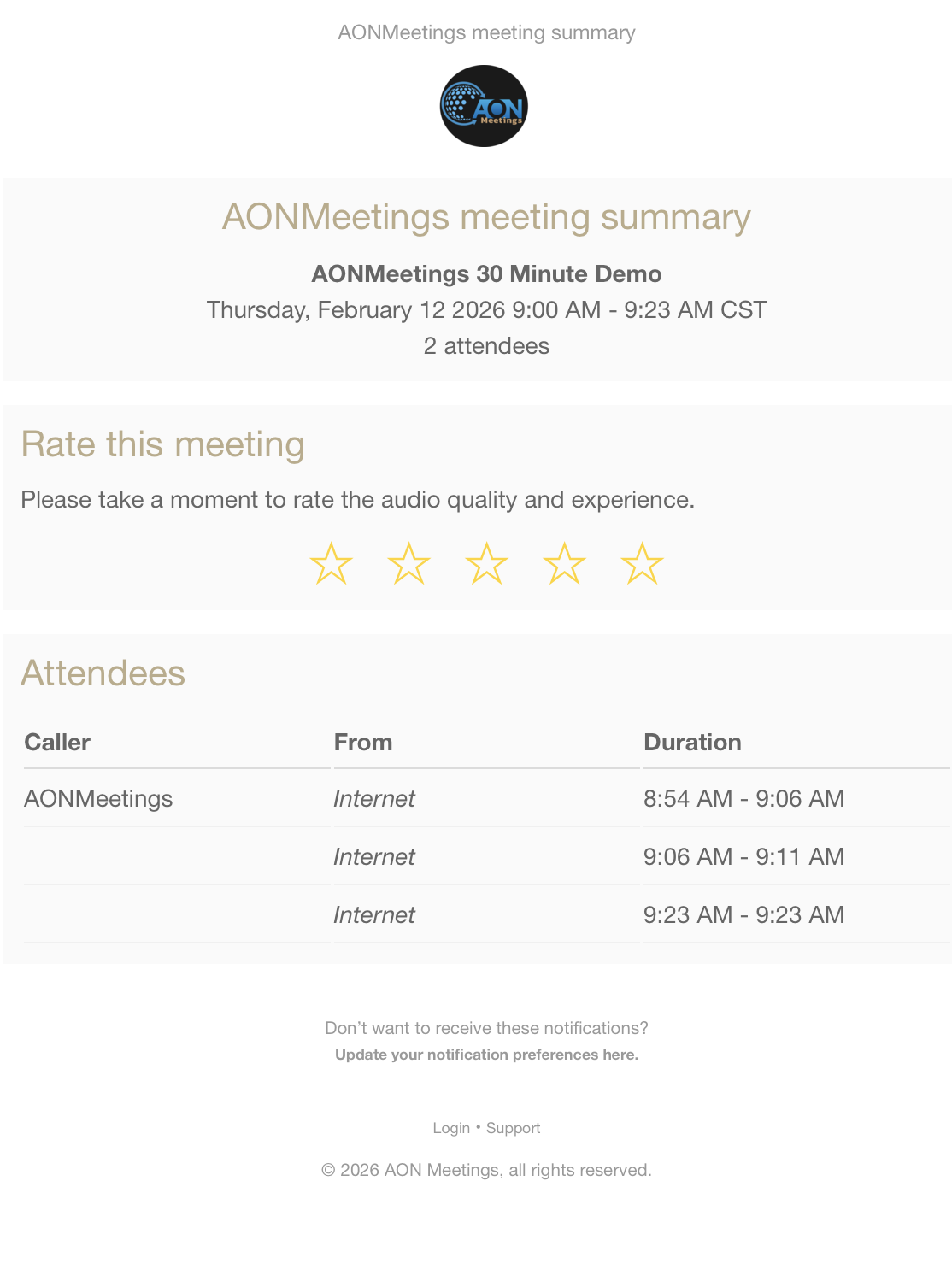
If your organization needs a secure way to connect live training with trackable learning records, AONMeetings is worth a close look. Its browser-based video conferencing platform supports webinars, recordings, AI-generated transcripts, closed captioning, live polling, and HIPAA-compliant security, which makes it a strong fit for teams building modern learning workflows in healthcare, legal, education, and corporate settings.

Leave a Reply

Your email address will not be published. Required fields are marked *